Linux command line, archiving and compression: tar, gzip, bzip2, xz, zstd, zip, 7z, and rar commands
In this article, we will study ways to archive and compress files in Linux systems. I will explain how to use the utilities from the article title.

All posts under tag "Tutorial"
In this article, we will study ways to archive and compress files in Linux systems. I will explain how to use the utilities from the article title.

In this note we will get acquainted with a popular open source configuration management system with the telling name - Ansible🎻.
We continue studying the Linux command line. Today we'll learn how to properly run commands on behalf of another user, including the root user.
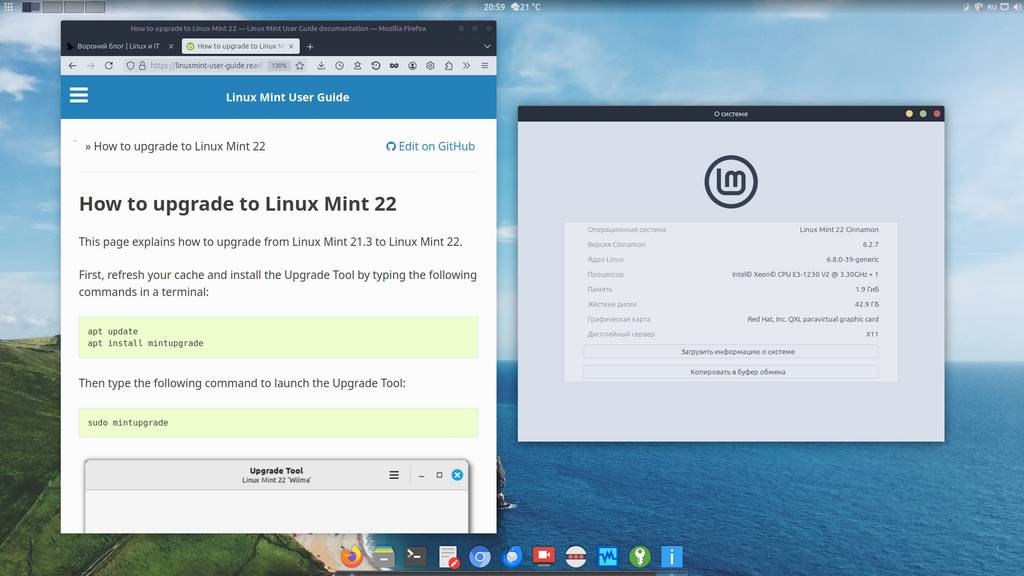
A new release of the Linux Mint 22 distribution (based on Ubuntu 24.04) codenamed Wilma has just come out. And just recently the developers prepared instructions and a tool for a native (without reinstalling the OS) system upgrade, from Linux Mint 21.3 version to Linux Mint 22. In this short note I'll demonstrate this simple process ;)
Today we'll learn how to manage file permissions in Linux-based systems. In this note we will cover the following commands: id, chmod, chown.
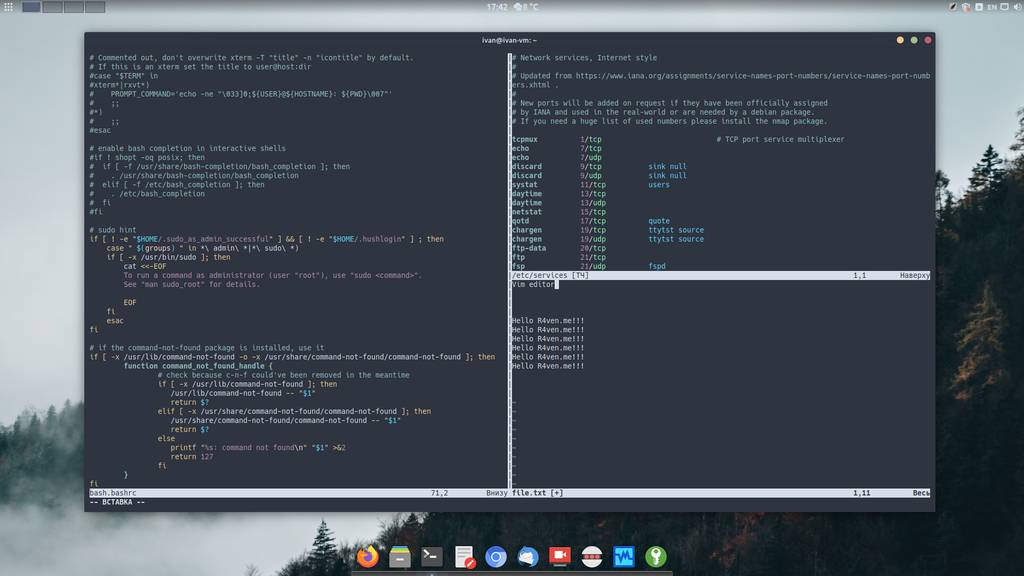
This is the first post in a series about the console editor Vim. Sooner or later this had to happen) after all, Vim is an incredibly popular editor that often comes "out of the box" in most Linux distributions.
Today we'll talk about an important and integral part of an operating system - processes. In this note we will cover the following console commands: jobs, fg, bg, ps, pgrep, kill, pkill, htop.

This time we'll talk about remote connections using the secure SSH protocol, in particular its open implementation OpenSSH.
Today we're breaking down such powerful Linux command line tools as command execution control operators.
Today we will break down one of the key "features" of the Linux command line: the mechanism for redirecting input, output, and error output of console commands.
Enter keywords to search articles