Linux command line, privilege escalation: su, sudo commands
We continue studying the Linux command line. Today we'll learn how to properly run commands on behalf of another user, including the root user.

All posts under tag "Shell"
We continue studying the Linux command line. Today we'll learn how to properly run commands on behalf of another user, including the root user.
Today we'll write and try out a simple but well-thought-out bash script that performs a client connection to an OpenConnect VPN server, which we covered setting up and running in one of the previous articles.
Today we'll learn how to manage file permissions in Linux-based systems. In this note we will cover the following commands: id, chmod, chown.
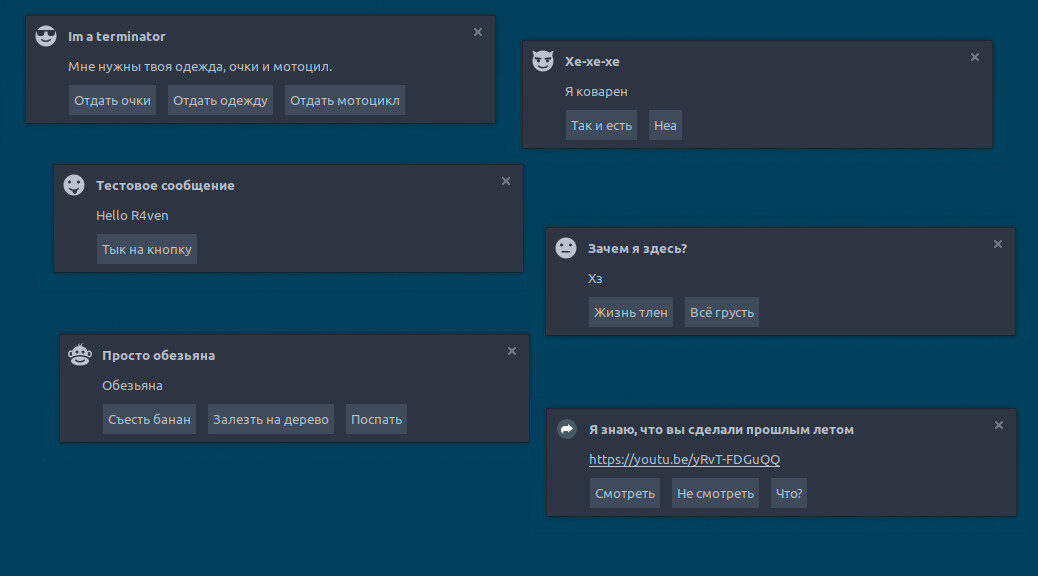
Today I'll show how to create custom functional desktop notifications using the notify-send console utility. Such notifications support active buttons, can display icons, and clickable web links.
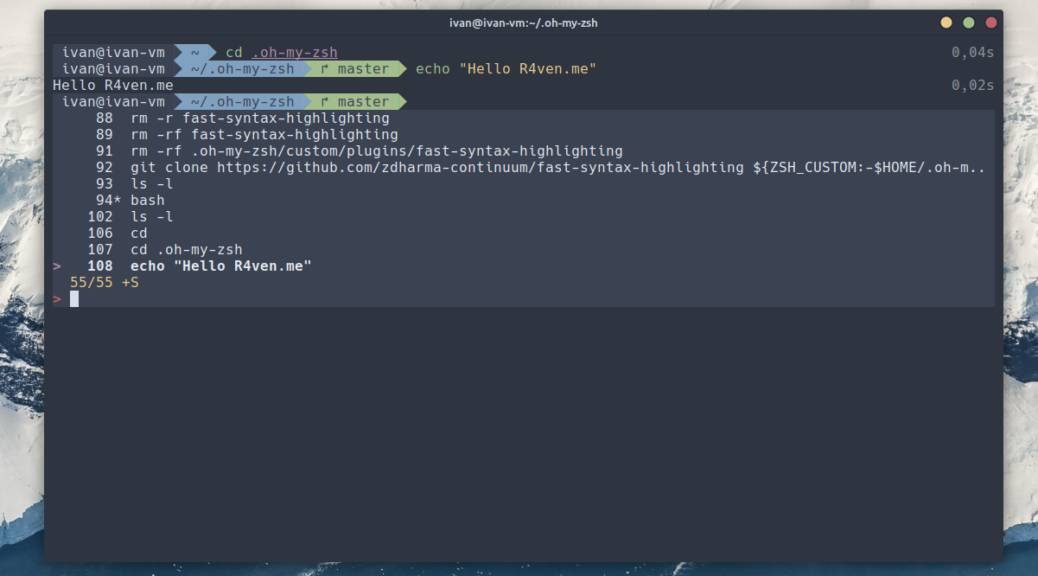
Today I'll tell you and show you how to install and configure a great interactive command shell - Zsh. With proper configuration, this shell greatly simplifies working in the command line and makes the process even enjoyable.
Today we'll talk about an important and integral part of an operating system - processes. In this note we will cover the following console commands: jobs, fg, bg, ps, pgrep, kill, pkill, htop.
Today we're breaking down such powerful Linux command line tools as command execution control operators.
Today we will break down one of the key "features" of the Linux command line: the mechanism for redirecting input, output, and error output of console commands.
This is the fifth post in the series on the Linux command line. Today we'll talk about file links (hard and symbolic), and also look at the command for creating them: ln.
This is the fourth post in a series dedicated to working in the Linux command line. Today we'll look at commands for working with files in Linux: touch, mkdir, cp, mv, rm.
Enter keywords to search articles