Bash: Generating configs with envsubst, here document, and here string
In this note, we will briefly look at a few simple ways to build a config from a Bash script using here document, here string, and envsubst.
All posts under tag "Shell"

In this note, we will briefly look at a few simple ways to build a config from a Bash script using here document, here string, and envsubst.

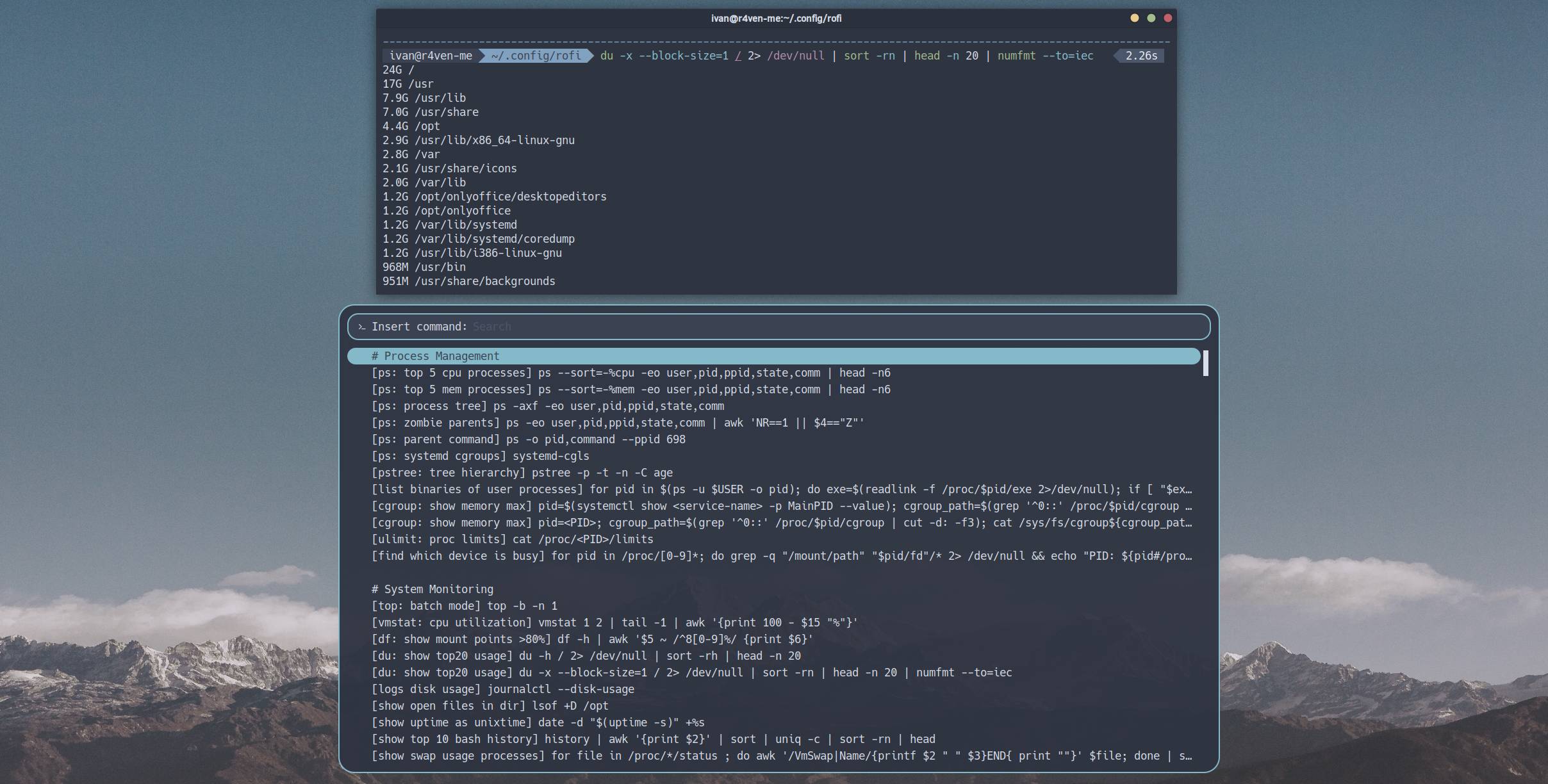
A regularly updated collection of complex and long shell commands 💻

A regularly updated collection of useful shell snippets 💻.

In this short note, we will write a Bash script that moves the mouse pointer one pixel and back at a specified interval. This is useful if your desktop is regularly locked because there is no user activity😉.

In this note, I have put together a small roadmap for those who want to learn programming in the Bash shell language.

Shebang is the #! sequence at the beginning of an executable file that tells the system which program should interpret this script📝.

In this article, we will study ways to archive and compress files in Linux systems. I will explain how to use the utilities from the article title.

I will tell you about a task I solved the other day🧑💻 I slightly changed the input data, but the essence remains the same. There are two CSV files: 📄ping_status.csv contains diagnostic information about host availability by ping.

When testing the host availability check script I mentioned last time, I encountered an interesting Bash feature when performing arithmetic operations💪.

Today we'll write a useful Bash script🧑💻 that performs various host availability checks on the network🌐. As an example, I'll show how to check connectivity using the `ping` utility🏓 and run a traceroute when it's lost⚡.

In this note, we will talk about file locks in Bash scripts🔒 using the specialized utility flock.

Many users of Linux🐧 systems face the need to write the output of a particular command/script to a log file📑. In this article we will look at several ways to configure journaling (aka logging) in Linux using the popular command shell — Bash, as an example.

In this article we will create a function for the Zsh and Bash shells that allows quick and convenient access to a prepared list of complex, long, and hard-to-remember commands🤯.

They say that if you read white text on a black background for too long, you start to hear the terminal whisper🙃. In this note we'll talk about how to improve the perception of text from the "black window" by adding syntax highlighting with the command-line utilities bat and exa.

We continue studying the Linux command line. Today we'll learn how to properly run commands on behalf of another user, including the root user.

Today we'll write and try out a simple but well-thought-out bash script that performs a client connection to an OpenConnect VPN server, which we covered setting up and running in one of the previous articles.

Today we'll learn how to manage file permissions in Linux-based systems. In this note we will cover the following commands: id, chmod, chown.

Today I'll show how to create custom functional desktop notifications using the notify-send console utility. Such notifications support active buttons, can display icons, and clickable web links.

Today I'll tell you and show you how to install and configure a great interactive command shell - Zsh. With proper configuration, this shell greatly simplifies working in the command line and makes the process even enjoyable.

Today we'll talk about an important and integral part of an operating system - processes. In this note we will cover the following console commands: jobs, fg, bg, ps, pgrep, kill, pkill, htop.

Today we're breaking down such powerful Linux command line tools as command execution control operators.

Today we will break down one of the key "features" of the Linux command line: the mechanism for redirecting input, output, and error output of console commands.

This is the fifth post in the series on the Linux command line. Today we'll talk about file links (hard and symbolic), and also look at the command for creating them: ln.

This is the fourth post in a series dedicated to working in the Linux command line. Today we'll look at commands for working with files in Linux: touch, mkdir, cp, mv, rm.

This is the third post in a series dedicated to working in the Linux command line. Today we'll look at commands for outputting text to the console and viewing file contents: echo, cat, less.

This is the second post in the series devoted to working in the Linux command line. Today we'll look at basic navigation through the file system and viewing directory contents.

I present to your attention the first (introductory) part of a series of posts devoted to working in the Linux command line. This post is a kind of foundation for future entries on this topic. It will be followed by posts with descriptions and practical examples of using popular console utilities.
Enter keywords to search articles