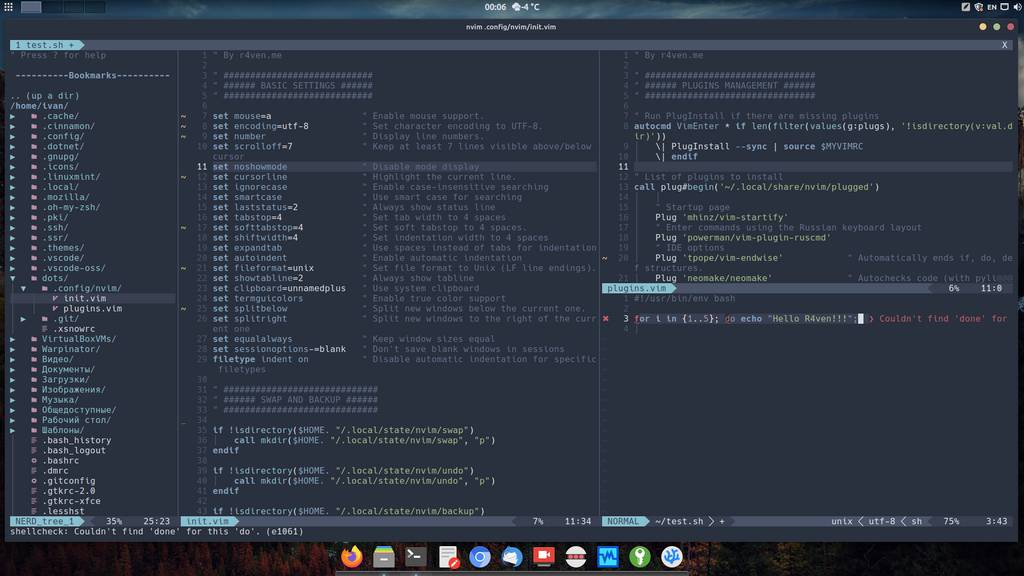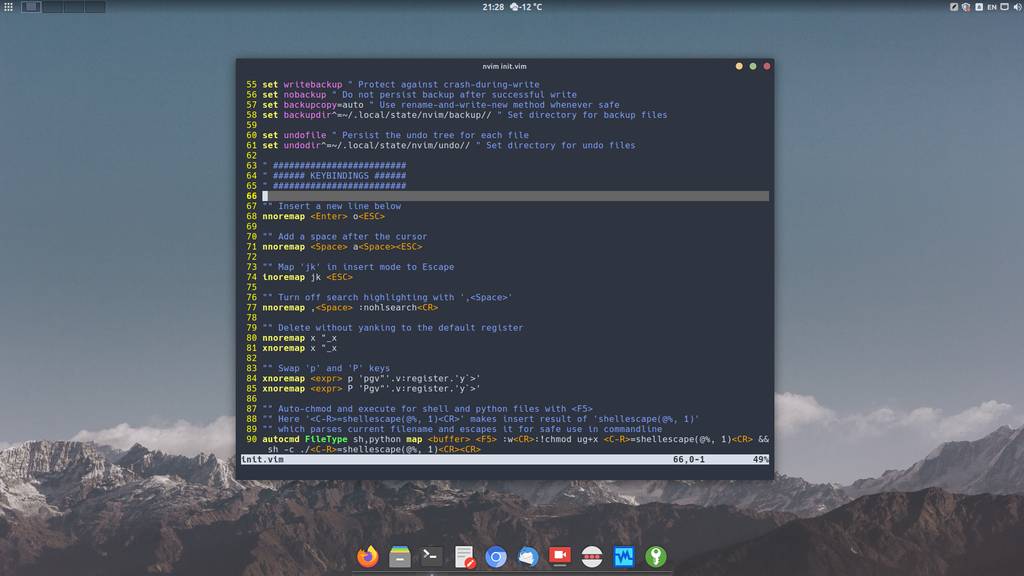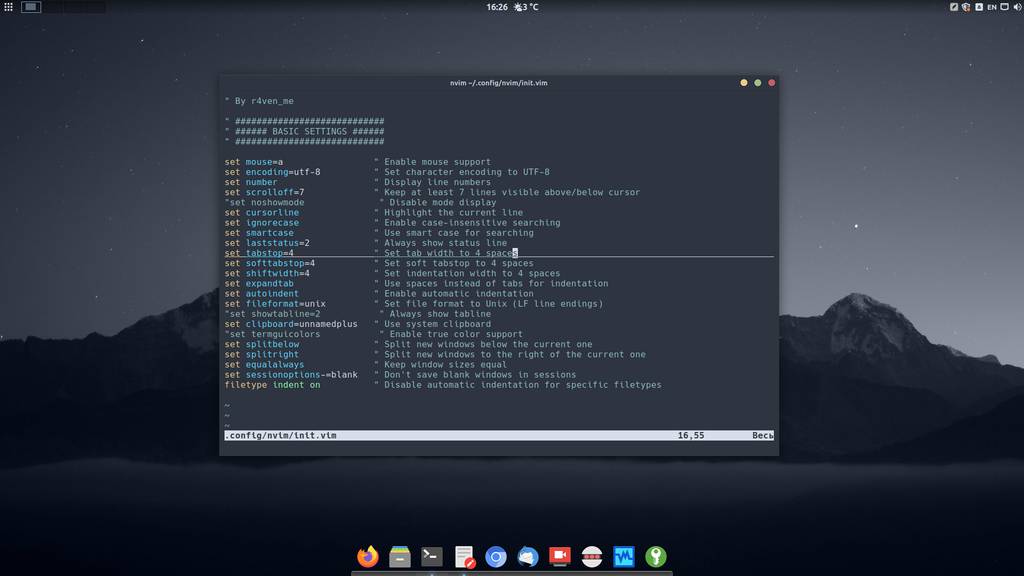
Neovim — editor configuration: hotkey setup and command autostart
Continuing the configuration of our Neovim editor. Today, on air, hotkey setup and autostart of some commands when the editor launches. Please, hit the jump)
All posts under tag "Open-Source"

Continuing the configuration of our Neovim editor. Today, on air, hotkey setup and autostart of some commands when the editor launches. Please, hit the jump)

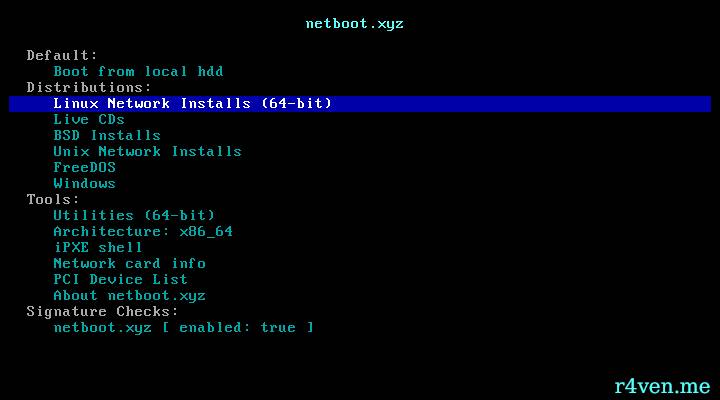
I think many of you have created bootable USB drives. Some of you have even made Linux flash drives! Today I'll tell you about an open source project: netboot.xyz, which allows you to boot from a USB drive and install any popular Linux distribution online (given internet access).

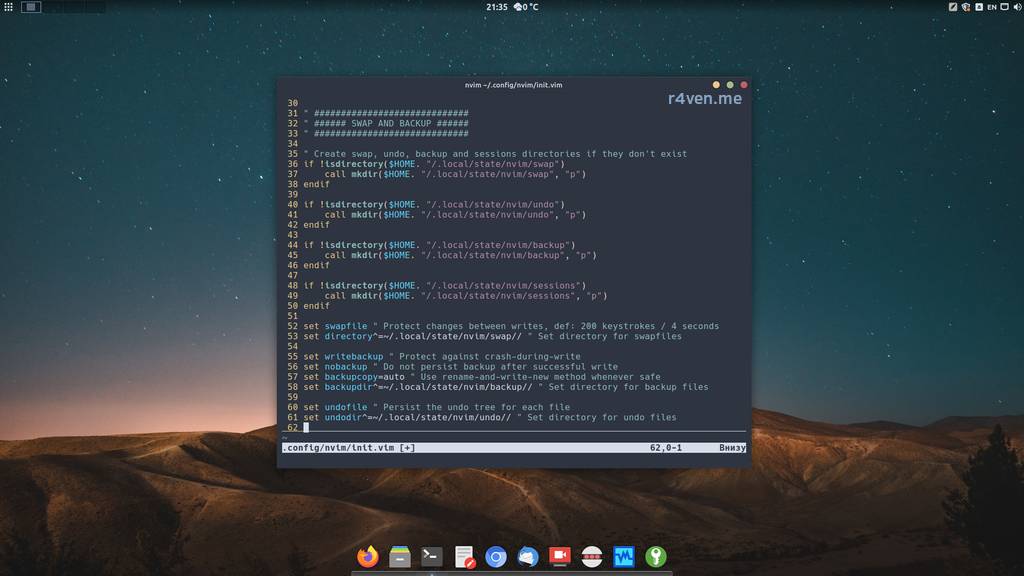
Today's the second note about configuring the cool console editor Neovim. We'll talk about preserving file contents in case of emergencies.

This time we will perform basic Linux server setup using the Debian 12 distribution as an example. Preface We continue the topic of Linux server administration.

Today we'll start configuring our console editor Neovim to our preferences. The note will be small.

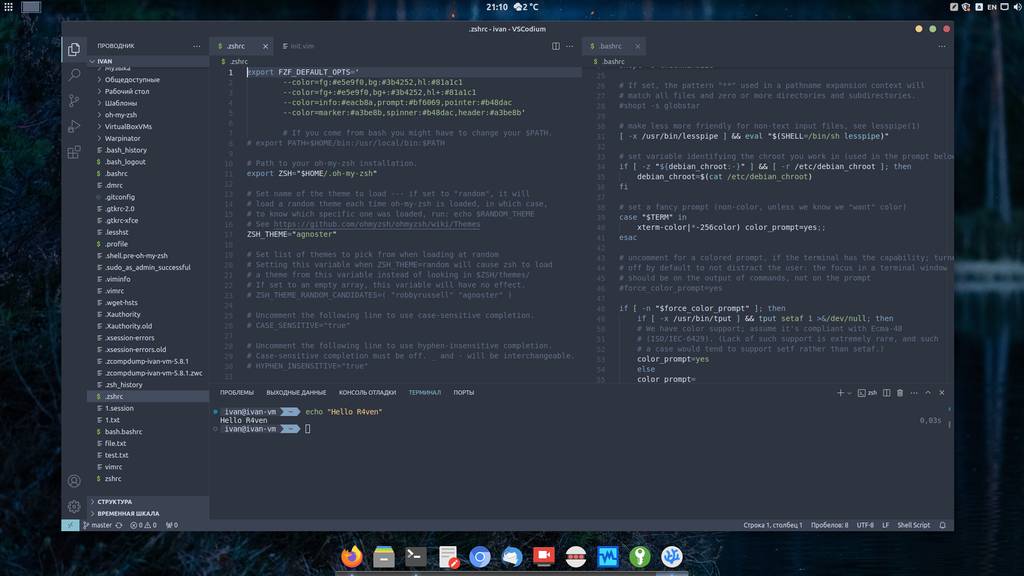
Today I'll tell you and show you how to install and configure a great interactive command shell - Zsh. With proper configuration, this shell greatly simplifies working in the command line and makes the process even enjoyable.

This is the first post in a series about the console editor Vim. Sooner or later this had to happen) after all, Vim is an incredibly popular editor that often comes "out of the box" in most Linux distributions.

Today I'll tell you how to safely and conveniently store passwords on any device: both on a PC / laptop and on a smartphone. We'll talk about the software - KeePass and the password database format - KDBX.

This time we'll talk about remote connections using the secure SSH protocol, in particular its open implementation OpenSSH.

Today we'll install a Debian GNU/Linux 12 server on a virtual machine created with the VirtualBox hypervisor.
Enter keywords to search articles