Setting up your own DNS server Unbound and ad blocker Pi-hole in docker
As you might have guessed from the title, today we will install and run a local DNS server Unbound paired with an ad blocker via DNS requests - Pi-hole, using docker.
All posts under tag "Guide"

As you might have guessed from the title, today we will install and run a local DNS server Unbound paired with an ad blocker via DNS requests - Pi-hole, using docker.

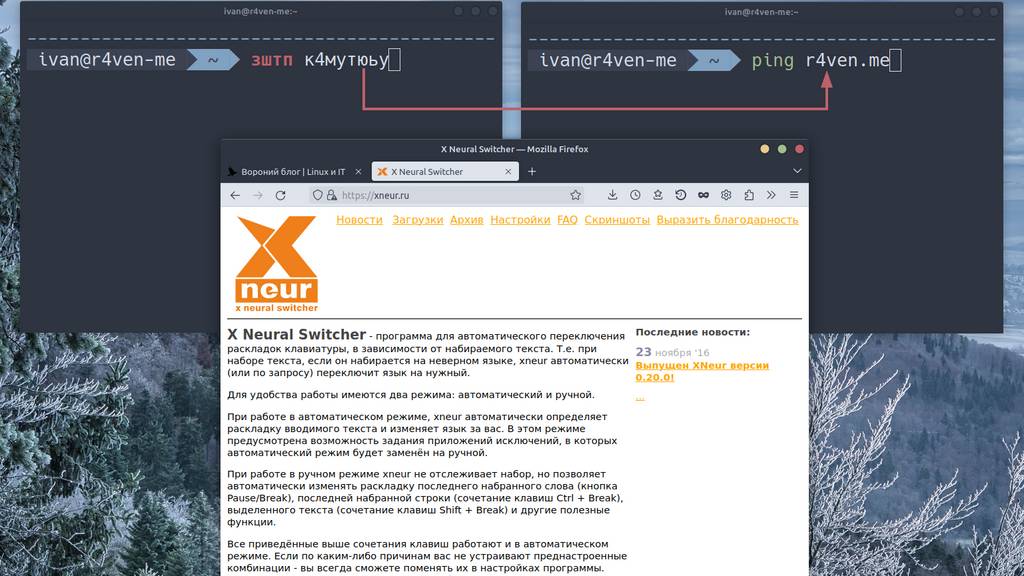
In this note we'll talk about a useful program for Linux - Gxneur, which, upon pressing a set key combination, switches the keyboard layout and corrects "mistakenly typed" text in the correct language.

Today we will deploy our own VPN based on an OpenConnect server (ocserv) running over HTTPS and compatible with Cisco AnyConnect. We'll package all of this into a docker container for ease of use and easy portability.

Today we'll install and run such a wonderful and popular piece of software as Docker engine. We'll install it on the Debian 12 distribution we're already familiar with.

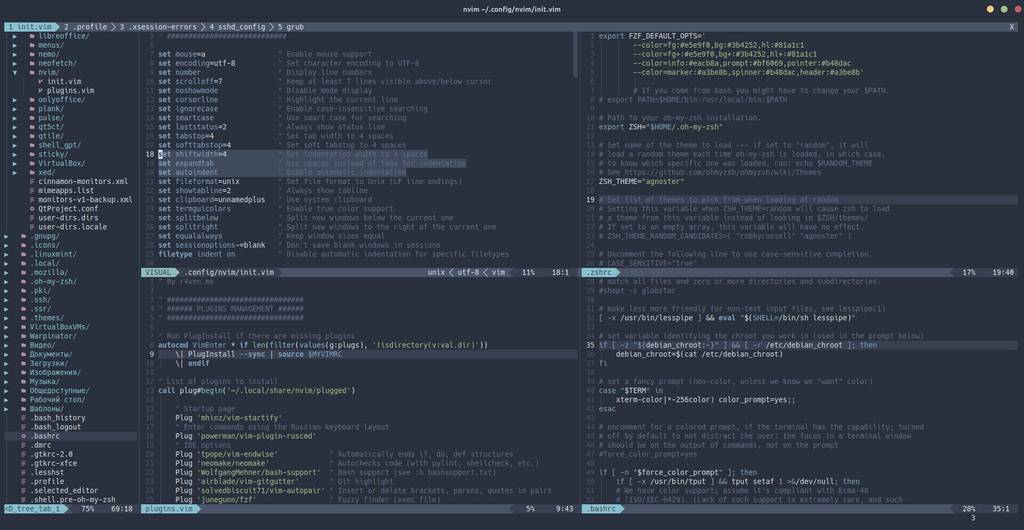
Given the volume of my previous articles with a detailed description of the Neovim setup process, I decided to break out a short instruction on bringing the editor into a working state (according to my configuration) into a separate note.

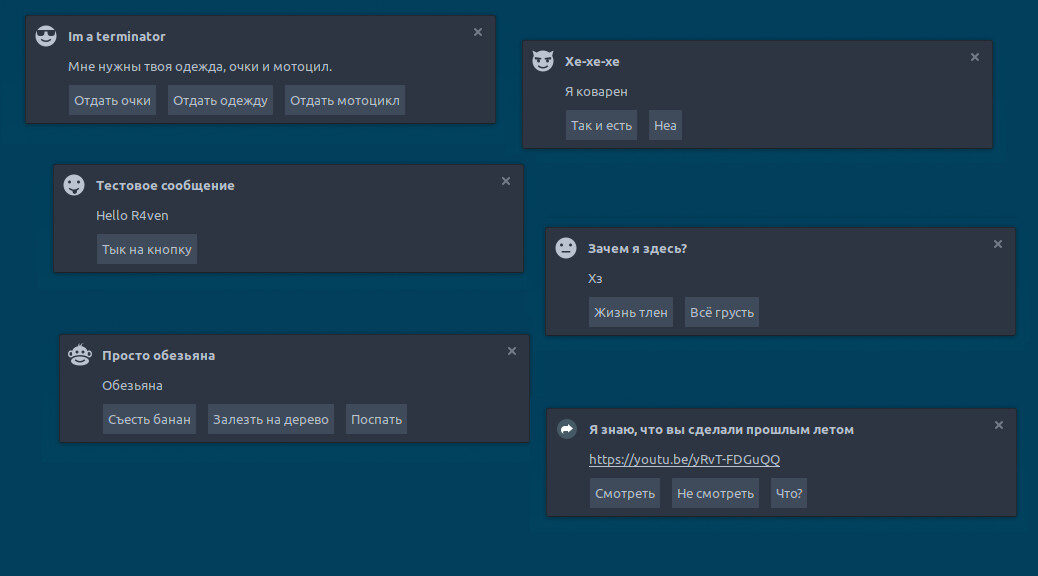
Today I'll show how to create custom functional desktop notifications using the notify-send console utility. Such notifications support active buttons, can display icons, and clickable web links.

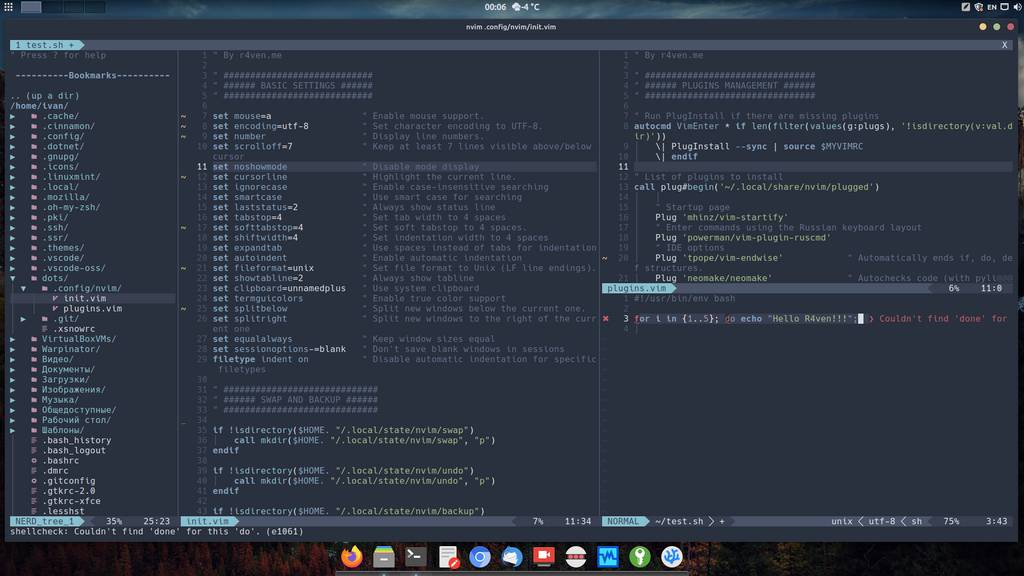
Today we'll finish configuring our console editor Neovim: we'll install and set up a list of plugins that will transform its appearance and add IDE features to its functionality.

I recently posted a poll on Telegram, and the users of my channel voted in favor) Today we'll create a multi-boot flash drive for: installing Linux/Windows locally, installing Linux over the internet + a regular partition for files and + an encrypted partition for sensitive information (mounts natively in both Linux and Windows).

Today's post is a bit of a themed one: how to create a New Year mood with a snowstorm on your Linux computer's desktop. We'll talk about an open source utility - Xsnow.

Continuing the configuration of our Neovim editor. Today, on air, hotkey setup and autostart of some commands when the editor launches. Please, hit the jump)
Enter keywords to search articles