Arkeep - Centralized Backup Server with Agents, Based on Restic and Rclone
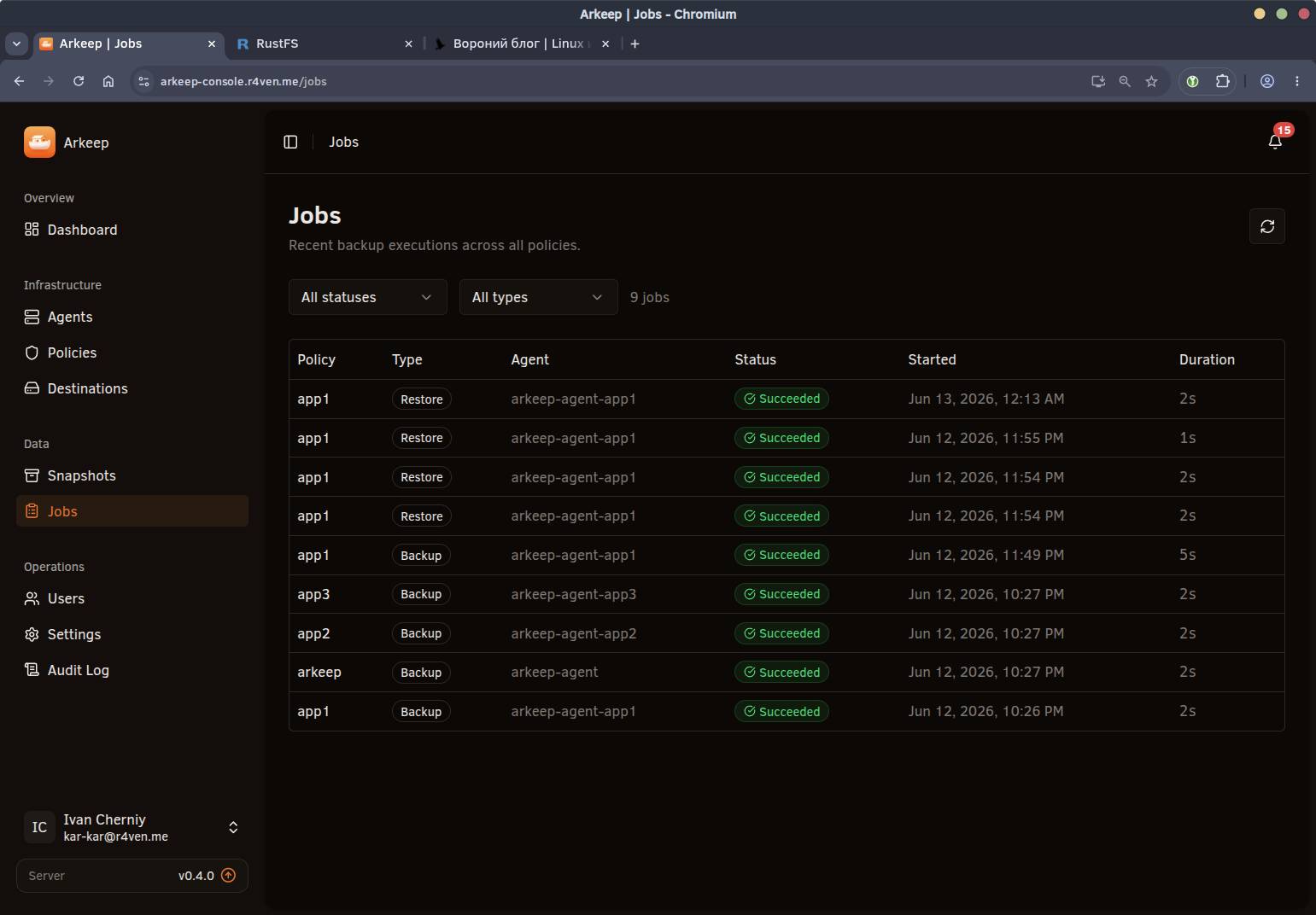
In this article, we will look at installing and configuring Arkeep - a centralized backup system with agents and a Web GUI.
All posts under tag "Guide"

In this article, we will look at installing and configuring Arkeep - a centralized backup system with agents and a Web GUI.

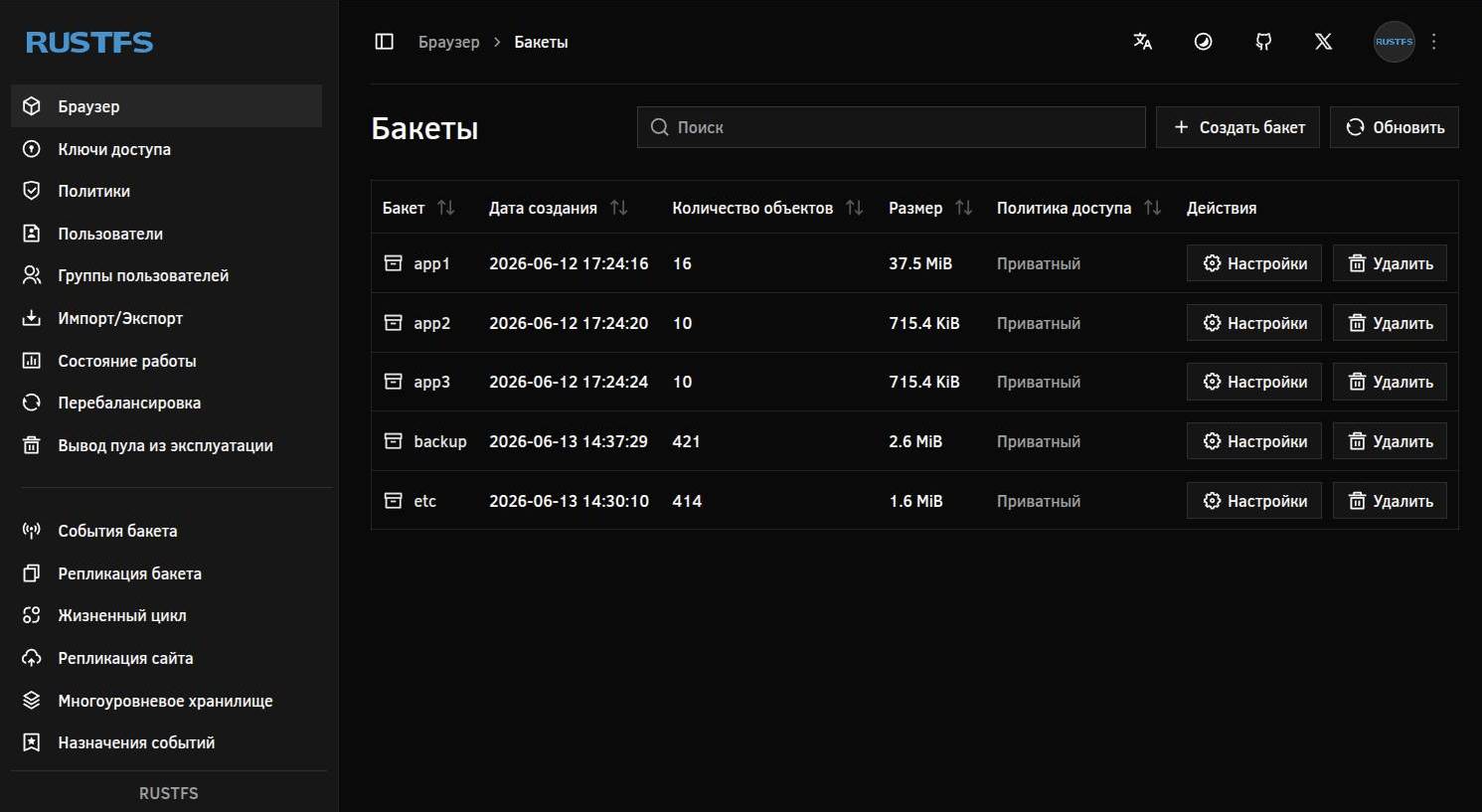
In this article, we will look at installing and basic configuration of RustFS - S3-compatible object storage that we will deploy on a Linux server using Docker Compose.

In this note, we will look at using an OpenConnect server as an intermediate server for access to closed infrastructure.

In this detailed article, we will build a Docker lab for convenient management of Docker Compose projects through a graphical interface. And yes, only Open Source under the hood 🐧.

In this article, we will look at the process of mounting remote network storage SFTP, WebDAV, and S3 as a regular directory in the Linux file system.

In this article, we will use OpenTofu with the bpg provider to manage Proxmox infrastructure.

Automating nftables configuration in Linux with a universal Bash script using a basic rule set for filtering network traffic.

In this guide, I will explain how to set up your own website using the Hugo static site generator. I will also show how to create content with Obsidian and publish it automatically via CI/CD👨💻.

In this short guide, I will explain how to configure name resolution (DNS) over the encrypted HTTPS protocol, also known as DNS over HTTPS (DoH), on a router running OpenWrt.

In this article we will configure OpenWrt to connect to an OpenConnect server (ocserv) and set up flexible routing: all traffic, only specific domains, or specific IP subnets.

In this note I'll talk about an application for keeping and structuring notes — Obsidian. We'll install and configure it, connect several plugins: for quickly saving pages from the browser and Telegram posts. We'll also set up cloud sync, so notes are available on all your devices.

In this guide I'll explain how to integrate an AI assistant based on ChatGPT/Gemini/Ollama into your Linux system and interact with it in the terminal using a console application — ShellGPT.

An article about how to easily install and run local Open Source AI🤖 models using Ollama🦙 on a PC running Linux🐧.

Continuing the topic of using SSH in Linux🐧. Today we'll talk about fine-tuning the client using the ~/.ssh/config📄 configuration file, as well as automatic key import into ssh-agent😎 without entering passwords.

In this article we will build our own Docker image with a modern DNS server — Unbound. We'll take a detailed look at the Dockerfile, as well as my script for preparing the container environment.

I'll tell you how to install and launch the Open Arena🎮 client (a fork of Quake 3 Arena) on Linux and Windows, and also show how to connect to a private server🖥️.

Many users of Linux🐧 systems face the need to write the output of a particular command/script to a log file📑. In this article we will look at several ways to configure journaling (aka logging) in Linux using the popular command shell — Bash, as an example.

OpenSnitch is a desktop open source application capable of blocking outgoing requests from various programs, with desktop notifications🔔.

Today about automating the initial configuration of a Linux server using Ansible🎺. From setting up locales, timezone, SSH server parameters... to creating and configuring a new user's environment👨💻: Oh-My-Zsh, Neovim, and Tmux.

In this note I'll tell you how I chose a router and installed a Linux-based firmware on it - OpenWrt🧑💻. All actions were performed in the LMDE6 (Debian 12) distribution environment.

They say that if you read white text on a black background for too long, you start to hear the terminal whisper🙃. In this note we'll talk about how to improve the perception of text from the "black window" by adding syntax highlighting with the command-line utilities bat and exa.

In this article I'll show how to easily deploy your own instance of a Syncthing server using docker compose🐳 on a system running Linux🐧.

In the previous note📝 we talked about terminal multiplexers and what tasks they perform. In today's article I'll demonstrate the installation and customization of the most popular tool in this category - Tmux🪟.

In this guide we will deploy the popular Zabbix monitoring system using TimescaleDB - a plugin for the PostgreSQL database that allows efficient work with "time series". We'll wrap all this goodness inside docker containers 🐳. It's going to be interesting 😉.

Today we'll build the latest version of the OpenConnect VPN server - 1.3, from open source code, on the Debian 12 distribution. We'll also create a Docker image based on the same distribution.

As you might have guessed from the title, today we will install and run a local DNS server Unbound paired with an ad blocker via DNS requests - Pi-hole, using docker.

In this note we'll talk about a useful program for Linux - Gxneur, which, upon pressing a set key combination, switches the keyboard layout and corrects "mistakenly typed" text in the correct language.

Today we will deploy our own VPN based on an OpenConnect server (ocserv) running over HTTPS and compatible with Cisco AnyConnect. We'll package all of this into a docker container for ease of use and easy portability.

Today we'll install and run such a wonderful and popular piece of software as Docker engine. We'll install it on the Debian 12 distribution we're already familiar with.

Given the volume of my previous articles with a detailed description of the Neovim setup process, I decided to break out a short instruction on bringing the editor into a working state (according to my configuration) into a separate note.

Today I'll show how to create custom functional desktop notifications using the notify-send console utility. Such notifications support active buttons, can display icons, and clickable web links.

Today we'll finish configuring our console editor Neovim: we'll install and set up a list of plugins that will transform its appearance and add IDE features to its functionality.

I recently posted a poll on Telegram, and the users of my channel voted in favor) Today we'll create a multi-boot flash drive for: installing Linux/Windows locally, installing Linux over the internet + a regular partition for files and + an encrypted partition for sensitive information (mounts natively in both Linux and Windows).

Today's post is a bit of a themed one: how to create a New Year mood with a snowstorm on your Linux computer's desktop. We'll talk about an open source utility - Xsnow.

Continuing the configuration of our Neovim editor. Today, on air, hotkey setup and autostart of some commands when the editor launches. Please, hit the jump)

I think many of you have created bootable USB drives. Some of you have even made Linux flash drives! Today I'll tell you about an open source project: netboot.xyz, which allows you to boot from a USB drive and install any popular Linux distribution online (given internet access).

Today's the second note about configuring the cool console editor Neovim. We'll talk about preserving file contents in case of emergencies.

This time we will perform basic Linux server setup using the Debian 12 distribution as an example. Preface We continue the topic of Linux server administration.

Today we'll start configuring our console editor Neovim to our preferences. The note will be small.

Today I'll tell you and show you how to install and configure a great interactive command shell - Zsh. With proper configuration, this shell greatly simplifies working in the command line and makes the process even enjoyable.

Today I'll tell you how to safely and conveniently store passwords on any device: both on a PC / laptop and on a smartphone. We'll talk about the software - KeePass and the password database format - KDBX.

Today we'll install a Debian GNU/Linux 12 server on a virtual machine created with the VirtualBox hypervisor.

Today we'll install the popular hypervisor program from Oracle - VirtualBox on our Linux Mint 21.

This post is part of a series about smoothly switching from Windows to Linux.
Enter keywords to search articles