Setting up your own DNS server Unbound and ad blocker Pi-hole in docker
As you might have guessed from the title, today we will install and run a local DNS server Unbound paired with an ad blocker via DNS requests - Pi-hole, using docker.
All posts under tag "Debian"

As you might have guessed from the title, today we will install and run a local DNS server Unbound paired with an ad blocker via DNS requests - Pi-hole, using docker.

Today we'll write and try out a simple but well-thought-out bash script that performs a client connection to an OpenConnect VPN server, which we covered setting up and running in one of the previous articles.

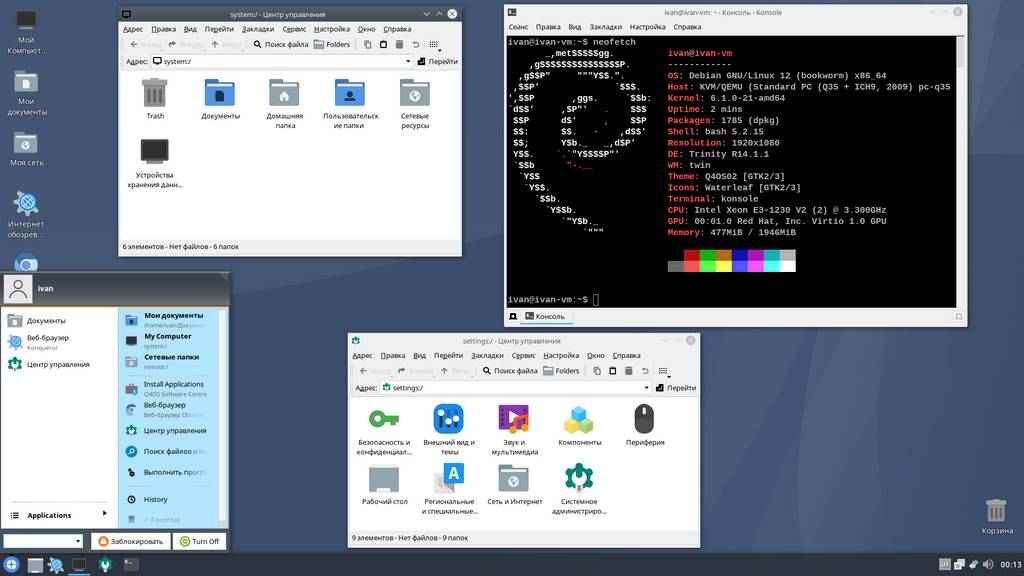
In this section we take a look at the appearance of various Linux distributions, of which there are countless. Today we'll look at an interesting distribution called Q4OS with its signature desktop environment: Trinity.

Today we will deploy our own VPN based on an OpenConnect server (ocserv) running over HTTPS and compatible with Cisco AnyConnect. We'll package all of this into a docker container for ease of use and easy portability.

Today we'll install and run such a wonderful and popular piece of software as Docker engine. We'll install it on the Debian 12 distribution we're already familiar with.

This time we will perform basic Linux server setup using the Debian 12 distribution as an example. Preface We continue the topic of Linux server administration.

Today we'll talk about an important and integral part of an operating system - processes. In this note we will cover the following console commands: jobs, fg, bg, ps, pgrep, kill, pkill, htop.

This time we'll talk about remote connections using the secure SSH protocol, in particular its open implementation OpenSSH.

Today we'll install a Debian GNU/Linux 12 server on a virtual machine created with the VirtualBox hypervisor.
Enter keywords to search articles