
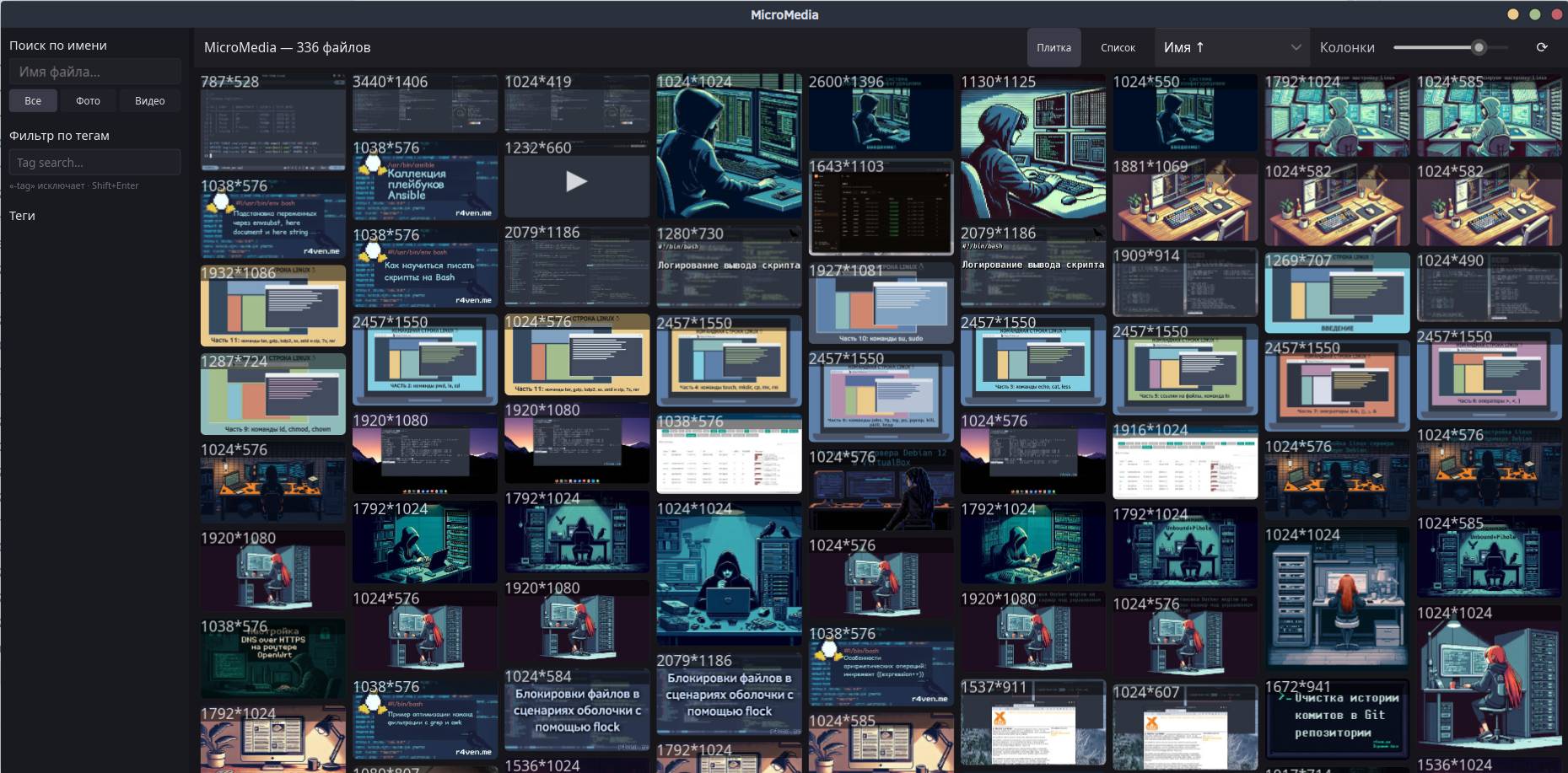
Portable video and image viewer with indexing, tagging, and built-in player based on mpv. Works from a single folder on Linux and Windows.
🖐️Hey!
Subscribe to our Telegram channel @r4ven_me📱, so you don’t miss new posts on the website 😉. If you have questions or just want to chat about the topic, feel free to join the Raven chat at @r4ven_me_chat🧐.
Introduction
MicroMedia solves a typical problem: when you need a compact, self-contained utility for viewing media that doesn’t require system installation, runs from a single folder, and doesn’t compromise on functionality. The application is written in Rust, deploys as a single file, stores all data locally (a SQLite database alongside the binary), and supports both Linux and Windows.
This program is convenient to keep on a USB drive and work with media on various devices.
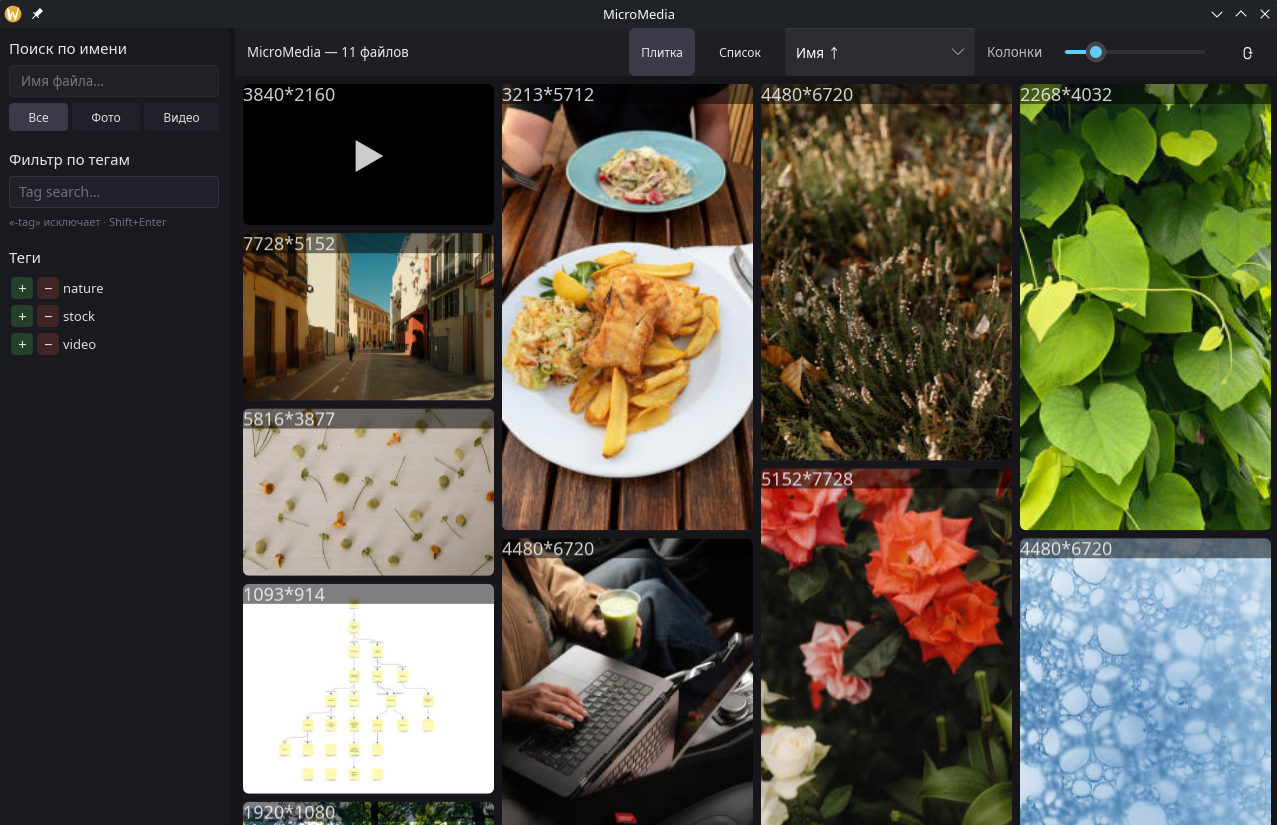
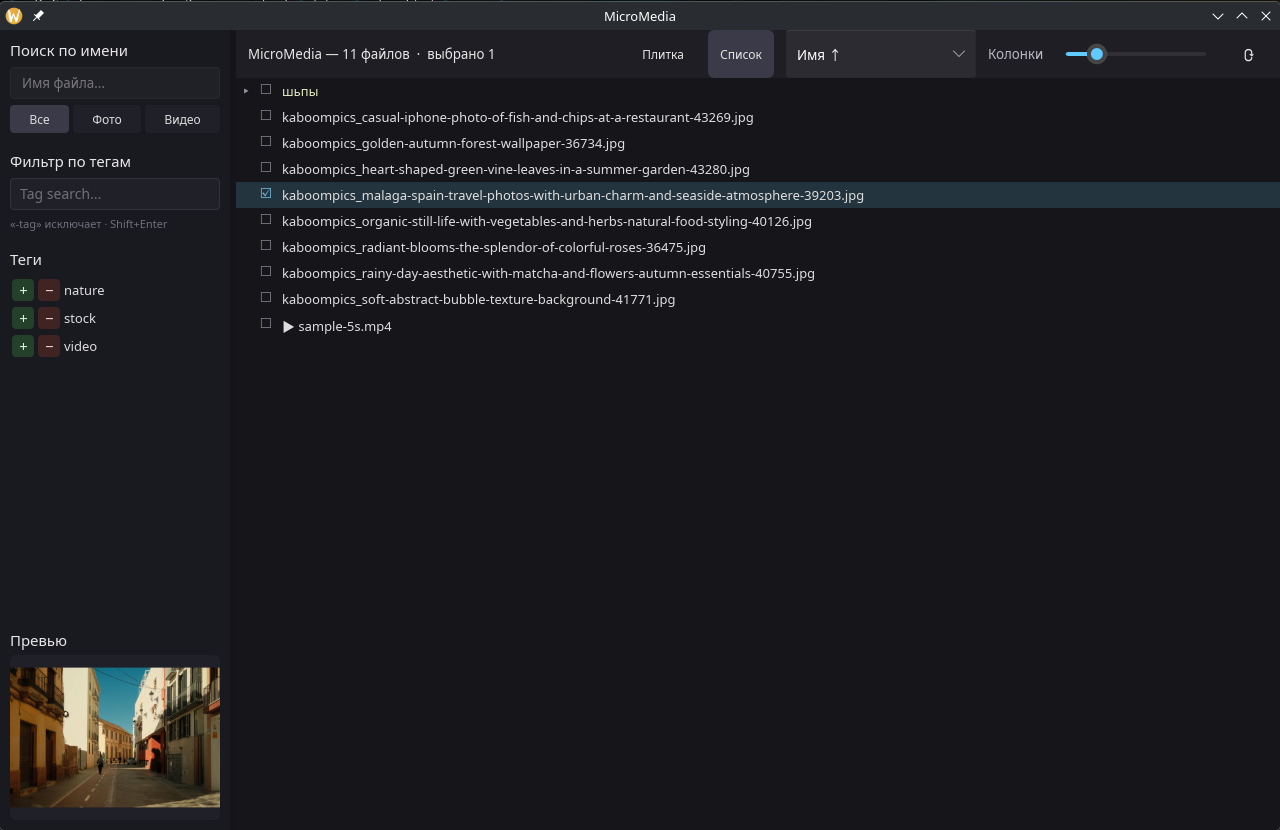
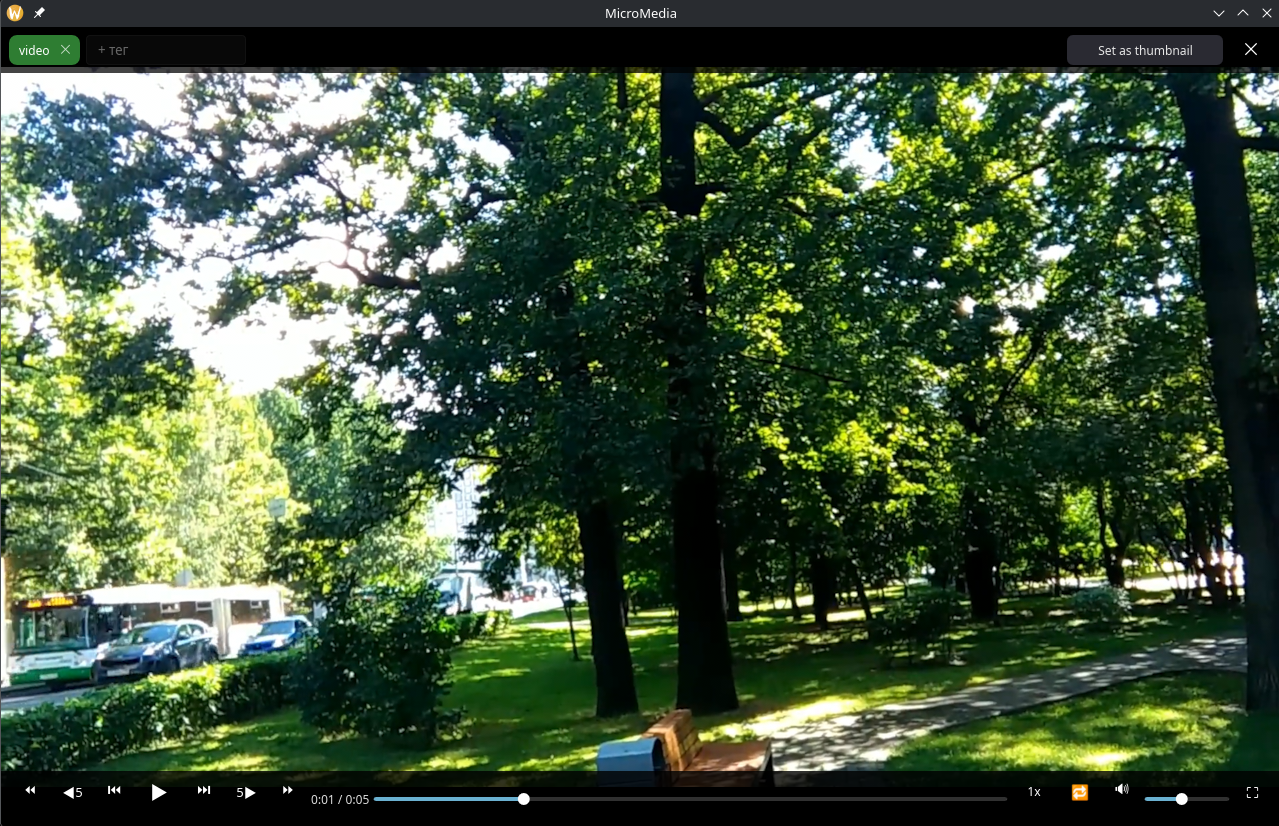
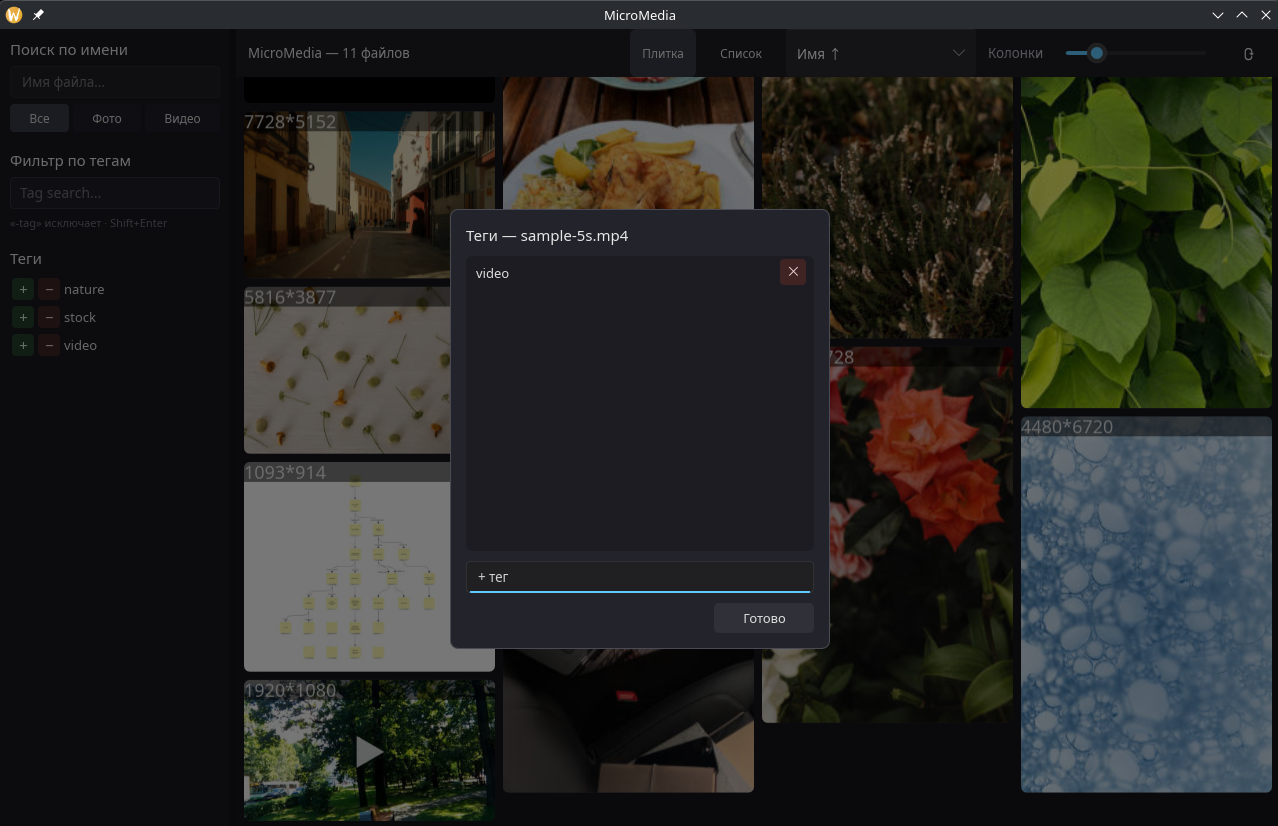
Some screenshots:
Features
Gallery and Indexing
The application scans the media/ folder and builds an index in the background. The gallery displays tiles with thumbnails, the number of columns is adjustable via a slider. There’s an alternative “List” view with a tree-like folder structure, like in a file manager. The “Refresh” function re-indexes media: scanning → thumbnail generation → hash computation → duration detection. Progress is visible in the log (RUST_LOG=info).
When files are renamed or moved, the application automatically updates the record, preserving tags, playback position, and the already-generated thumbnail.
Viewer and Scaling
Photos and videos open in an overlay lightbox over the gallery. Scaling is done with the mouse wheel, panning with the left button, zoom reset with the middle button. Animated GIFs are played through mpv with looping.
Video Player
The built-in player supports standard features: play/pause, seeking, skips at ±5 and ±10 seconds, frame-by-frame stepping. Playback speeds from 0.5× to 2× are available, loop, volume control, and mute. Fullscreen mode automatically hides controls; they appear on mouse movement.
Stream demultiplexing is cached in RAM, providing smooth playback even from weak storage devices. The current frame can be set as the file’s thumbnail using the “Set as thumbnail” button. Keyboard controls: Space - pause, ←/→ - ±5 s, F - fullscreen, Esc - exit.
Tags and Filtering
Tags are assigned and removed in the interface, autocomplete is supported. Multiple files can be tagged at once via multi-select. Orphaned tags (without attached files) are deleted automatically.
Tag filtering works through a string like tag1 -tag2, where minus excludes tags. Nearby is an alphabetical list of all tags with + and − buttons for quick inclusion/exclusion.
Search and Sorting
Built-in search by filename and filter by type (photo or video). Sorting options include name, addition date, file date, size, type, and duration.
Batch Operations
Multi-select works through checkboxes; selecting a folder cascades to all nested files. Right-clicking on selected files allows adding or removing tags, or deleting files from disk (with confirmation). Right-clicking on an unselected file opens its location in the system file manager.
Additional
The application saves state (appdata/config.toml): last sort order, applied tag filters, video volume level. The sidebar width is adjustable by dragging its border.
Installation and First Launch
Download
Download the latest release from GitHub:
cd ~/Downloads

curl -fsSLO \
    $(curl -s https://api.github.com/repos/AzimovIz/micromedia/releases/latest \
    | grep browser_download_url \
    | grep 'micromedia-.*-linux-x86_64.tar.gz' \
| cut -d '"' -f 4)On the page, select the appropriate archive: micromedia-DATE-linux-x86_64.tar.gz for Linux or micromedia-DATE-windows-x86_64.zip for Windows.
Extract the archive using Tar:
tar -xzvf micromedia-*-linux-x86_64.tar.gz

cd ./micromedia-*-linux-x86_64You’ll get the following structure:
micromedia/                    # main executable
appdata/                       # folder with DB, config, cache
  micromedia.db                # database (created automatically)
  thumbnails/                  # thumbnail cache
libs/ # for libmpv, if no system versionPreparing the Media Library
Create a media/ folder next to the binary and put files there:
mkdir media

cp -v ~/Pictures/*.jpg media/

cp -v ~/Videos/*.mp4 media/Supported formats: jpg, png, webp, gif, mp4, mkv, webm, mov, and others that mpv understands.
The structure should look like this:
micromedia                  # binary
media/
  photo1.jpg
  photo2.png
  video1.mp4
  subfolder/
    more_files.gif
appdata/
  micromedia.db
  thumbnails/
libs/Dependencies (Linux)
MicroMedia requires libmpv for video playback. On most Linux distributions, it’s already installed. Check:
ldconfig -p | grep libmpvIf there’s no output, install it:
# Debian/Ubuntu
sudo apt install libmpv2If the system doesn’t have libmpv, put the downloaded library in appdata/libs/:
- Linux:
libmpv.so; - Windows:
libmpv-2.dll.
The MicroMedia archive contains a hint file at appdata/libs/PUT_libmpv_HERE.txt with instructions on where to download it.
Launch
Run the application:
./micromedia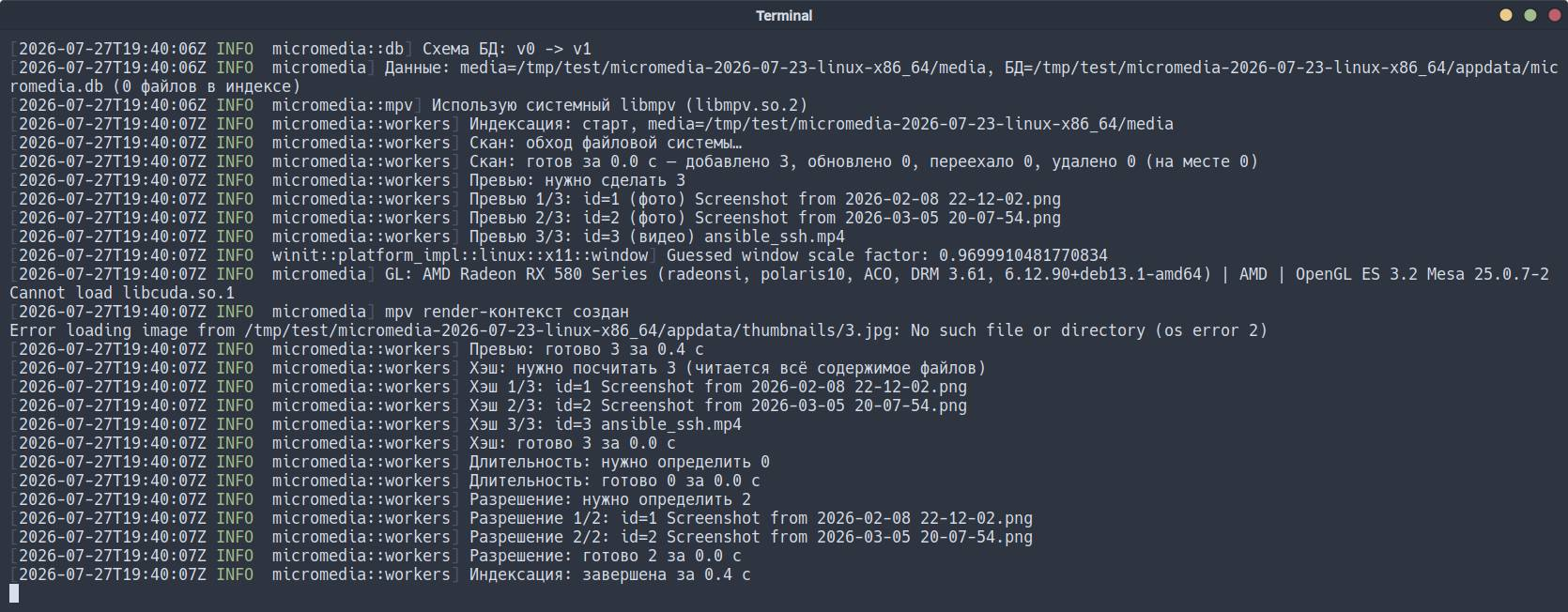
On first launch, it will create a database and scan the media/ folder. You’ll see progress as log messages on the screen. If you run it with the RUST_LOG flag:
RUST_LOG=info ./micromediaThe log will show indexing details: number of files found, thumbnail generation status, database size.
After scanning, the main window with the gallery will open. If media/ is empty, the gallery will be empty too - that’s normal.
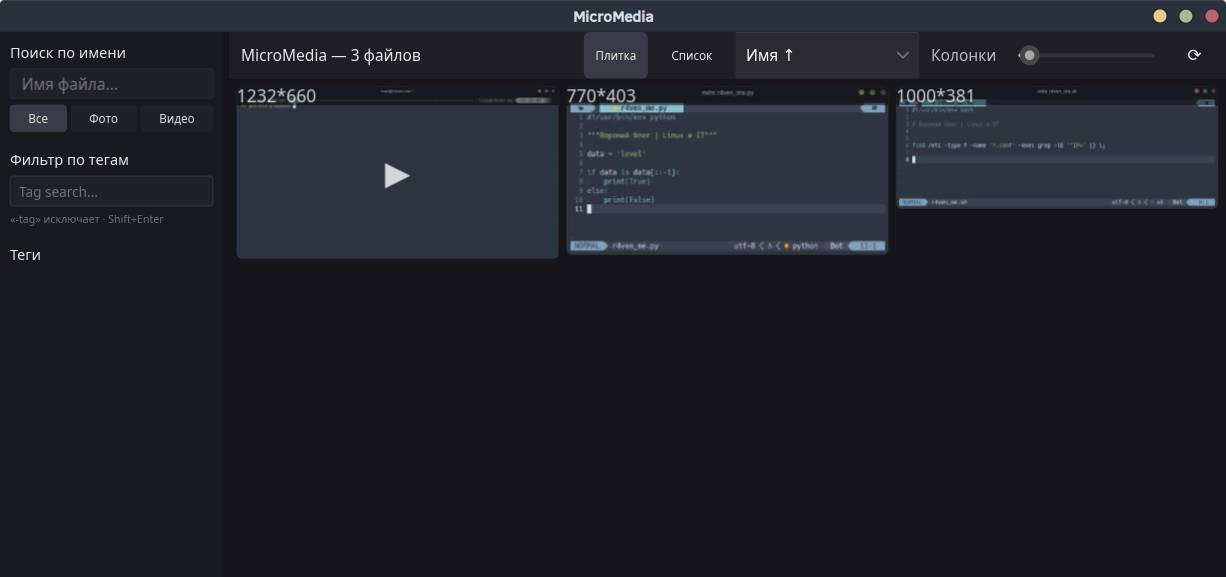
The first scan may take time, especially if there are many video files in media/ (thumbnails are generated). On weak hardware, this can take several minutes.
Navigation
After launching, try:
- Add media to the
media/folder and click the “Refresh” button in the interface; - Click on a file to open it in the lightbox;
- For video, use
Spaceto pause,←/→to seek,Ffor fullscreen; - Add a tag by right-clicking on a file.
Conclusion
Claude (Anthropic’s LLM) was used as an AI assistant during application development. The application is written in Rust using the Slint framework (GL/femtovg rendering), with mpv integration for video playback and SQLite (via the rusqlite crate) for indexing and metadata storage.
References
👨💻And…
Don’t forget about our Telegram channel 📱 and chat
Or maybe you want to become a co-author? Then click here🔗
💬 All the best ✌️
That should be it. If not, check the logs 🙂

Comments