
Situation: you urgently need to find the list of available tags for some Docker image. It’s not always convenient to go digging through some web interface for this, be it Docker Hub itself, a GitHub package releases page, a GitLab registry, and so on.
For this purpose there’s a very handy, lightweight console utility called scopeo. It’s available in the standard Debian/Ubuntu repositories, is installed like any other package, and is quite simple to use 🐧.
Below in this how-to I’ll show a few examples of using it 👨💻.
🖐️Hey!
Subscribe to our Telegram channel @r4ven_me📱, so you don’t miss new posts on the website 😉. If you have questions or just want to chat about the topic, feel free to join the Raven chat at @r4ven_me_chat🧐.
skopeo is a command-line utility for working with container images and OCI registries without needing to download images or run Docker.
Installing skopeo on Debian
The skopeo utility is available in the standard repositories:
sudo apt update && sudo apt install -y skopeo

skopeo --versionMain skopeo commands
Viewing an image’s tags:
skopeo list-tags docker://docker.io/library/nginx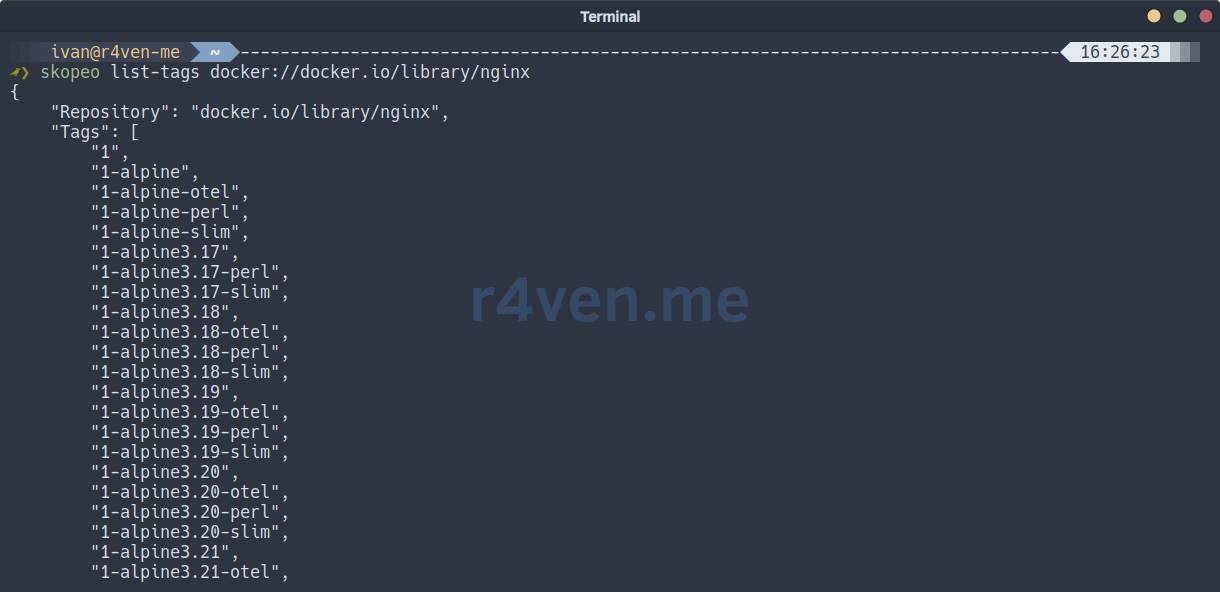
Examples:
skopeo list-tags docker://docker.io/rustfs/rustfs

skopeo list-tags docker://quay.io/hedgedoc/hedgedoc

skopeo list-tags docker://codeberg.org/forgejo/forgejo

skopeo list-tags docker://docker.angie.software/angie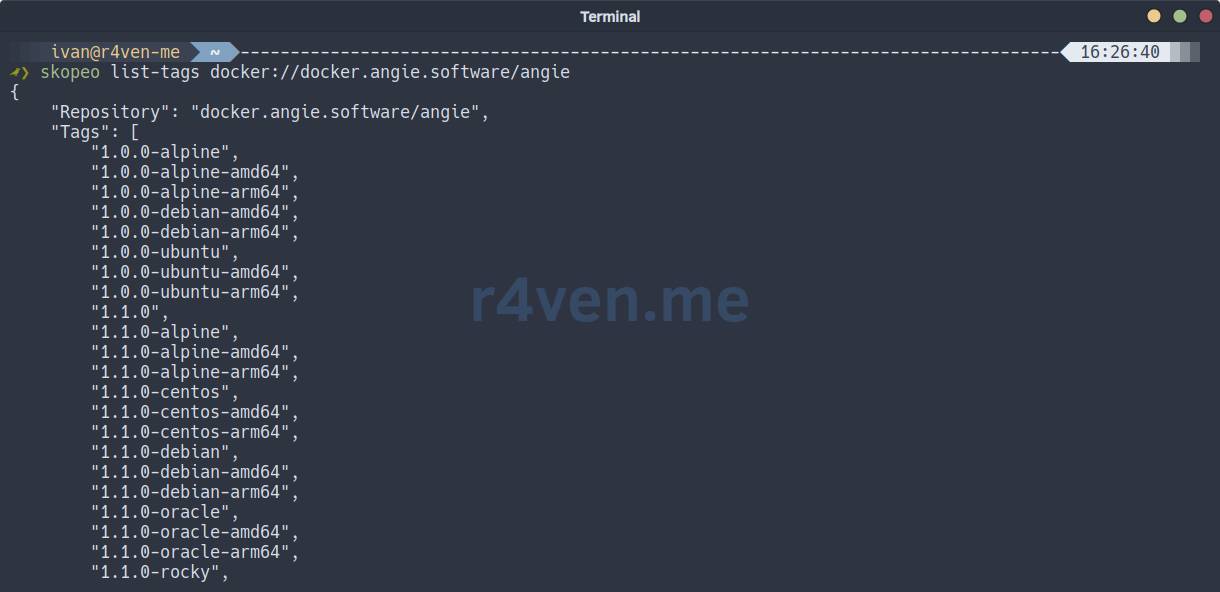
Information about an image:
skopeo inspect docker://docker.io/library/nginx:latestGetting an image’s digest:
skopeo inspect docker://docker.io/library/nginx:latest | jq -r .DigestCopying an image between registries:
skopeo copy docker://docker.io/library/nginx:latest docker://registry.example.com/nginx:latestCopying an image to an OCI layout:
skopeo copy docker://docker.io/library/nginx:latest oci:./nginx:latestCopying an image to a Docker archive:
skopeo copy docker://docker.io/library/nginx:latest docker-archive:nginx.tarLogging in to an image registry:
skopeo login registry.example.comLogging out of a registry:
skopeo logout registry.example.comVerbose output via debug:
skopeo --debug inspect docker://docker.io/library/nginx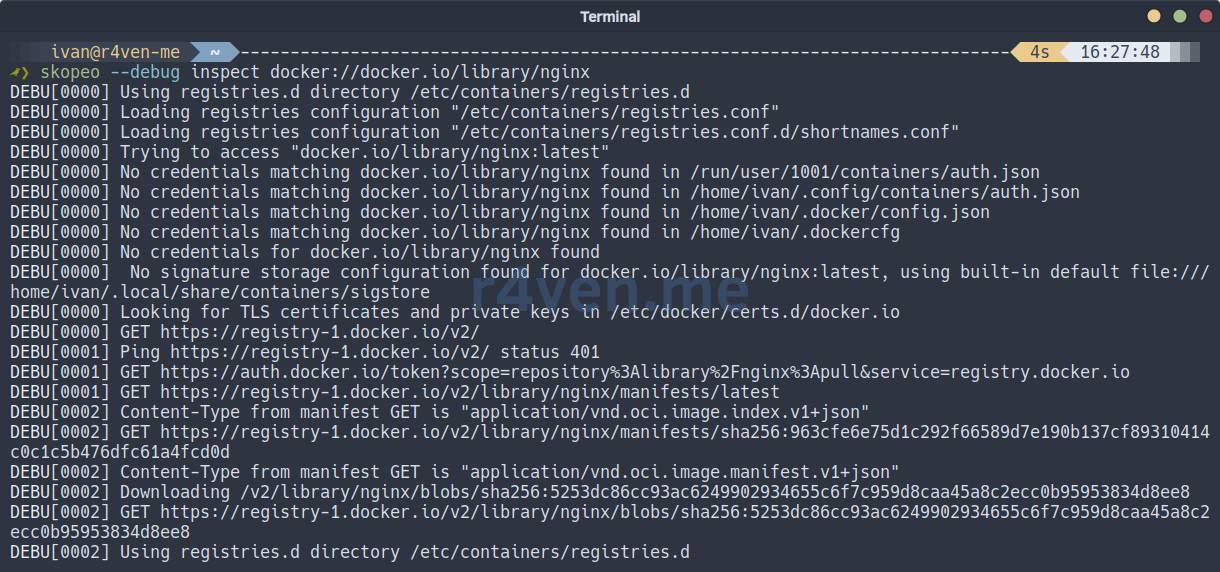
Have a great day!
👨💻And…
Don’t forget about our Telegram channel 📱 and chat
Or maybe you want to become a co-author? Then click here🔗
💬 All the best ✌️
That should be it. If not, check the logs 🙂
