
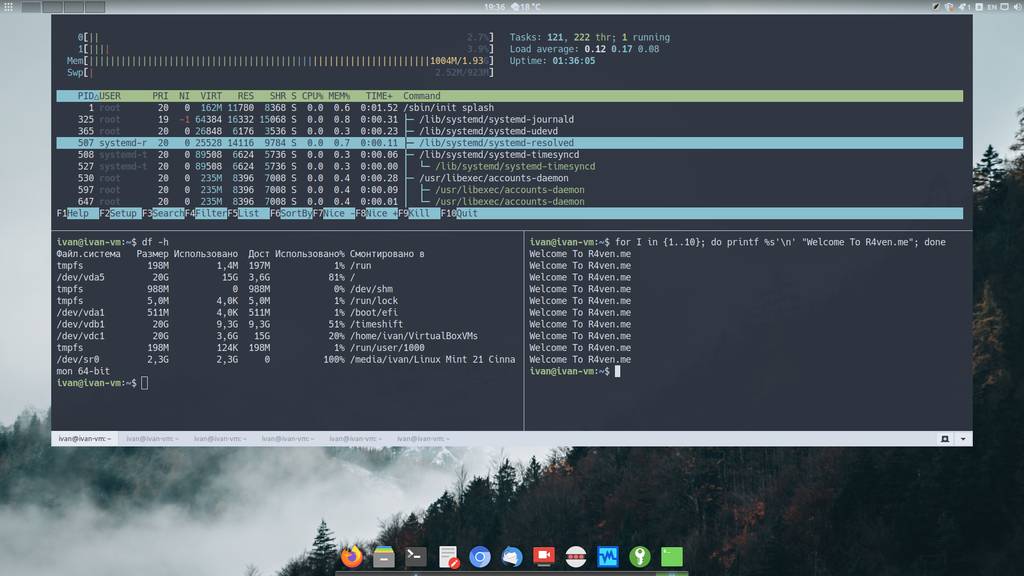
Today I’ll tell you about a convenient terminal emulator program — Guake, whose special feature is “dropping down” from the top of the screen when you press a hotkey.
🖐️Hey!
Subscribe to our Telegram channel @r4ven_me📱, so you don’t miss new posts on the website 😉. If you have questions or just want to chat about the topic, feel free to join the Raven chat at @r4ven_me_chat🧐.
What is a drop-down terminal?
A drop-down terminal is an application or utility that represents a terminal with a regular command shell, but which can “drop down” or appear from the top (or bottom) of the screen when needed. For example, when a certain key is pressed.
This approach lets you quickly access the command line without switching between windows or launching a terminal application separately.
Guake is an example of a drop-down terminal for Linux systems.
Users who remember the days of the dynamic shooter Quake (hence the name Guake) may recall what the in-game console looked like as it dropped down from the top. A test for the old-timers, so to speak)
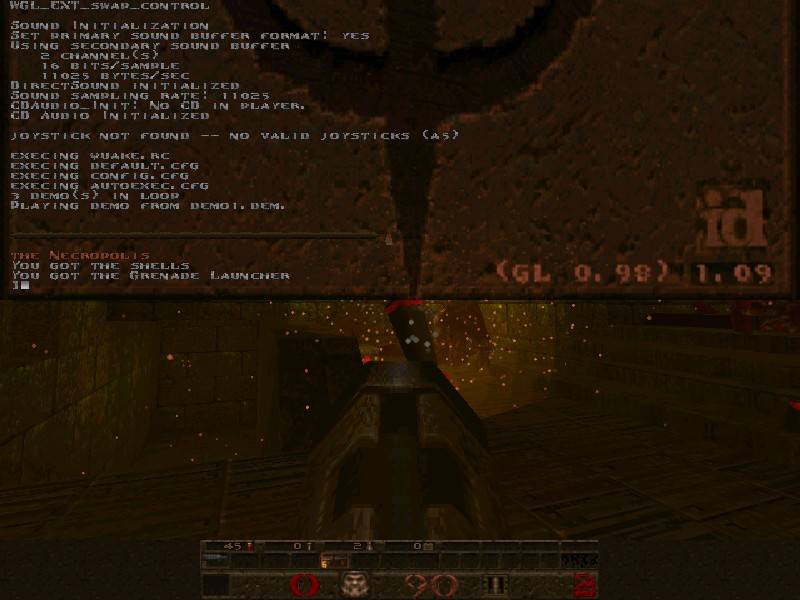
Quake
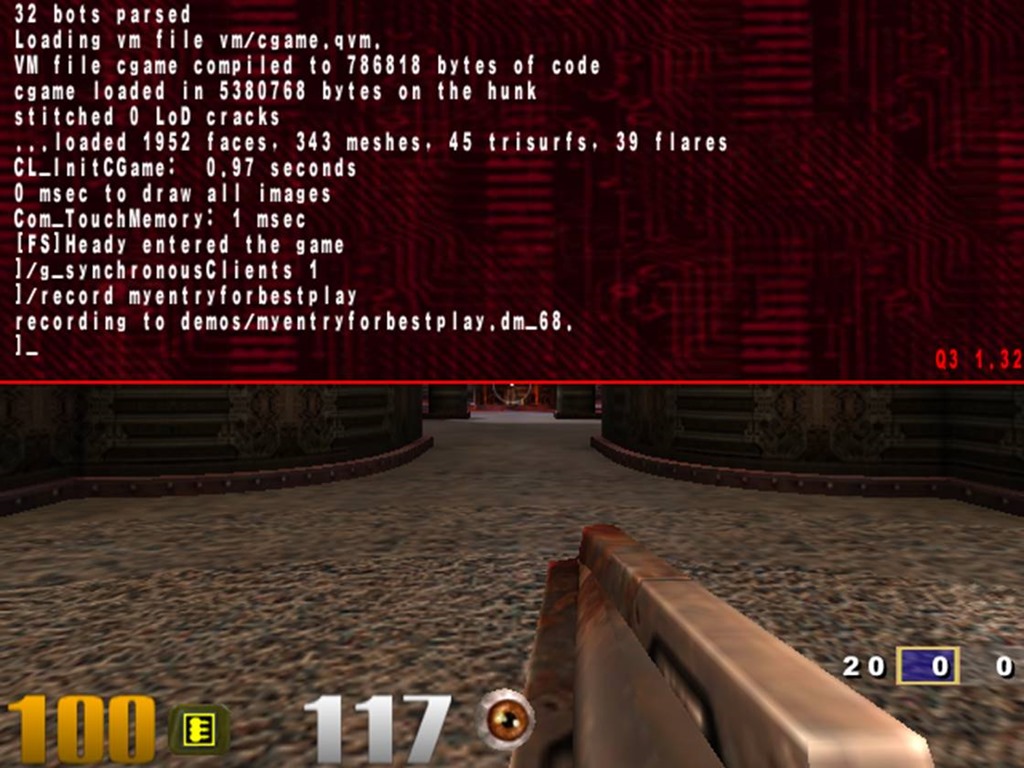
Quake 3
Installing Guake on Linux Mint
Guake is available in the standard Linux Mint repositories. To install it, open a terminal and run the command:
sudo apt update && sudo apt install guake -y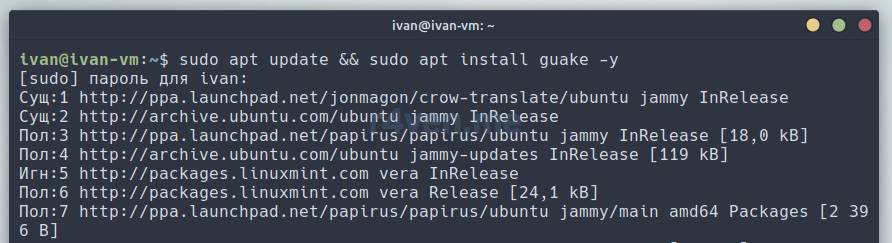
Configuring Guake
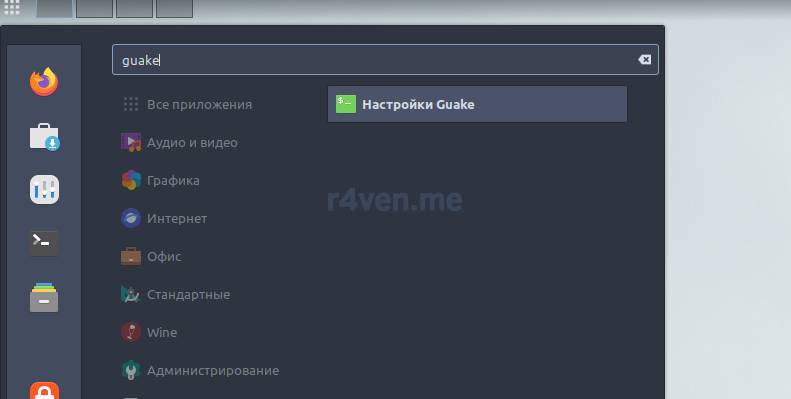
In the main menu, find Guake Preferences and launch it:
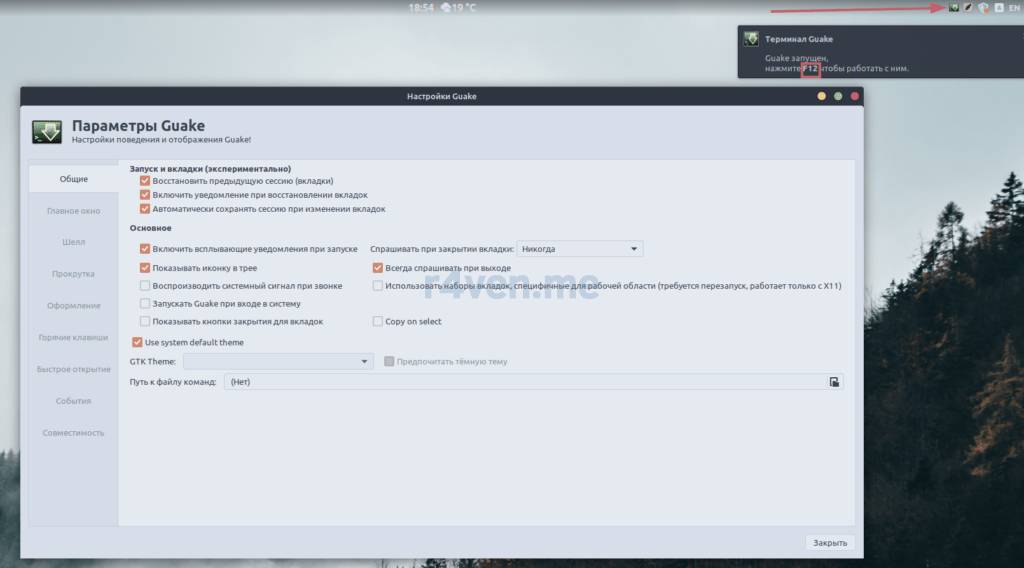
The settings window will open. An icon will appear in the system tray, and a message will pop up saying that the F12 key (by default) is used to call the Guake terminal window:
The program runs in the background and waits to be called by the user. Let’s press F12. By default, the terminal looks like this:
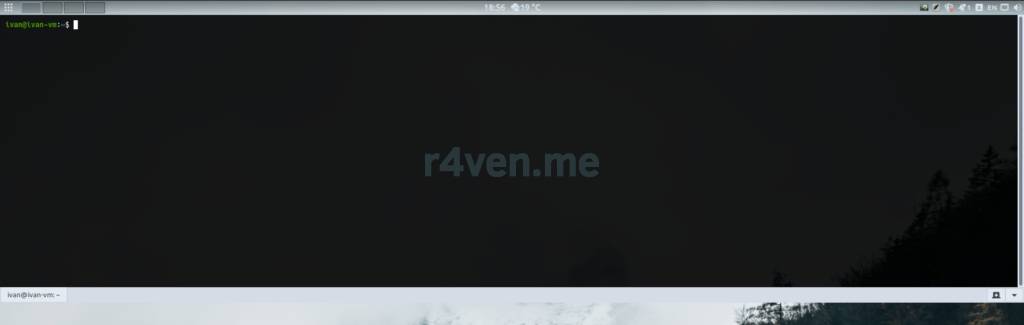
To hide the terminal, press F12 again (the trigger key can be changed, more on that below).
I usually configure the Guake terminal to my liking:
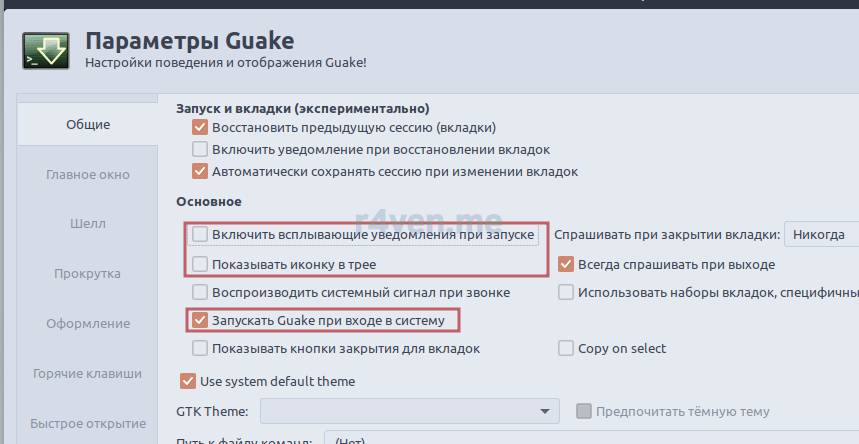
- Disable the popup notification on startup;
- Disable the system tray icon;
- Enable autostart at system boot;
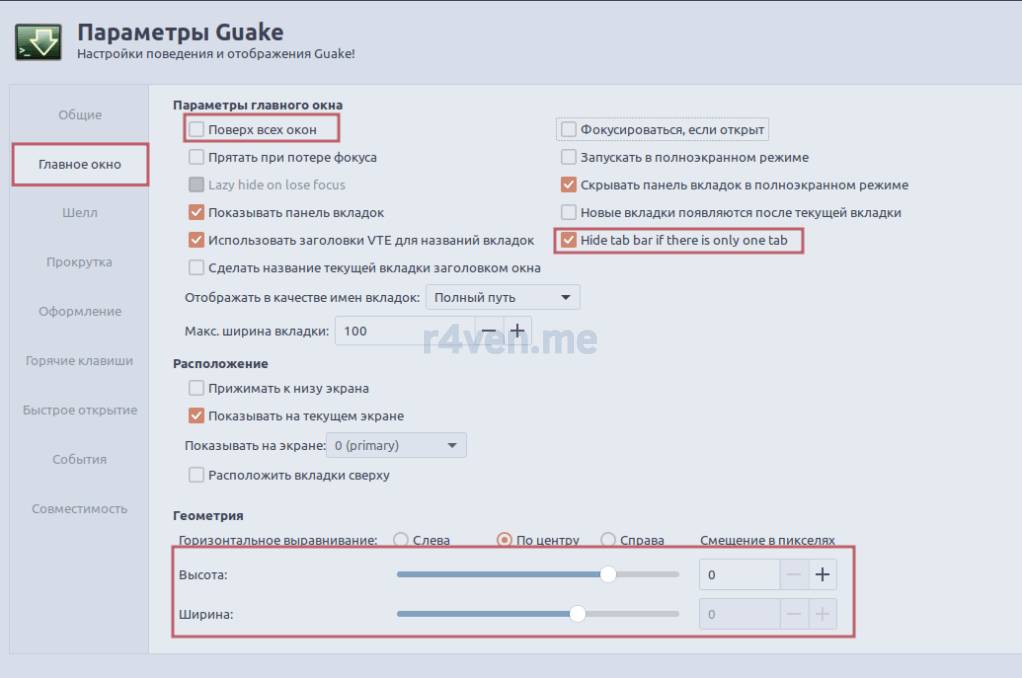
- Disable “always on top” for Guake;
- Disable showing tabs if only one is open;
- Adjust the window geometry, making it more elongated and slightly narrower;
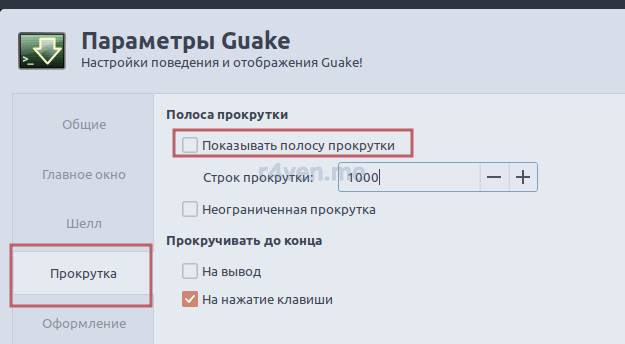
- Disable the scrollbar;
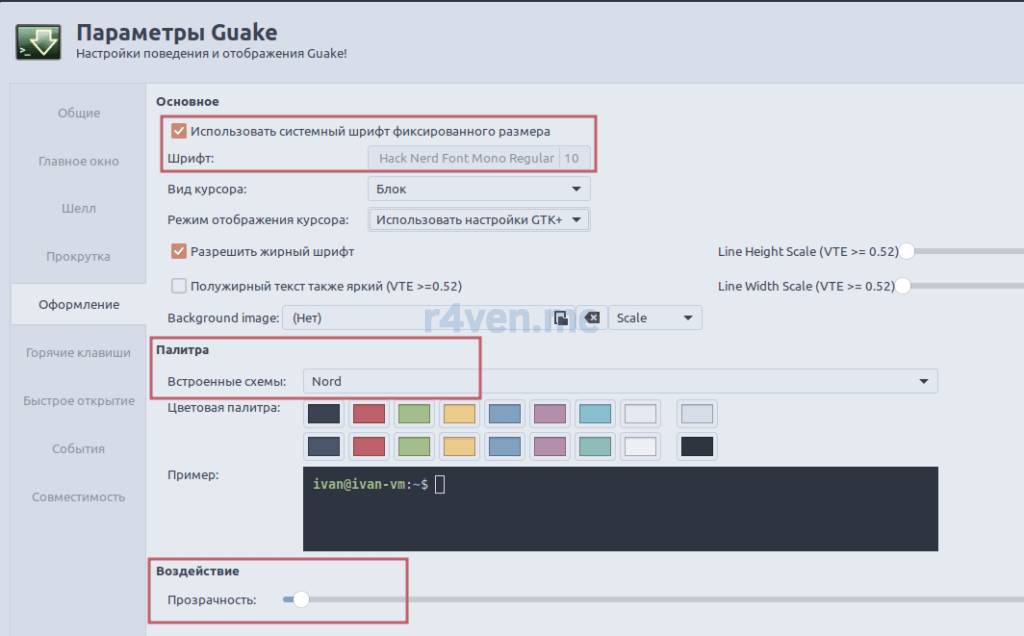
- Set a monospace font (if the one set in the system doesn’t apply);
- Change the color scheme to a theme (available out of the box);
- Change the window transparency level;
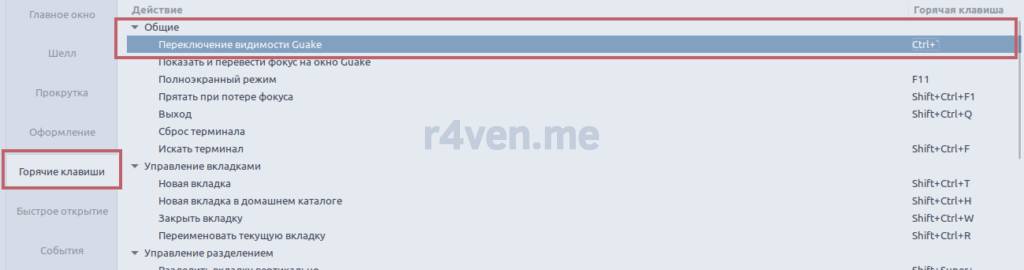
- Change the trigger key;
These are just my preferences. You can configure the application however you like — the program’s settings are quite flexible.
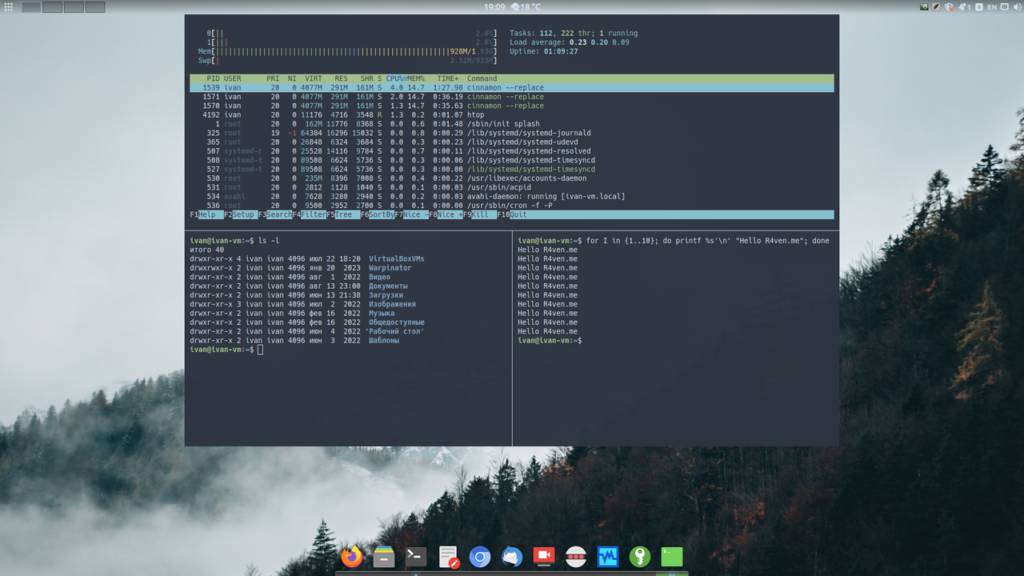
I’ll also note that the terminal supports tabs out of the box, vertical and horizontal splitting of the current window (like tmux), as well as a function to save the window’s contents to a file, and much more.
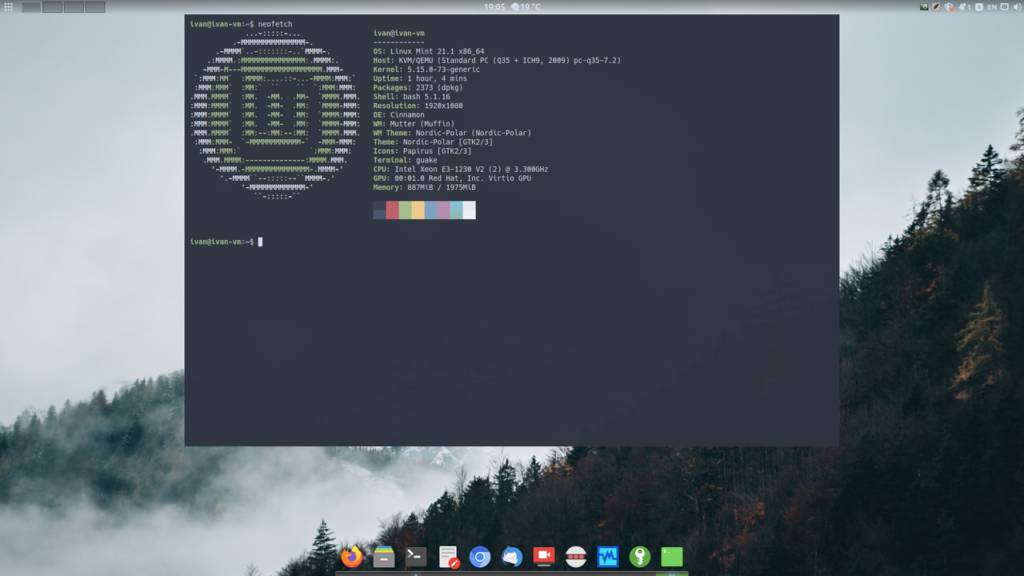
A couple of screenshots
This is how my Guake terminal usually looks:
Thanks for your attention. Good luck!
Useful sources
👨💻And…
Don’t forget about our Telegram channel 📱 and chat
Or maybe you want to become a co-author? Then click here🔗
💬 All the best ✌️
That should be it. If not, check the logs 🙂

Comments