
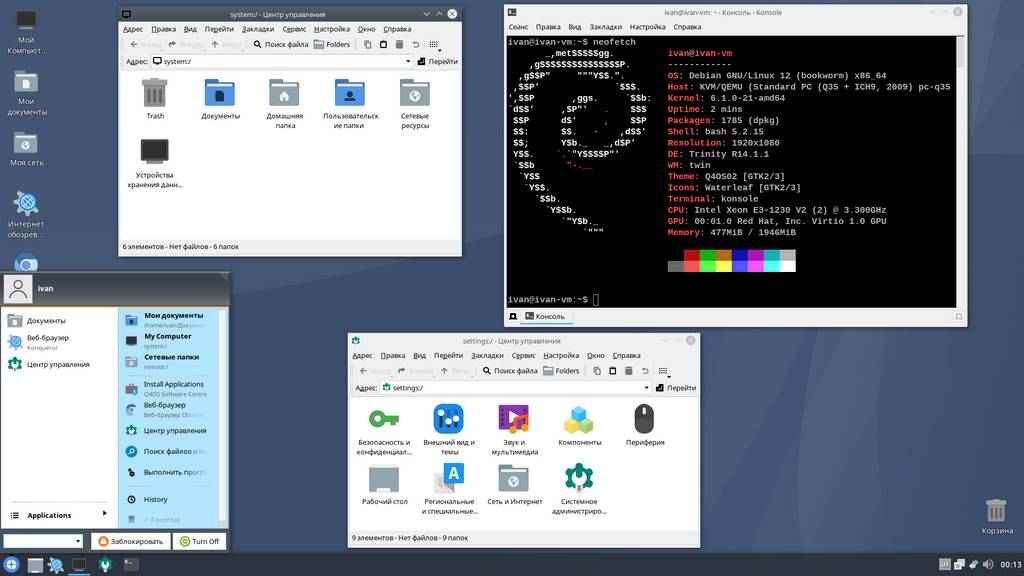
In this section we take a look at the appearance of various Linux distributions, of which there are countless. Today we’ll look at an interesting distribution called Q4OS with its signature desktop environment: Trinity.
Note that this is not a full review of the distribution, but merely a quick, surface-level look with an emphasis on appearance.
A bit about the Q4OS distribution
Q4OS is a Linux distribution of German origin, based on Debian. At the time of writing, the latest version of the distribution is 5.4 (Debian 12).
Q4OS positions itself as a desktop system distinguished by its lightness and friendliness toward beginner users.
Two options are available as the desktop environment: the signature desktop — Trinity — and classic KDE Plasma. A distinctive feature of the distribution is its clear visual resemblance to the famous Microsoft Windows XP operating system.
The init system used is systemd.
🖐️Hey!
Subscribe to our Telegram channel @r4ven_me📱, so you don’t miss new posts on the website 😉. If you have questions or just want to chat about the topic, feel free to join the Raven chat at @r4ven_me_chat🧐.
Screenshots
Let’s get to the pictures. The login window:
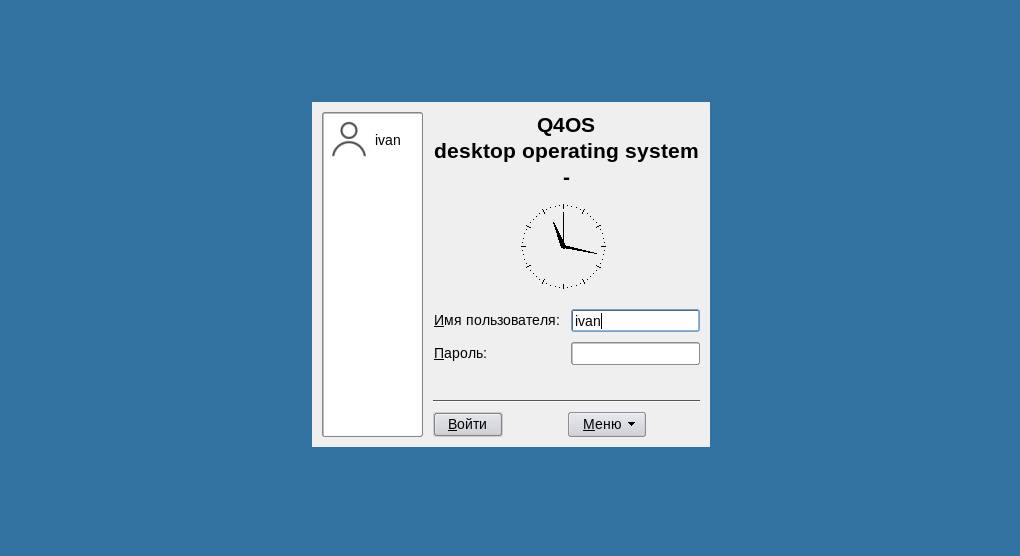
Login screen
Ohh… a harsh start)
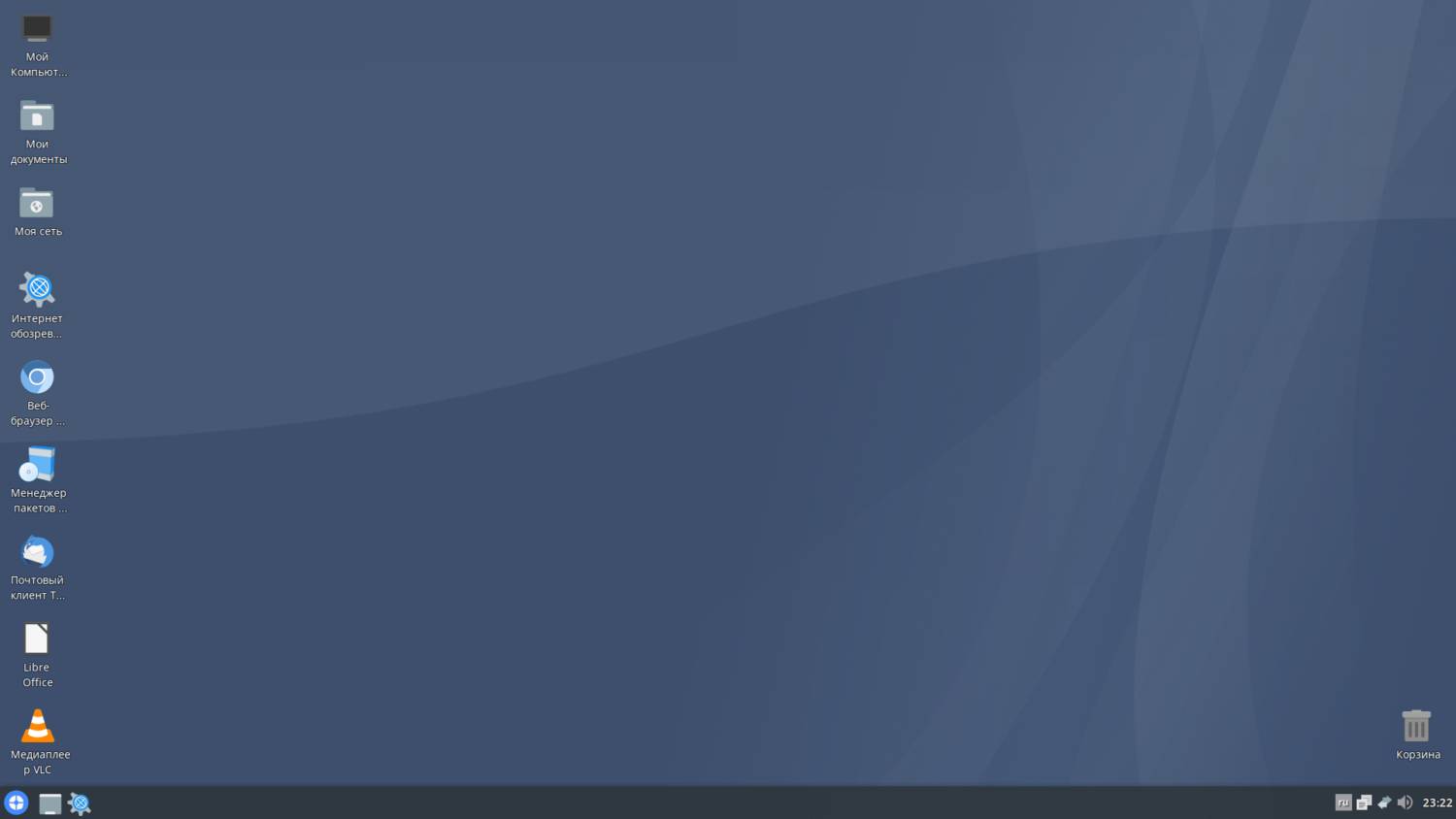
After logging into the system, we’re greeted by a “not empty” desktop with icons on it. All as it should be:
Default desktop
We’re politely reminded of the times when “My Computer” was truly “mine,” and not just “Computer”…
The look really does resemble Windows XP. It made me smile that the web browser is called “Internet Explorer” 😉
Judging by the list of installed software, the distribution is ready to perform the basic functions of a desktop operating system.
Konqueror from the KDE project is used as the web browser and file manager:
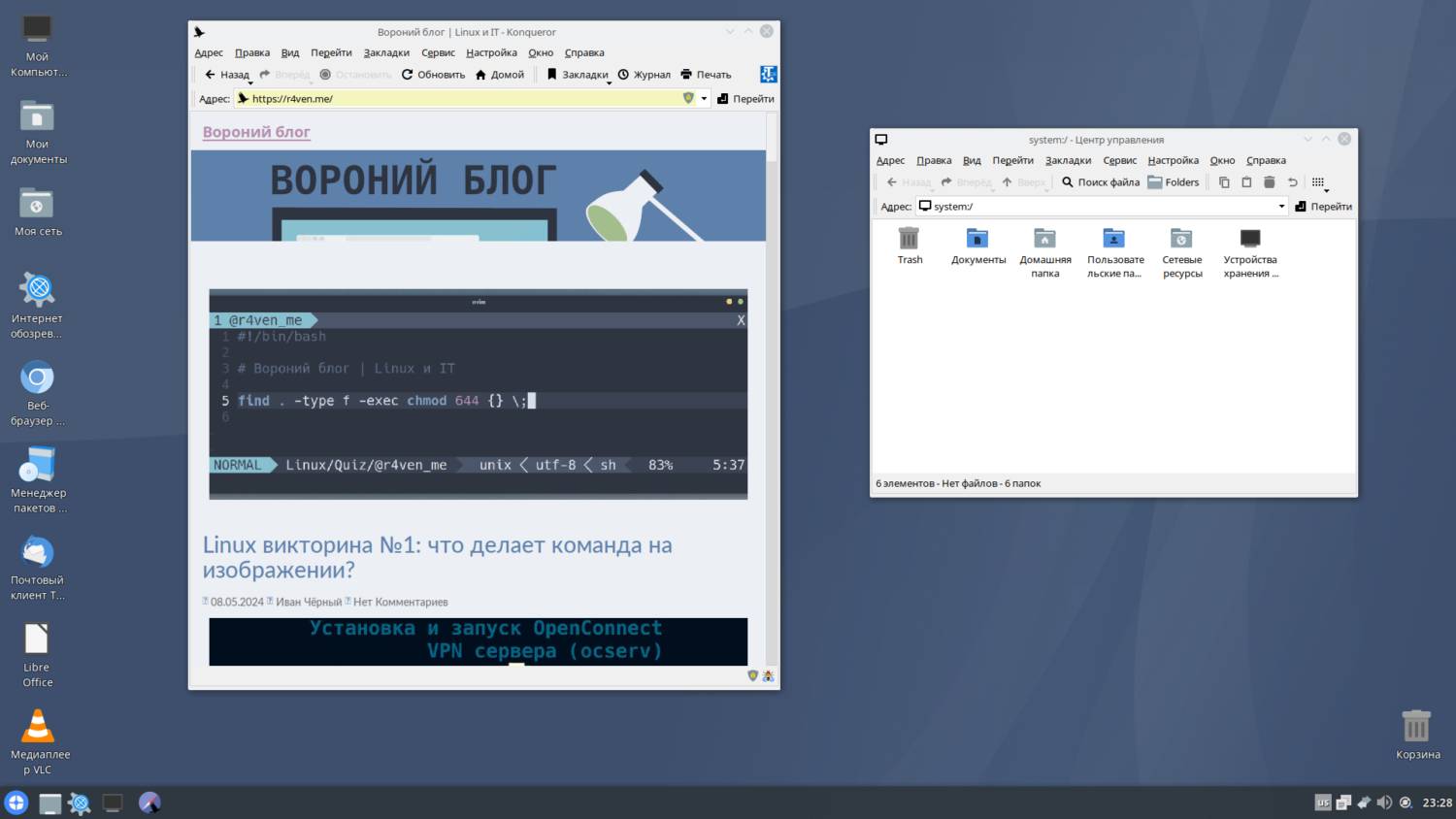
Web browser and file manager
The look of the “Internet Explorer” is clearly styled after Internet Explorer, with a hint of the suffering it brought its users in the later years of its popularity)
The Konsole program is obviously responsible for the terminal emulator:
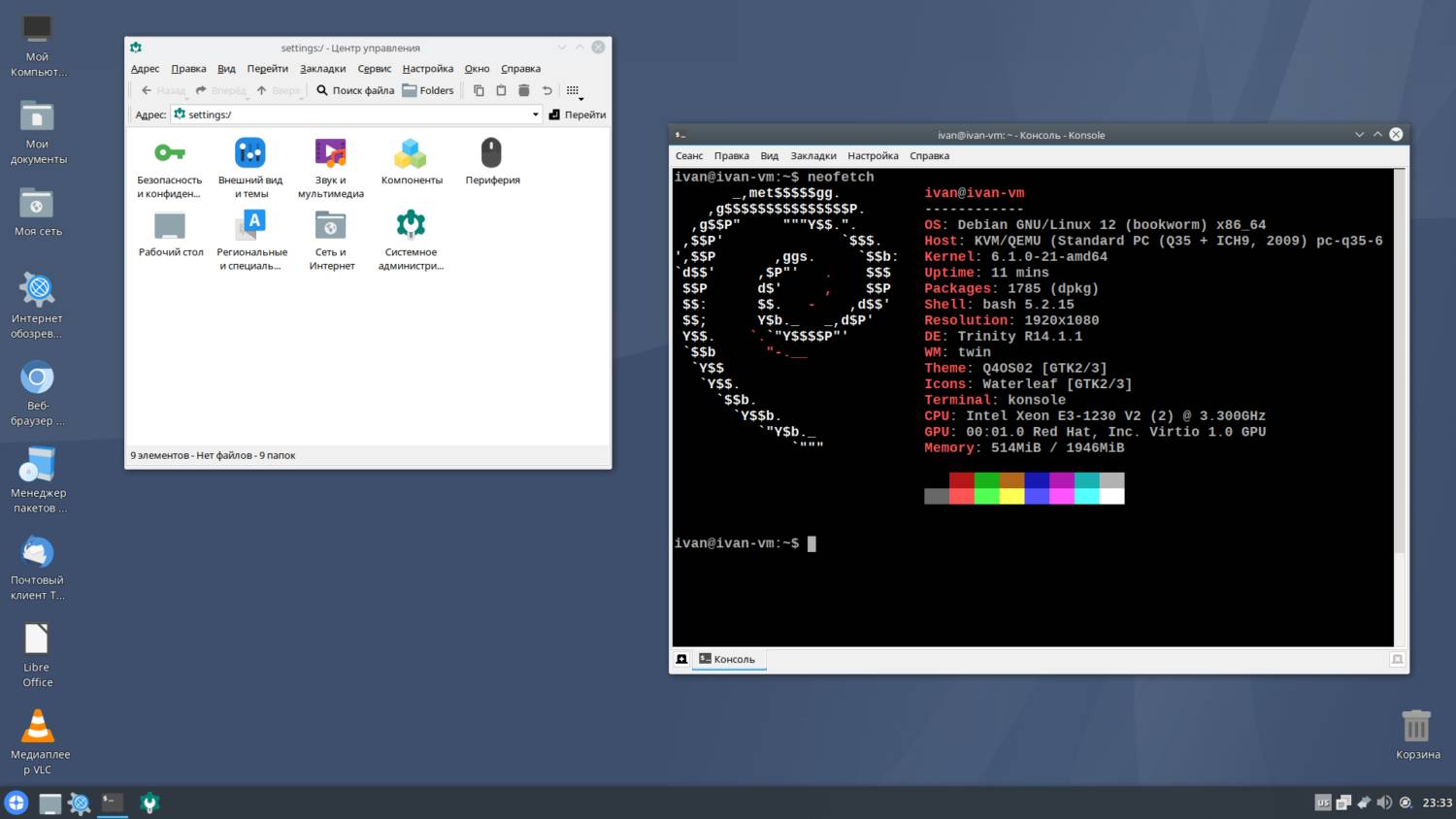
Settings menu and terminal
Overall, I’ll note that the preinstalled programs are predominantly from the KDE project.
In my opinion, the default look is concise and cozy:
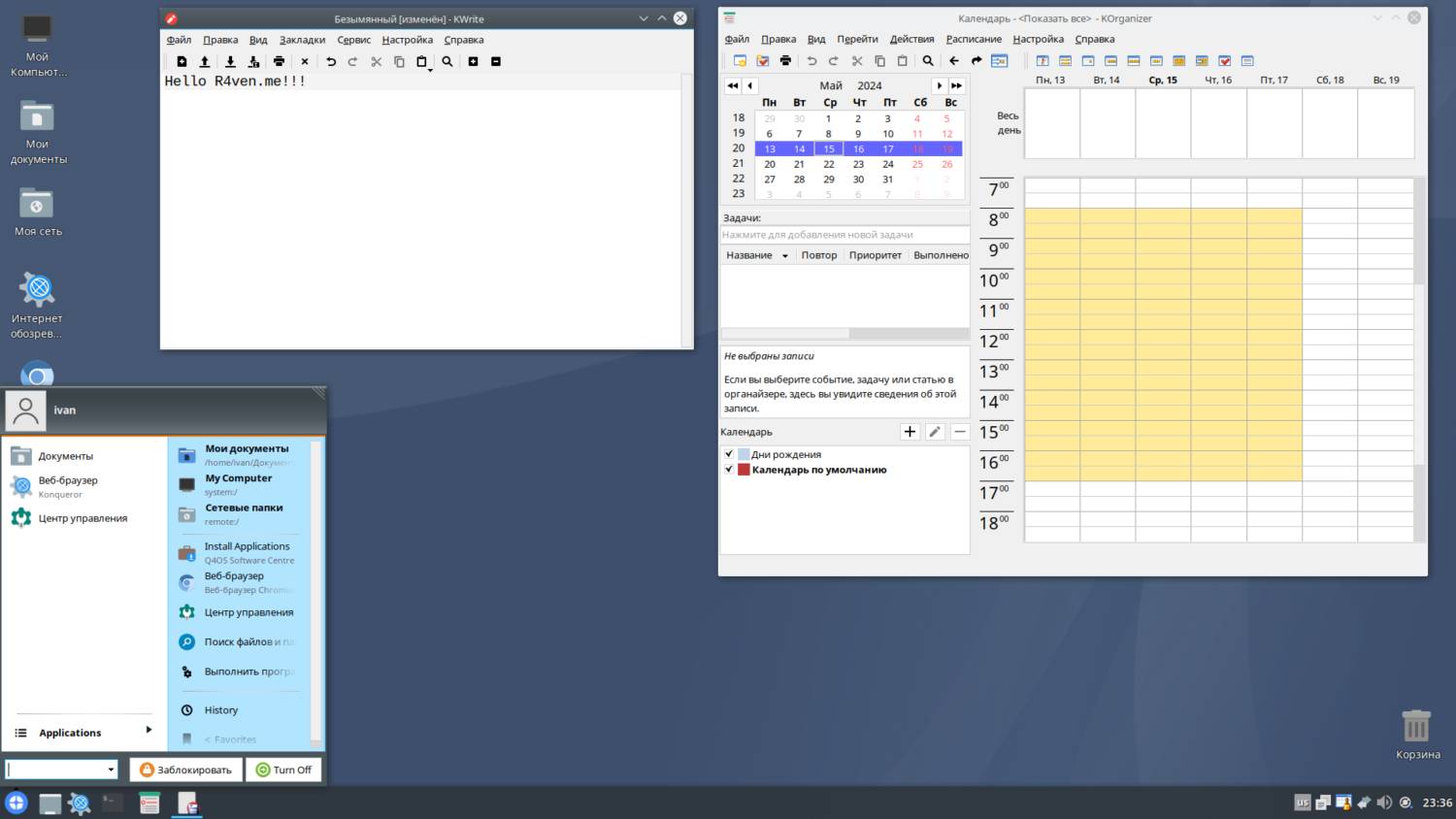
Text editor, organizer, and the “Start” menu)
If you want it to look completely like Windows XP, you can go into the “Control Center” (yes, really), then “Look switcher,” and select the “Q4OS Default” theme:
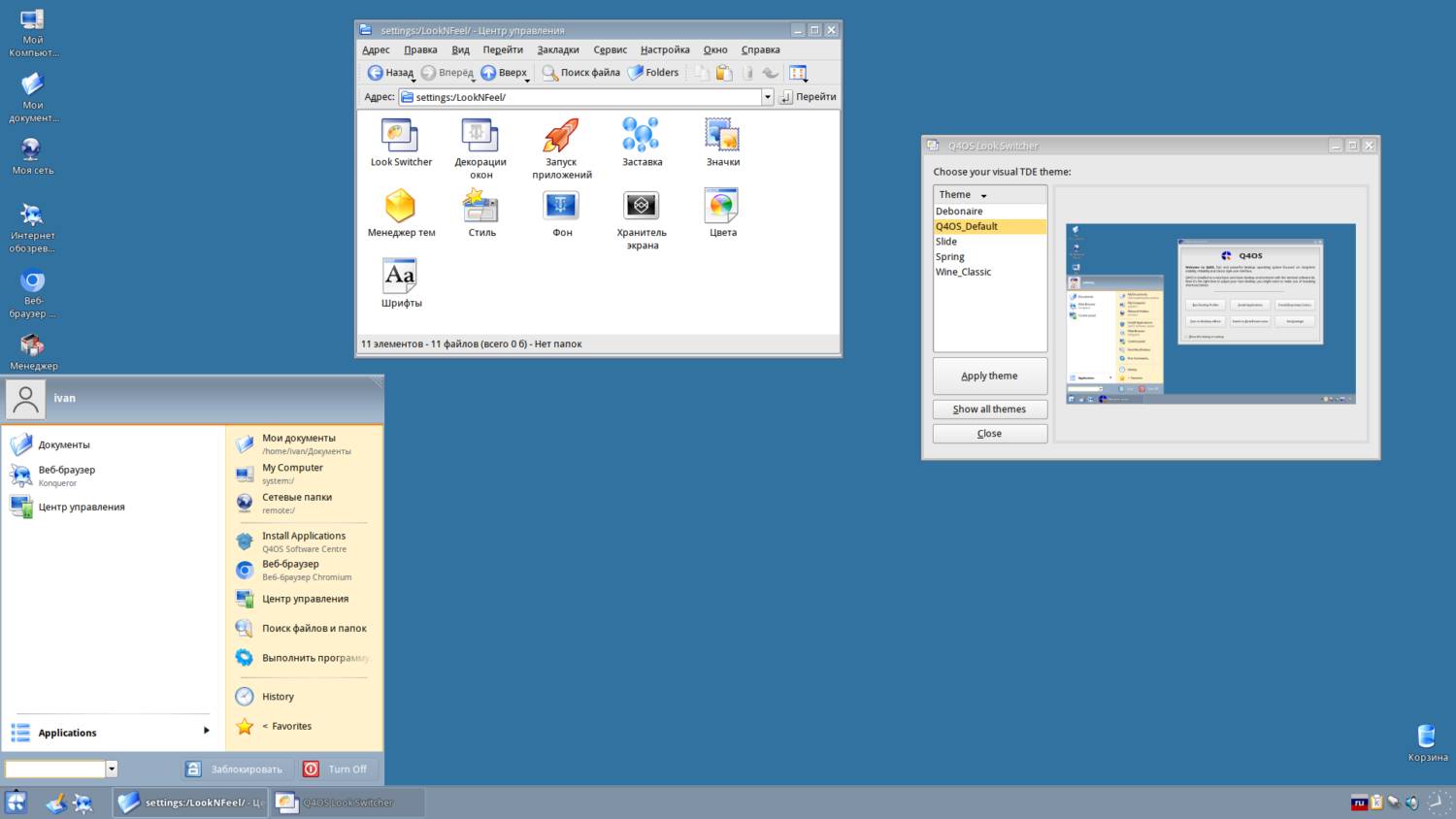
The Q4OS Default theme, “Start” menu, and appearance settings
I definitely had a nostalgia attack here)
It’s worth noting that despite the restraint of the default appearance, its customization options are quite flexible. But the emphasis is still on Windows-like design with a nod to the 2000s.
The “Spring” theme:
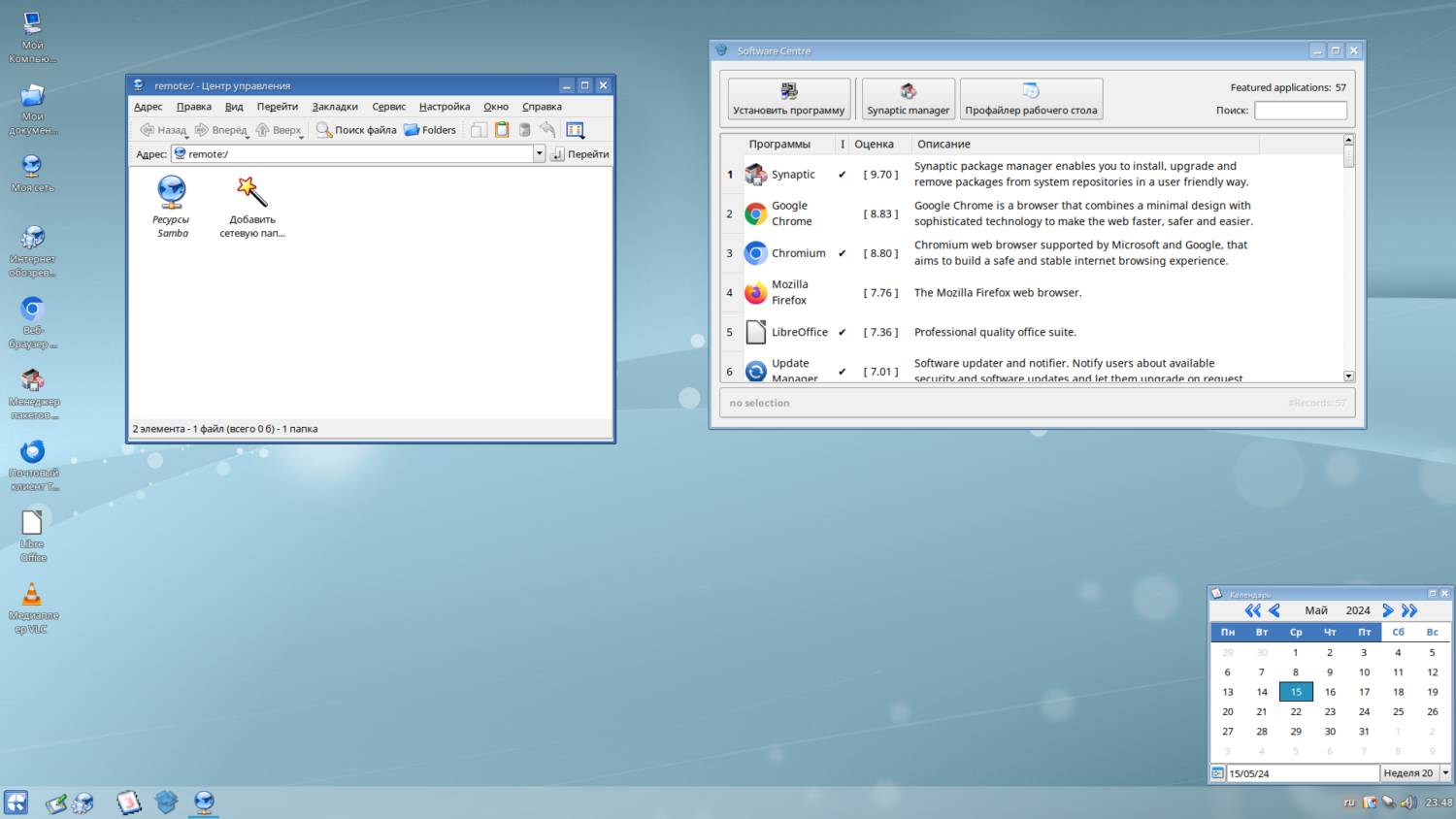
The “Spring” theme, software installation manager, and calendar
Unfortunately, there’s no dark theme out of the box, aside from the high-contrast one, but that doesn’t count)
The “Slide” theme:
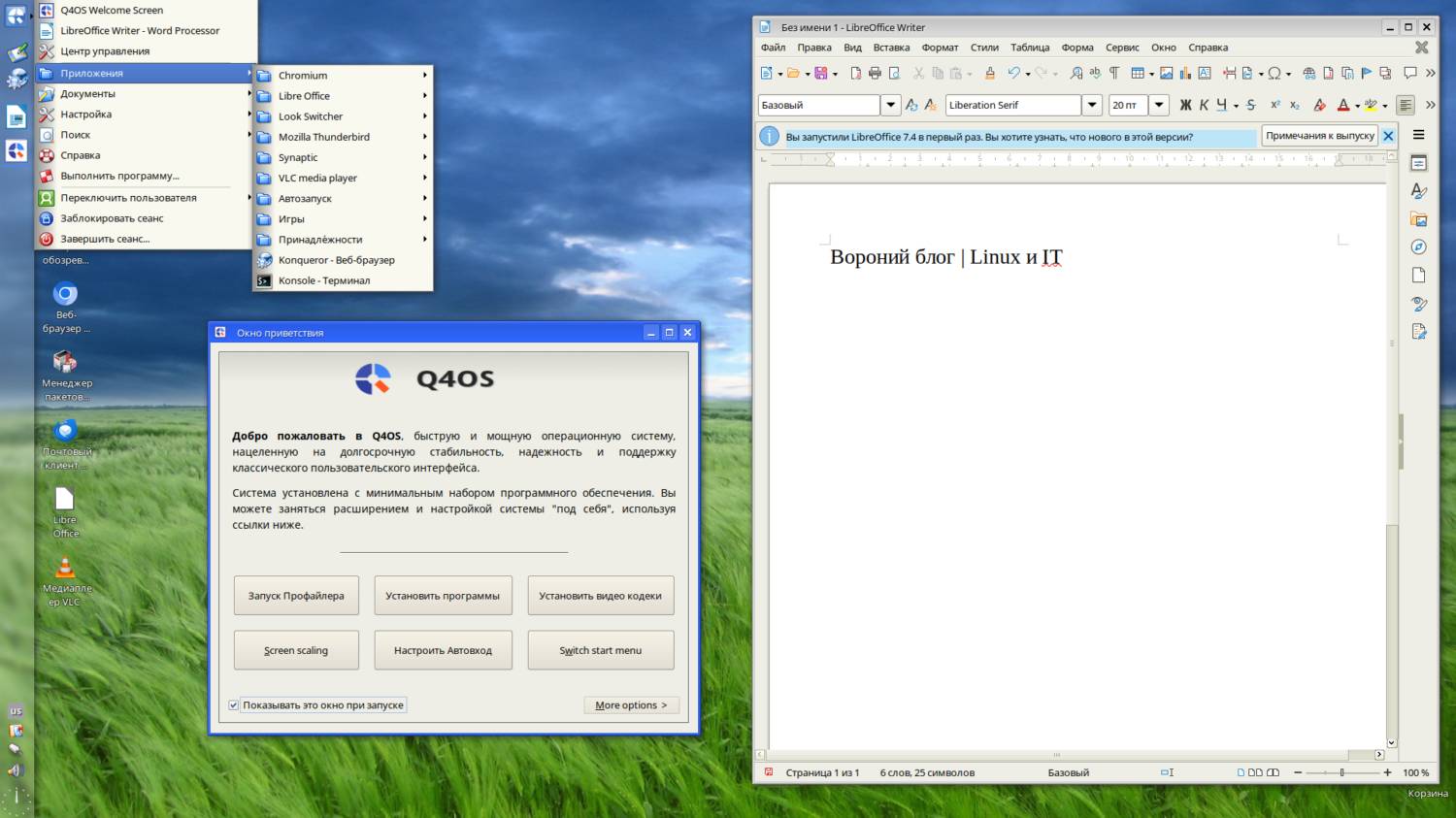
The “Slide” theme, word processor, and Q4OS start window
Conclusions
Overall impressions… pleasant. The warm, cozy look of the distribution does its job. But I’d guess this will only be relevant for users who lived through the Windows 98/XP/Vista era. For younger generations, this style might seem somewhat old-fashioned.
To be fair, it’s worth noting that the Q4OS distribution is based on Debian 12, which implies all the power of modern Linux.
Thanks for reading. Best of luck to everyone, and enjoy the nostalgia 😉
Sources
👨💻And…
Don’t forget about our Telegram channel 📱 and chat
Or maybe you want to become a co-author? Then click here🔗
💬 All the best ✌️
That should be it. If not, check the logs 🙂

Comments