
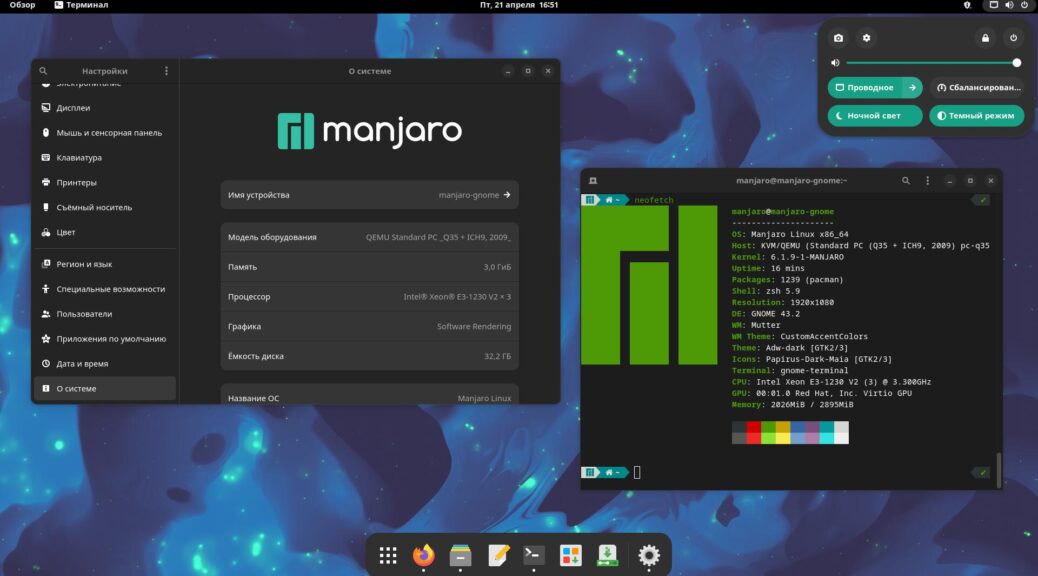
Today I’ll show the look of the Manjaro distribution with the Gnome desktop environment.
A bit about the Manjaro distribution
Manjaro Linux is a Linux distribution based on the Arch Linux architecture. It offers users a simple, convenient interface, along with easy configuration and software installation. The Manjaro Gnome edition is based on the Gnome desktop, known for its modern interface and rich feature set.
🖐️Hey!
Subscribe to our Telegram channel @r4ven_me📱, so you don’t miss new posts on the website 😉. If you have questions or just want to chat about the topic, feel free to join the Raven chat at @r4ven_me_chat🧐.
Screenshots
So, on to the pictures. The login screen:
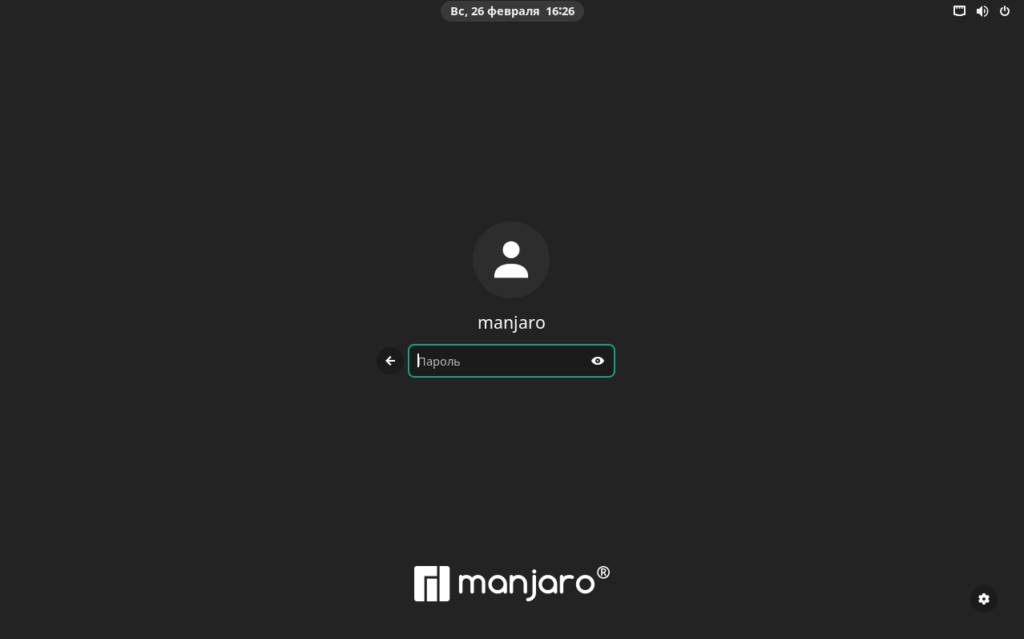
Login screen
We’re greeted by an empty desktop with a dock:
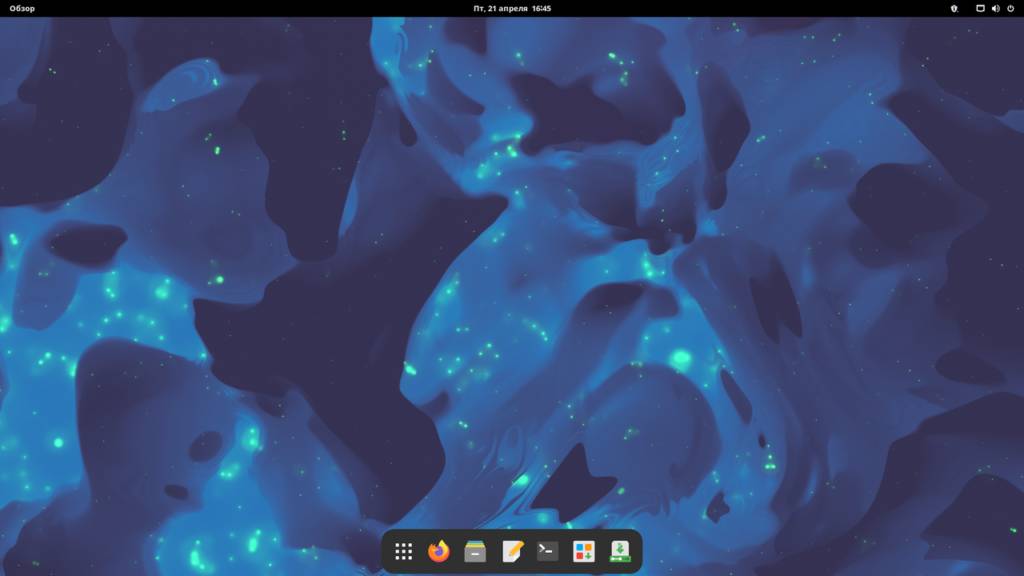
Empty desktop
The dark theme is enabled by default, which is always nice)
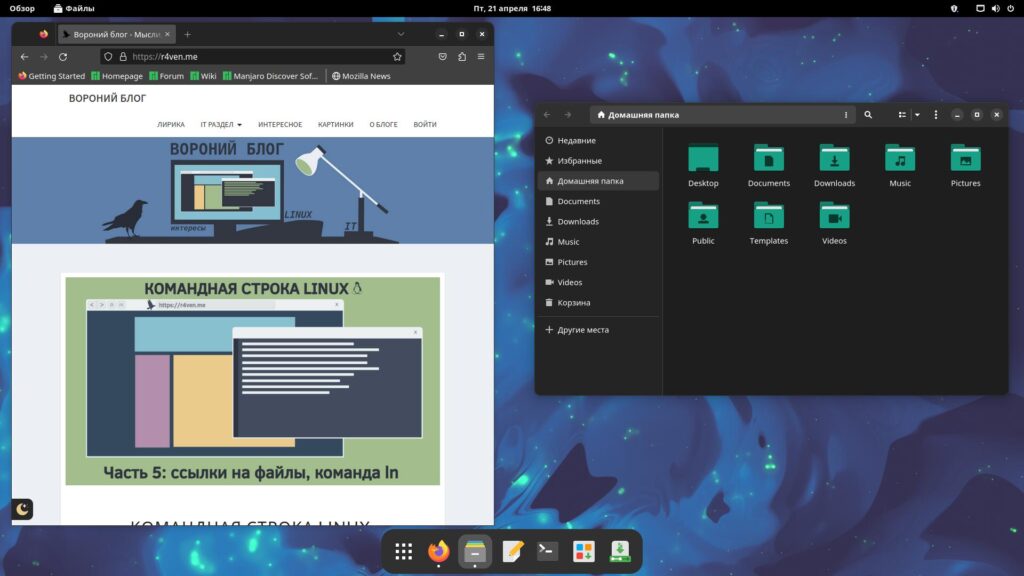
Web browser and file manager
Honestly, I’m not a fan of “Gnome”, but there’s something to it. I’ve tried switching to it a few times, but could never quite get used to it.
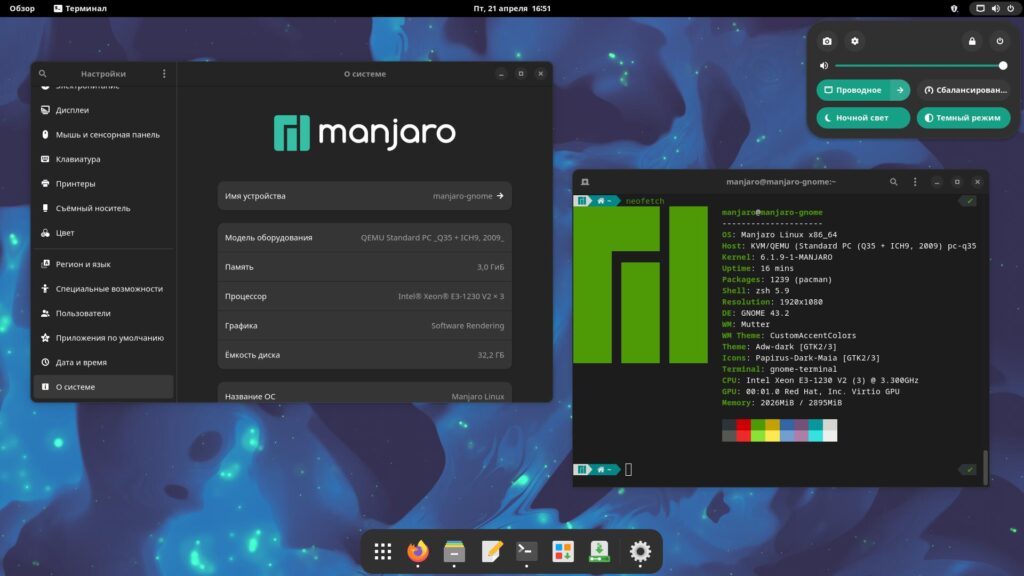
Settings menu, terminal, and panel tray
There’s a light theme too) I want to note the excellent adaptation and optimization of the built-in apps to the appearance settings. Everything switches automatically.
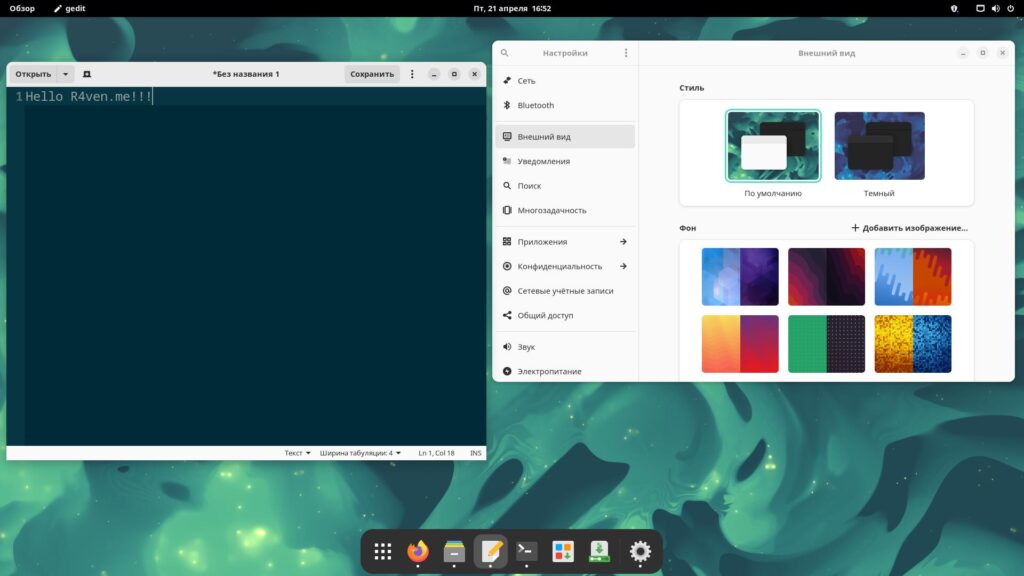
Light theme, text editor, appearance settings
This is Gnome 40+’s signature feature: the overview mode with virtual desktop switching.
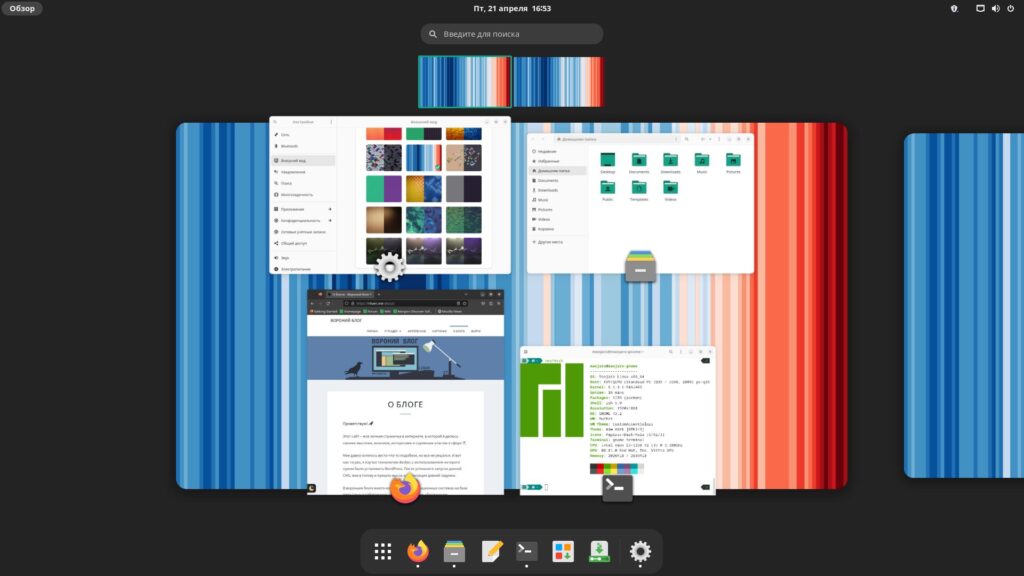
Overview menu
Another signature feature is the app menu. Strongly reminiscent of a tablet)
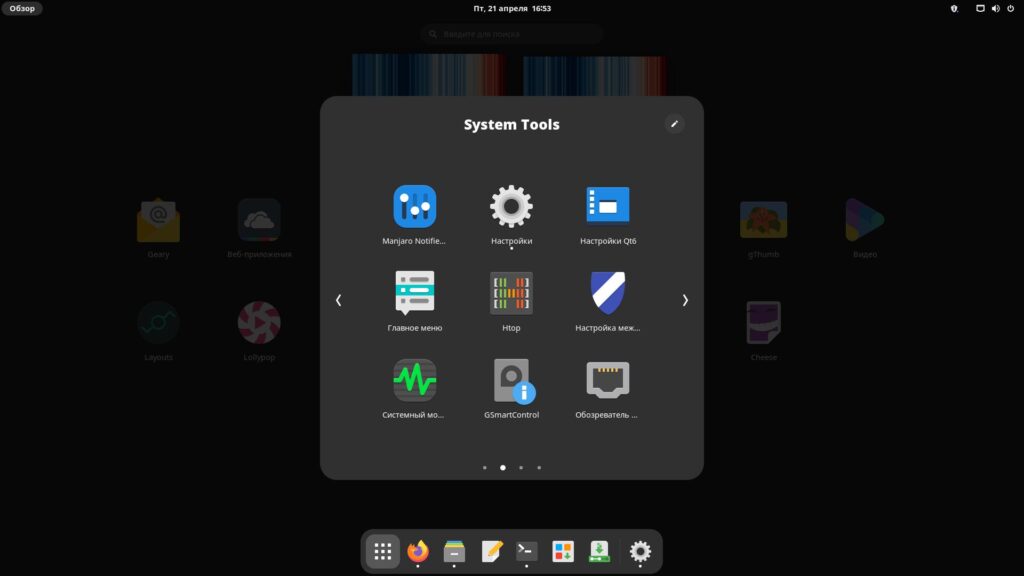
App menu
Window layouts
The full version of Manjaro Gnome comes with the Layouts utility pre-installed.
The Layouts utility in the Manjaro Gnome distribution lets you quickly and easily switch between different window layouts on the desktop.
Here’s a classic example)
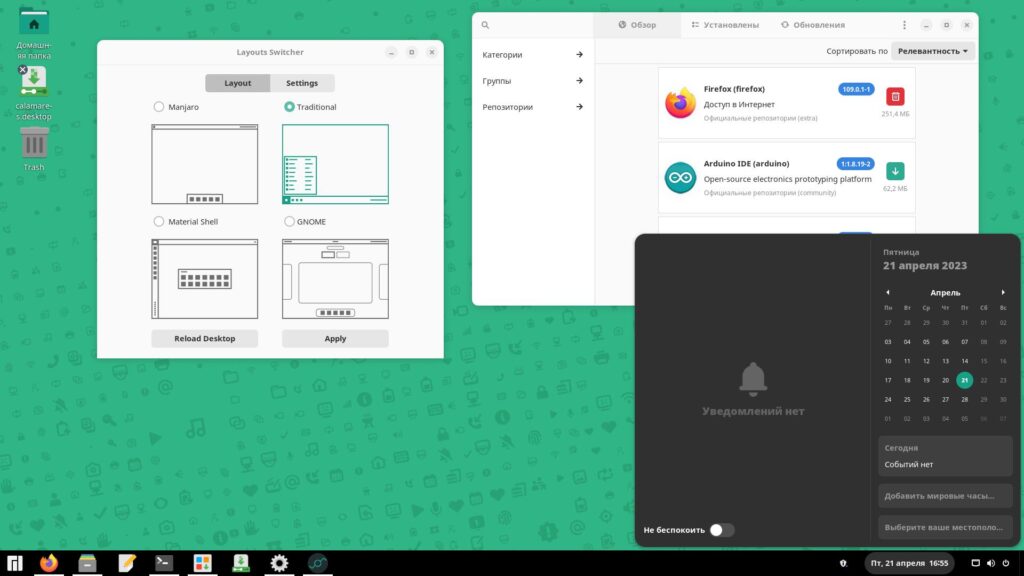
“Traditional” layout
And here’s tiling mode, implemented via a Gnome extension — Material Shell. Personally, I think this is top-tier. I myself prefer tiling window managers. They’re also called mosaic window managers.
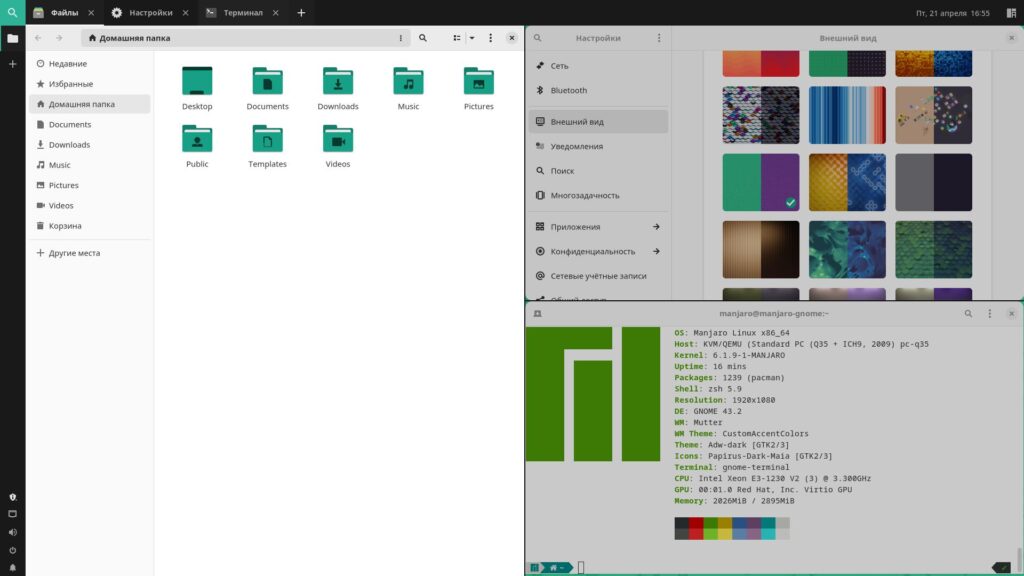
File manager, terminal, appearance settings: light theme
The main feature of tiling is that open windows automatically arrange themselves into a “mosaic,” filling all the useful space on the monitor screen. No window overlaps, minimal mouse movement, and maximum usefulness) Controls are usually configured and performed via hotkeys. Material Shell is no exception here.
App menu in the Material Shell layout:
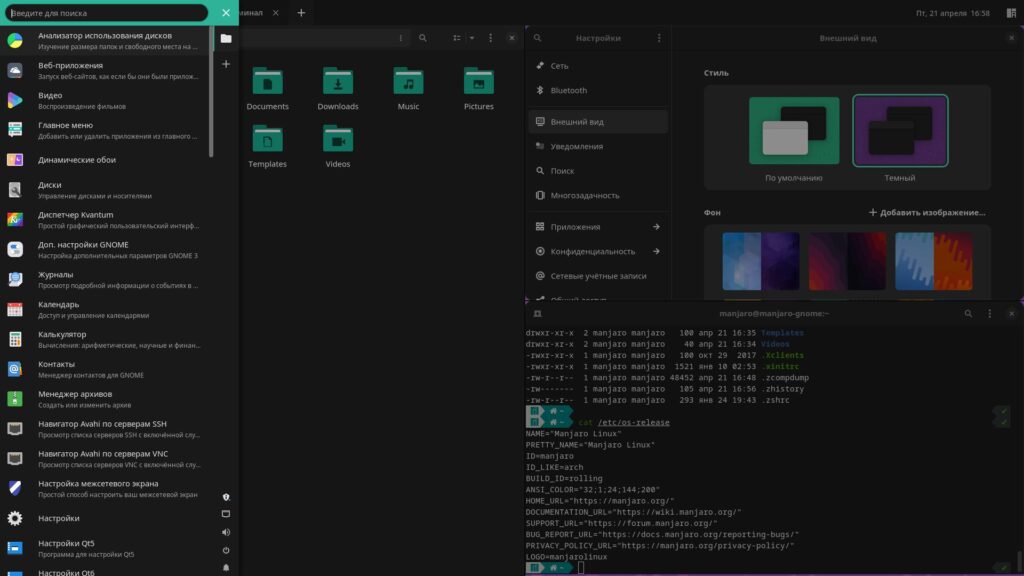
File manager, terminal, appearance settings: dark theme
Conclusion
Overall, Manjaro Gnome is a great choice for those who want to use Linux but prefer a more simplified interface, and who also want access to a wide range of fresh and diverse software stored in Manjaro’s repositories.
Useful sources
- Official Manjaro project website
- Manjaro on distrowatch
- Gnome project — Wikipedia
- Tiling window manager — Wikipedia
- Material Shell project website
👨💻And…
Don’t forget about our Telegram channel 📱 and chat
Or maybe you want to become a co-author? Then click here🔗
💬 All the best ✌️
That should be it. If not, check the logs 🙂

Comments