
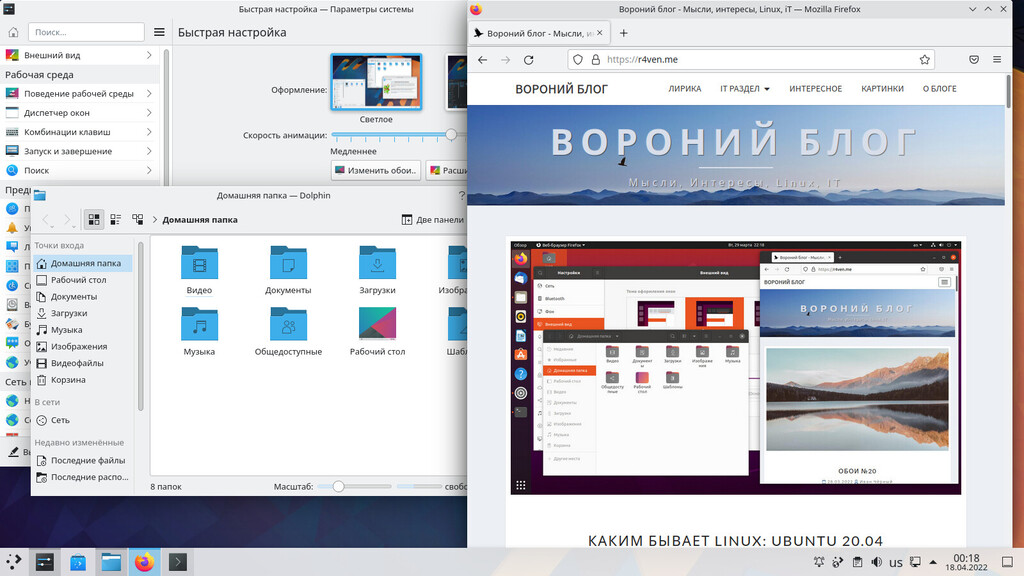
Today we’ll take a look at one of the most popular Linux desktops in the world — KDE.
The KDE development team maintains its own official Linux distribution, which, like many others, is based on a stable version of Ubuntu. The purpose of this distribution is to trial fresh versions of the KDE desktop environment while maintaining decent stability.
🖐️Hey!
Subscribe to our Telegram channel @r4ven_me📱, so you don’t miss new posts on the website 😉. If you have questions or just want to chat about the topic, feel free to join the Raven chat at @r4ven_me_chat🧐.
In this post I’ll show you what it looks like by default.
Enough words, this is a post with pictures after all 😉
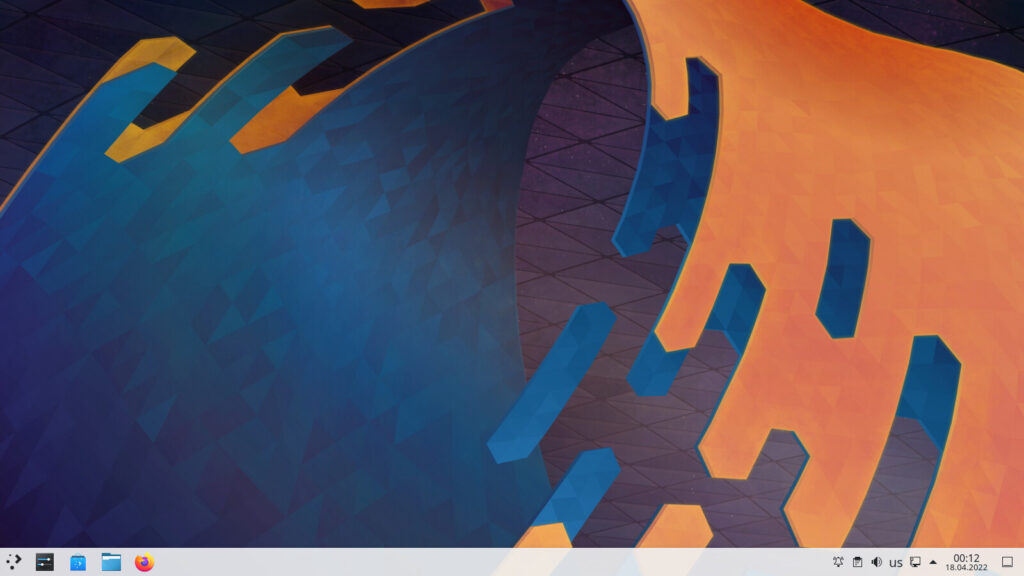
The KDE desktop
Unlike the Ubuntu desktop environment, KDE offers a maximally customizable desktop, with an absolutely massive set of features and configuration options. That’s essentially the core idea the developers put into it.
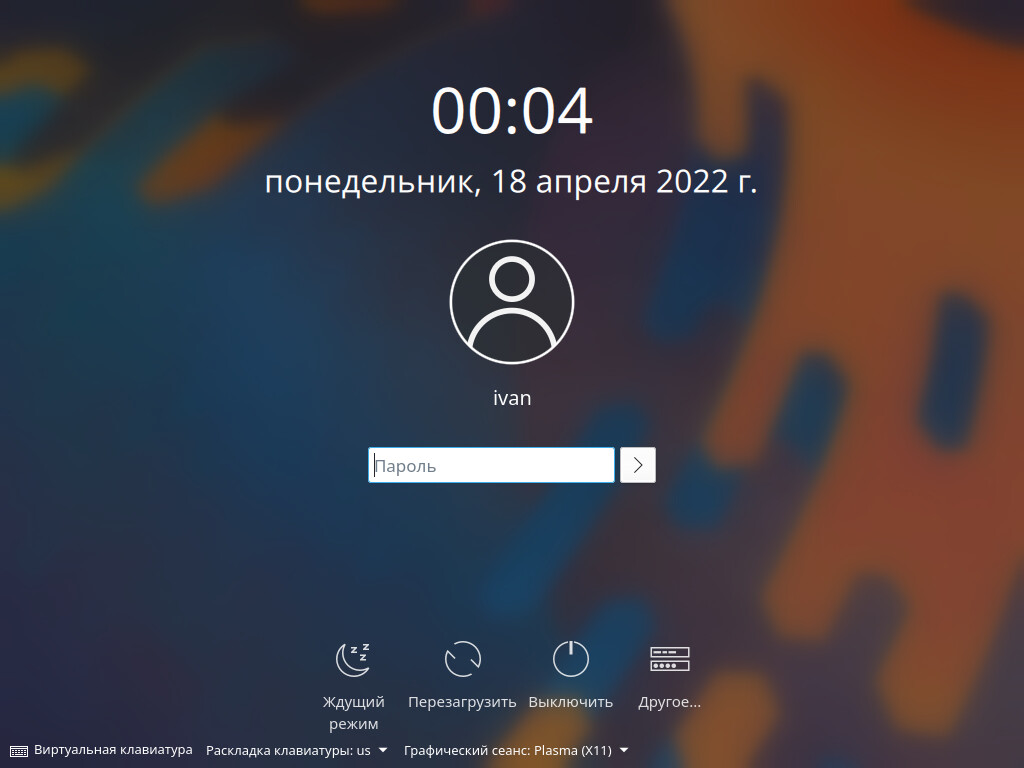
Lock screen:
Application menu, settings manager, and file manager: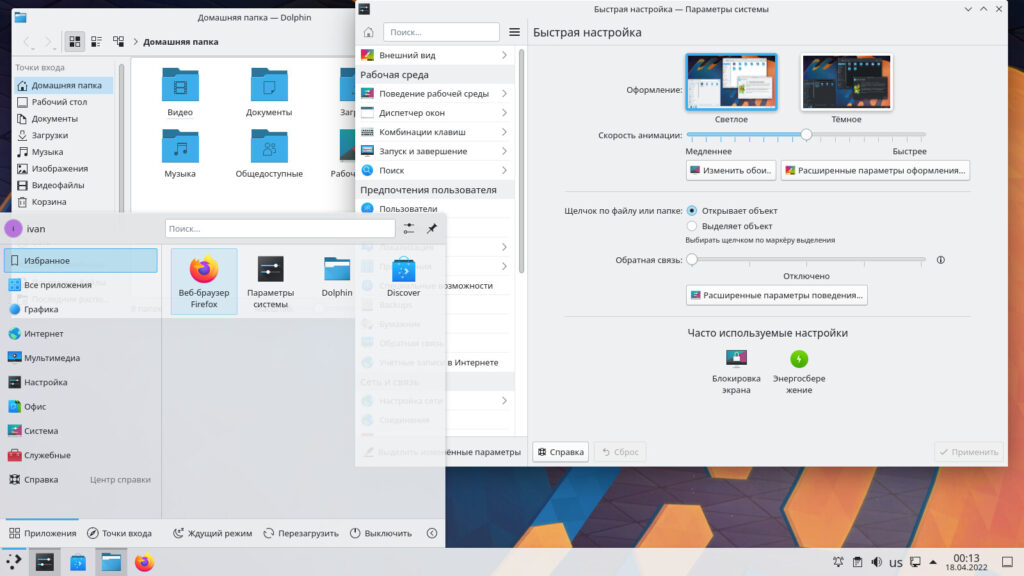
Browser and terminal: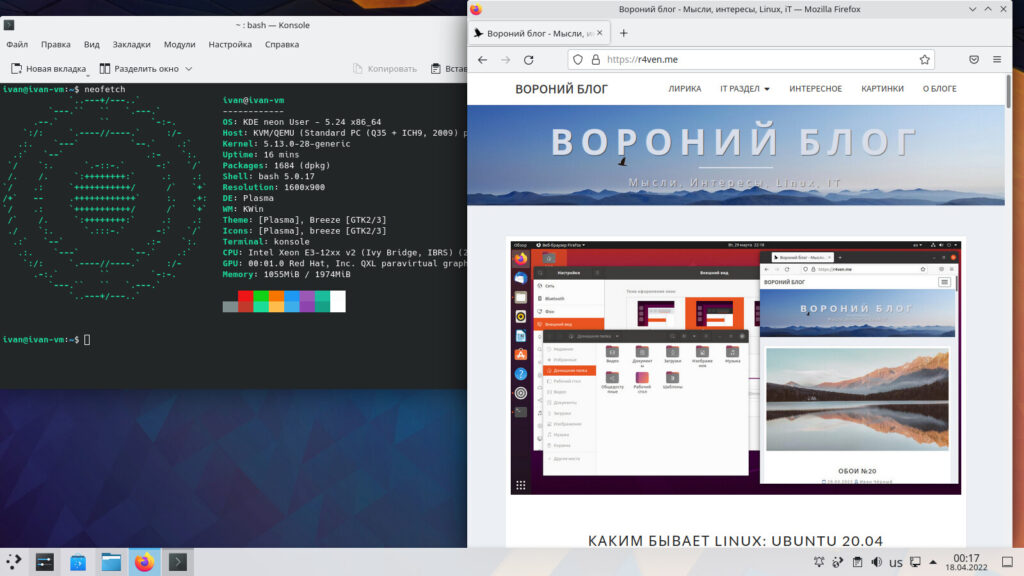
By default it has the classic arrangement of interface elements, but believe me, absolutely every pixel in KDE can be changed.
And of course, the dark theme: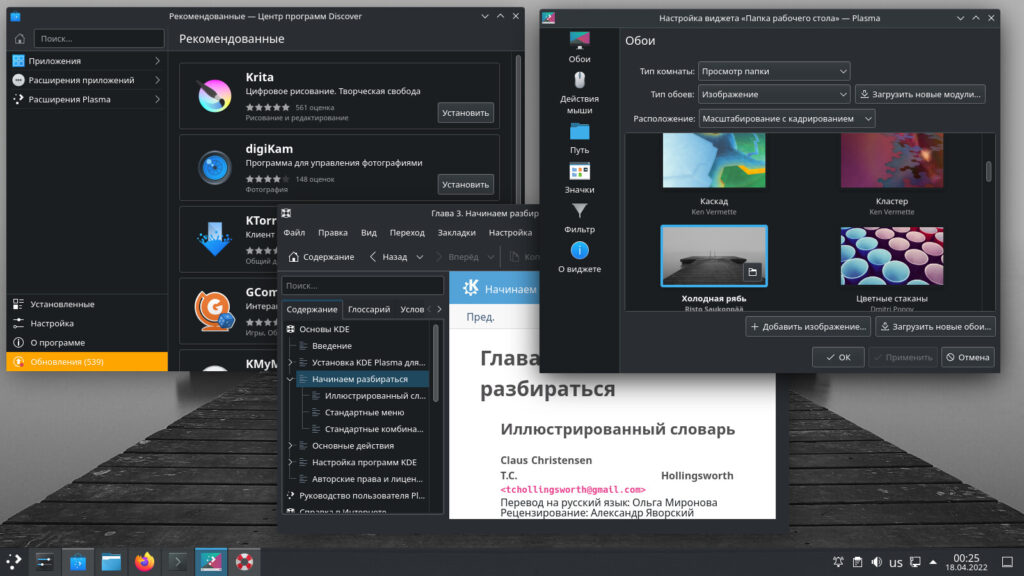
Task manager, text editor, and system tray: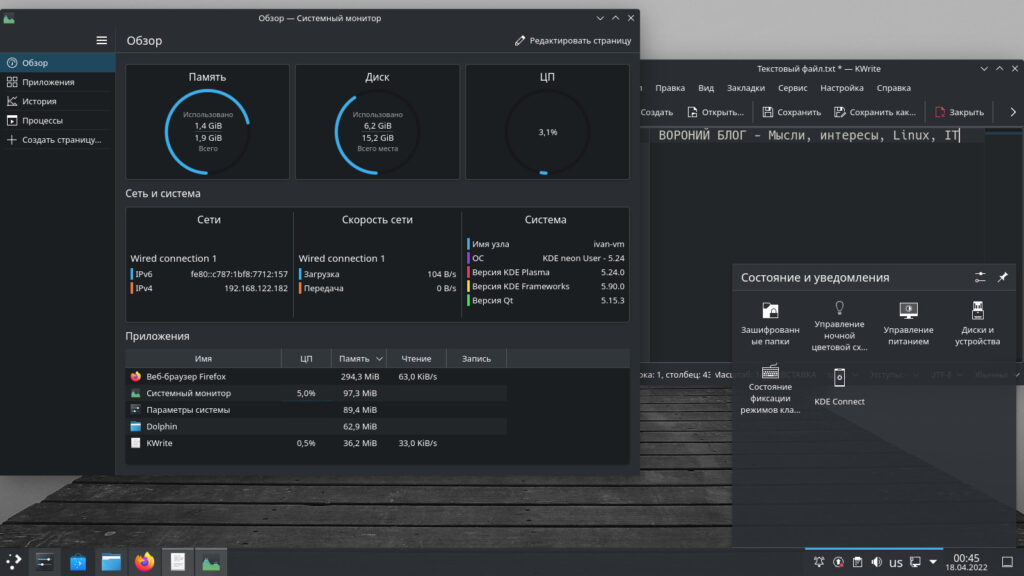
In the future I’ll definitely show you how far you can go tweaking the look of the KDE desktop 😉
Thanks for watching.
A couple of links:
👨💻And…
Don’t forget about our Telegram channel 📱 and chat
Or maybe you want to become a co-author? Then click here🔗
💬 All the best ✌️
That should be it. If not, check the logs 🙂
