

Some time ago one of the participants in the 💬Raven chat asked:
Shalom everyone, I saw your thread about Vim a bit late. Honestly, I read what was written about Vim, also googled it, and still did not understand why people, conditionally speaking, “jerk off” to it so much. You cannot make a full-fledged IDE out of it, as a remote code editor on machines maybe, and even that seems conditional to me. For simple mortal tasks, nano is actually enough. Although after reading about LazyVim, yes, it looks interesting, but again, what is the point? The same thing can be done in nano, the only advantage I see is code completion, but maybe I just have not embraced the ideas that Vim \ LazyVim provides.
PS - to me it has always looked like a slightly strange config editor, with light notes of BDSM.
In this lyrical note, I will describe my thoughts about what makes this console editor so attractive to many IT people (including me).
If this is the first time you hear what kind of editor this is, or if you would like to get to know it better, I recommend my introductory article:

So Why?
Well, look, I will now express my opinion and view on why people, as you put it, “jerk off” to it so much, and I will talk about my own attitude.
Before we begin, I will note: everyone is free to choose any tool that is convenient for them. Whether it is nano, micro, or even simple standard output redirection through cat or echo.
🖐️Hey!
Subscribe to our Telegram channel @r4ven_me📱, so you don’t miss new posts on the website 😉. If you have questions or just want to chat about the topic, feel free to join the Raven chat at @r4ven_me_chat🧐.
For simplicity, by the word “editor” I will mean all vi/vim/neovim.
1. Historical Aspect

2. Biomechanics and Efficiency
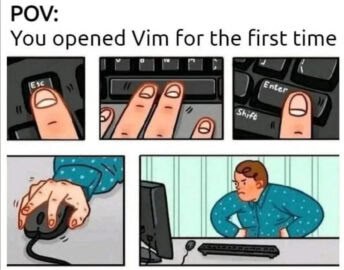
For example, navigation: hjkl, search: /, jump to the beginning of the file - gg, to the end - G, selection - v, copy - y, paste - p, command mode - :
All of this allows you to work with text at high speed without taking your hands off the keyboard.
3. Standardization and Unification
Over time, thanks to its “technical simplicity” and flexibility, vim became widespread, which eventually formed a kind of international standard. You have probably noticed that many utilities (for example, less, man, or the same git) support vi-like keys.
4. Ubiquity

vim at least at a basic level, you will always be able to edit files effectively on any Linux system.
5. Customization Capabilities
vim was created by programmers for programmers, its configuration capabilities are very, very broad. A special language, vim script, was created for configuring it, allowing you to write a config ideally suited to your preferences. If we talk about Neovim, it uses lua, and the customization possibilities fly off into space.
This editor has absorbed many well-thought-out practices. As they say, everything has already been invented before us through trial and error. All that remains is to learn how to use it🤷♂️
6. About Elitism

If this feeling of “specialness” helps you effectively study and use various technologies - please, go ahead. But shouting about it on every corner, like “I am not like everyone else”, is the lot of limited personalities. Unfortunately, there are quite a lot of such characters in our community.
Personal Opinion: Why I Like It
Here is what my Neovim (with a lua config) looks like at the moment:
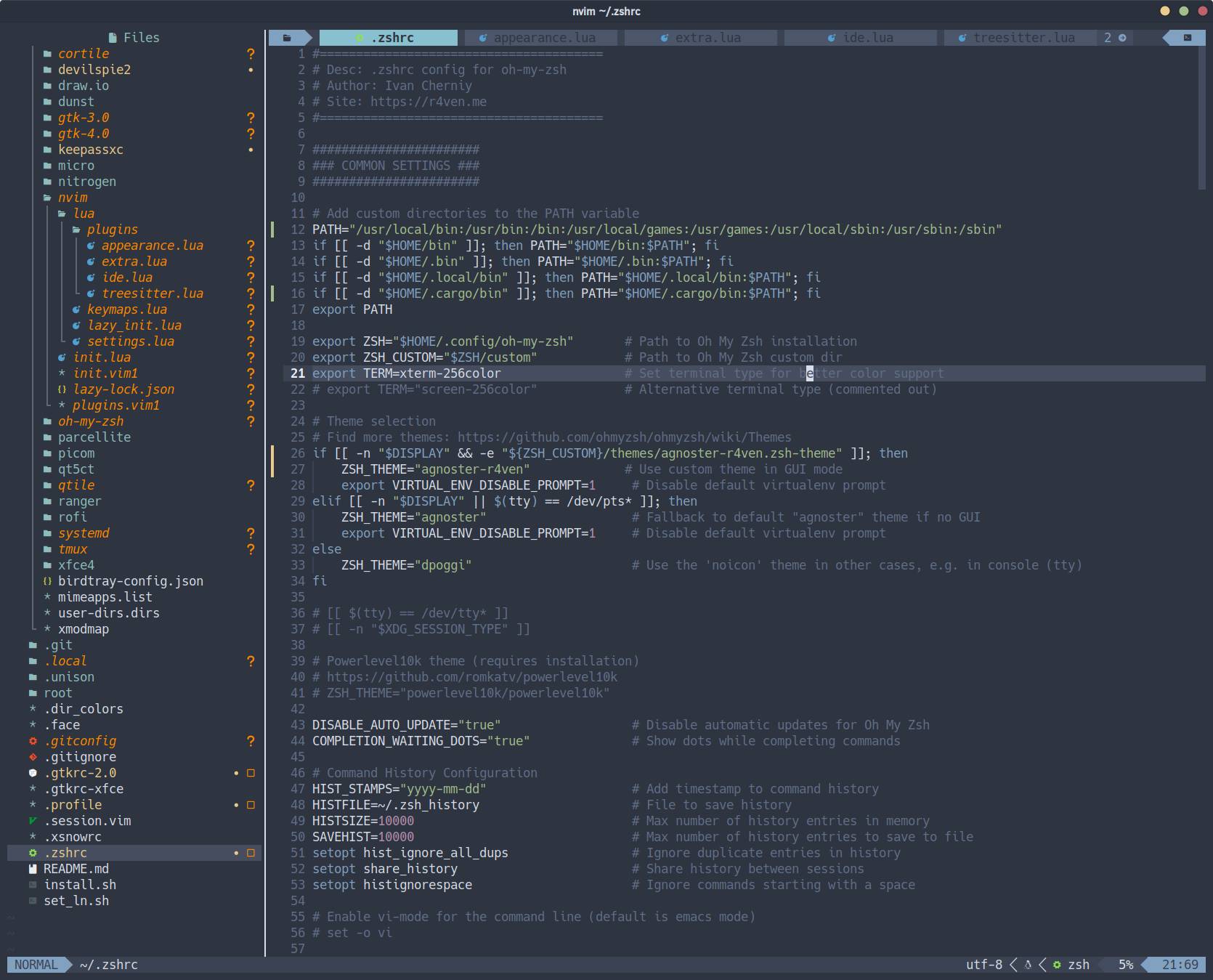
For some time, I myself thought that vim was for some kind of reptilians (almost the same way I initially thought about bash). In the console, I preferred the micro editor - an excellent editor, by the way. However, after overcoming prejudice and digging deeper into the topic, I realized that I had never been so wrong. As a result, I became a real adept of vim/neovim (as, in fact, of bash), although I have learned only a few percent of it)

Now I use Neovim as my main editor for code, configs, and scripts. I installed and configured all the tools and plugins I need for comfortable work, as well as the theme. As a result, I got a cool, functional, and beautiful tool fully adapted to my preferences. I hardly changed the basic key combinations, only added a few new ones. Since I work in it regularly, the muscle memory built up for the main operations works in any vim on any server. And this helps me a lot in my work.
A Little About nano
The nano editor is not called that by accident - it does not have even one percent of what vim can do in its basic configuration. But it is not positioned as a replacement for vim either. It is simply another tool that does its job well. I also use it from time to time.
Addition from the Chat
Participant comment: Alexey Ostroverkhov
Here is the keyboard layout of the ADM-3a terminal, for which vi was developed.


Note that there are no cursor control keys, but the arrows are drawn exactly above hjkl; the esc and control keys are located elsewhere; there is a separate key for :, so you do not need to press shift to type a command; and the home button is combined with ~, which is why this symbol came to be used to denote the home directory.
👨💻And…
Don’t forget about our Telegram channel 📱 and chat
Or maybe you want to become a co-author? Then click here🔗
💬 All the best ✌️
That should be it. If not, check the logs 🙂

Comments