
Sometimes you need to completely reset the repository history - when you accidentally pushed secrets, huge files, or simply need a clean history.
In this short HowTo we will consider one of the options for cleaning the Git repository history.
🖐️Hey!
Subscribe to our Telegram channel @r4ven_me📱, so you don’t miss new posts on the website 😉. If you have questions or just want to chat about the topic, feel free to join the Raven chat at @r4ven_me_chat🧐.
The Essence of the Method
For this purpose we will use an orphan branch, which has no parent in the history. We create it with the current state of the files, delete the old history, rename it to main and push with force.
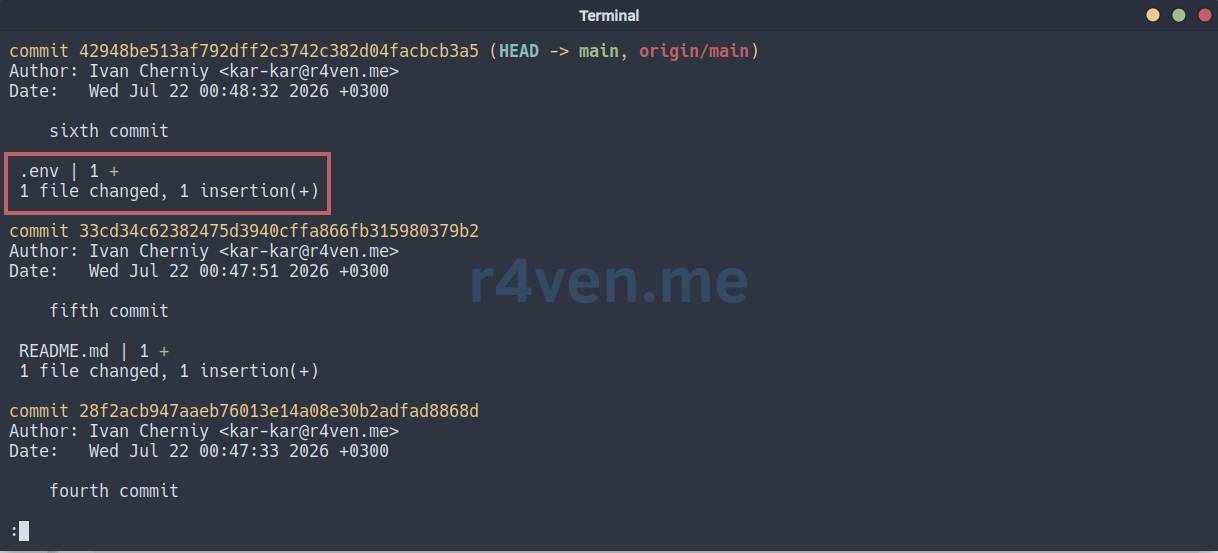
Situation: we committed something to the repository that shouldn’t be there 😨:
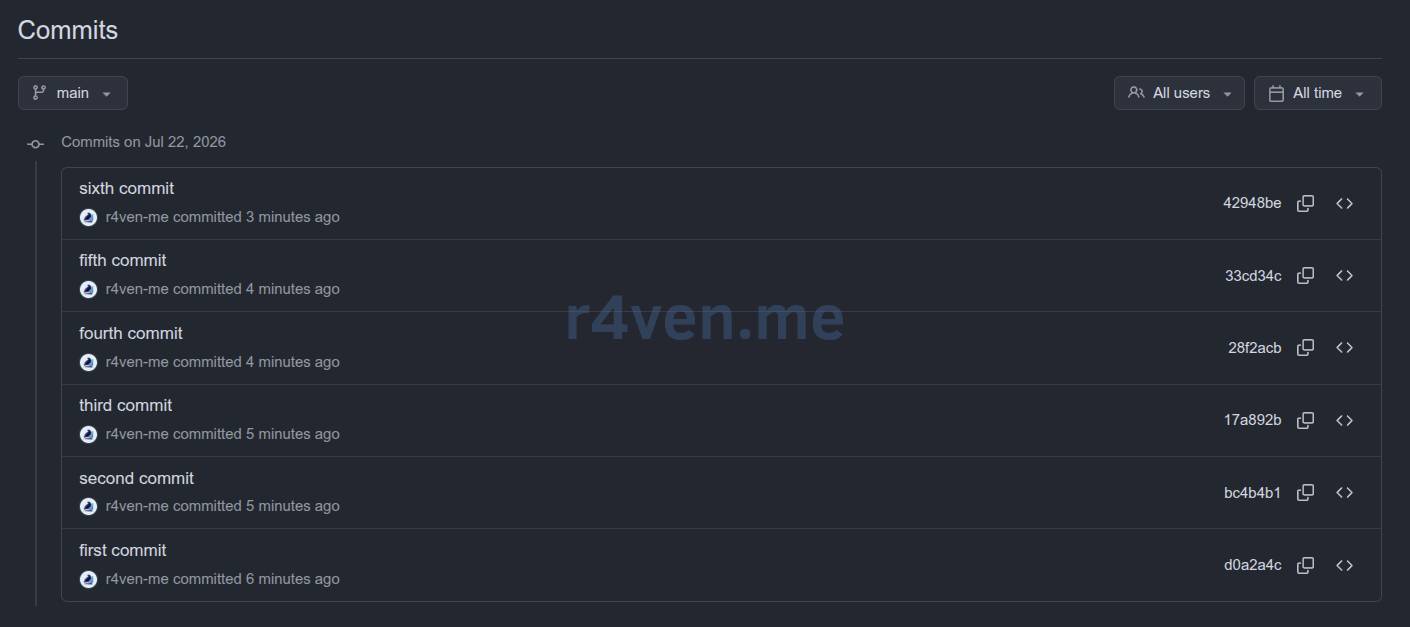
Or simply cluttered the project history:
Cleaning the Commit History
In the “problematic” repository we create a new branch without history, add all current contents and commit:
git rm --cached .env
echo .env >> ./.gitignore

git checkout --orphan new-branch
git add -A
git commit -m "Initial commit"Delete the old branch and rename the new one to main (or master if you use it):
git branch -D main
git branch -m main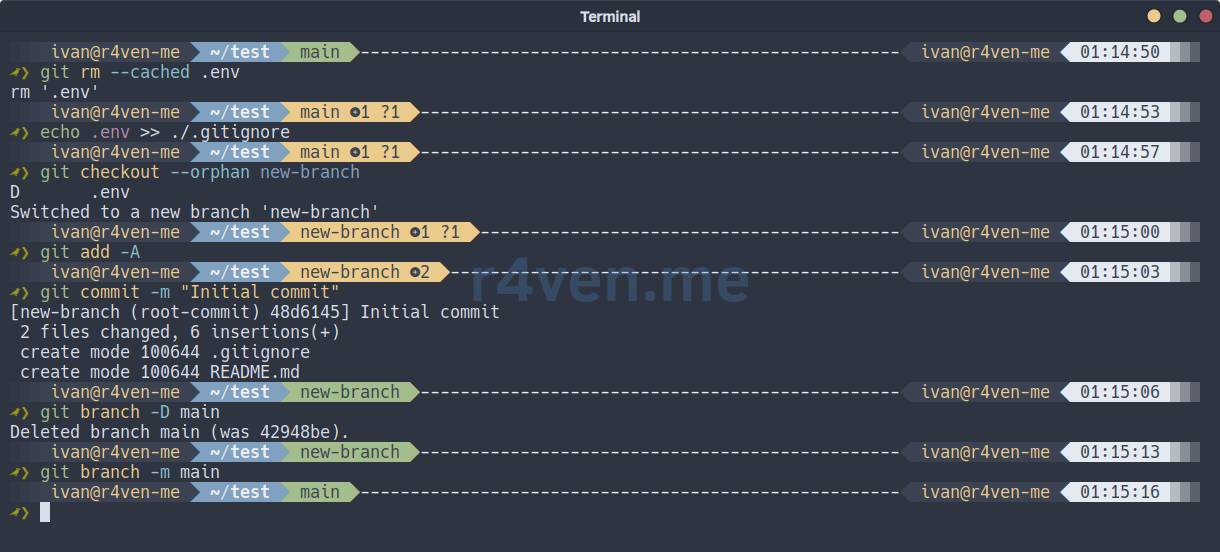
Send to the remote repository with the force flag (warning: this will rewrite the history on origin):
git push -f origin main
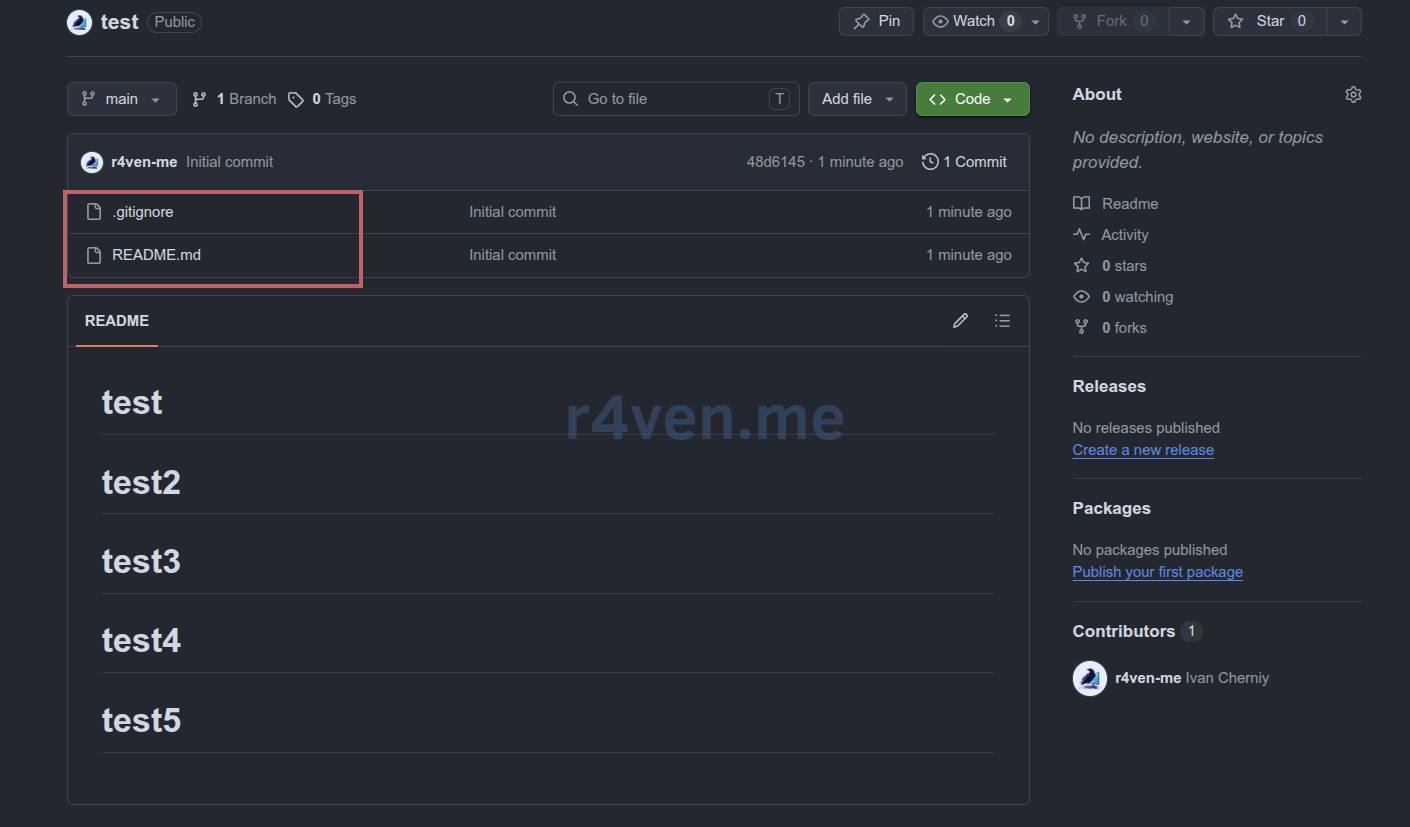
⚠️ Force-push will rewrite the history on the server. Make sure no one else is working with this repo at that moment, otherwise people’s local clones will break. If the repo is shared - coordinate with the team before doing this.
☝️ All colleagues working with this repo, after force-push will have to do git fetch origin && git reset --hard origin/main (or simply clone again).
Afterword
The method is harsh, but it works 😌. If you need more careful cleaning (for example, remove only certain commits or large files), look at git filter-branch or git-filter-repo - they are slower, but more flexible.
Thank you for reading. Good luck! 🐧
Useful Materials
- git-checkout orphan - official documentation;
- newren/git-filter-repo - alternative for precise cleaning.
👨💻And…
Don’t forget about our Telegram channel 📱 and chat
Or maybe you want to become a co-author? Then click here🔗
💬 All the best ✌️
That should be it. If not, check the logs 🙂

Comments