
Today in the Linux user’s glossary 🐧 terminal multiplexer — a tool that is very often used in the process of administering Linux systems 🧑💻. As usual, we’ll give a definition of the term, talk about popular implementations of terminal multiplexers, and of course about their advantages and disadvantages🧐.
🖐️Hey!
Subscribe to our Telegram channel @r4ven_me📱, so you don’t miss new posts on the website 😉. If you have questions or just want to chat about the topic, feel free to join the Raven chat at @r4ven_me_chat🧐.
Also note that this theoretical post📗 precedes a future article on installing and configuring the popular multiplexer Tmux 🪟.
What Is a Terminal Multiplexer?
A terminal multiplexer is a tool that allows a user to manage multiple terminal sessions in a single window. It acts as a “window manager” for the console, allowing you to launch and switch between multiple processes and shells, split the screen into panes, and (most importantly for me) restore work after a connection drop, for example SSH. Control is done using hotkeys🎹 and sometimes the mouse🐭.
Overall, an indispensable tool for advanced Linux users😎.
Brief History
The idea of managing multiple terminal sessions arose alongside the development of multitasking in Unix-like systems. The first popular tool for this purpose was screen from the GNU project, released in 1987. It was easy to use and allowed sessions to be restored after a connection drop🧐.
Over time, new tools emerged that offered more modern functionality. So in bring back my 2007, tmux 🔥 was released, which came from the BSD world and became a popular alternative to screen, thanks to convenient configuration, extensibility, and scripting support.
In recent years, more modern implementations👀 have appeared, such as Zellij and Wezterm, aimed at improving the user experience.
Popular Implementations, Their Pros and Cons
GNU Screen
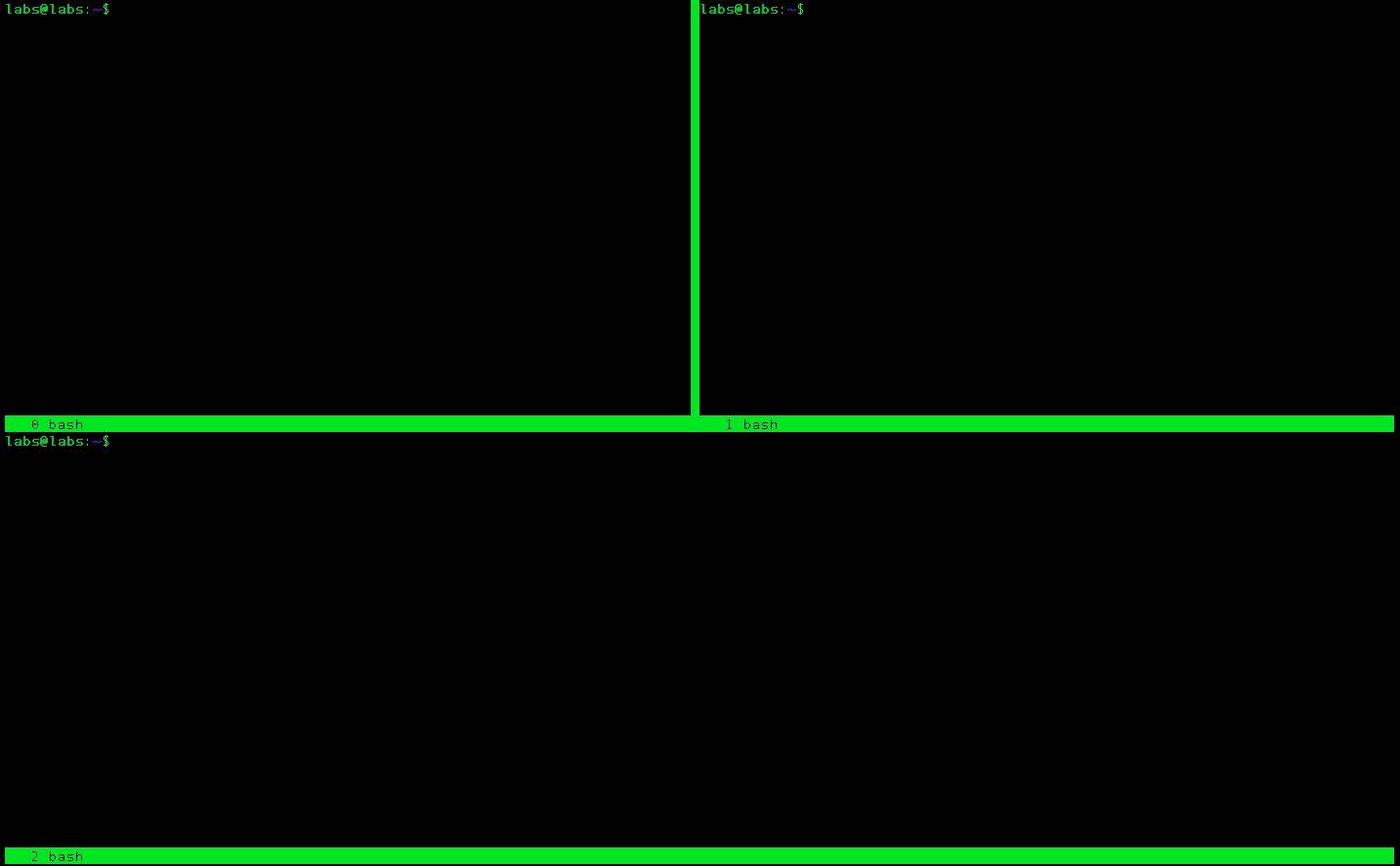
Source: Habr
- Written in: C;
- License: GPL 3.0;
- Pros:
- ease of installation (available in almost all repositories);
- simplicity of configuration and use;
- time-tested stability.
- Cons:
- limited functionality compared to modern alternatives;
- somewhat outdated interface, inconvenient hotkey configuration;
- low development activity in recent years.
Tmux
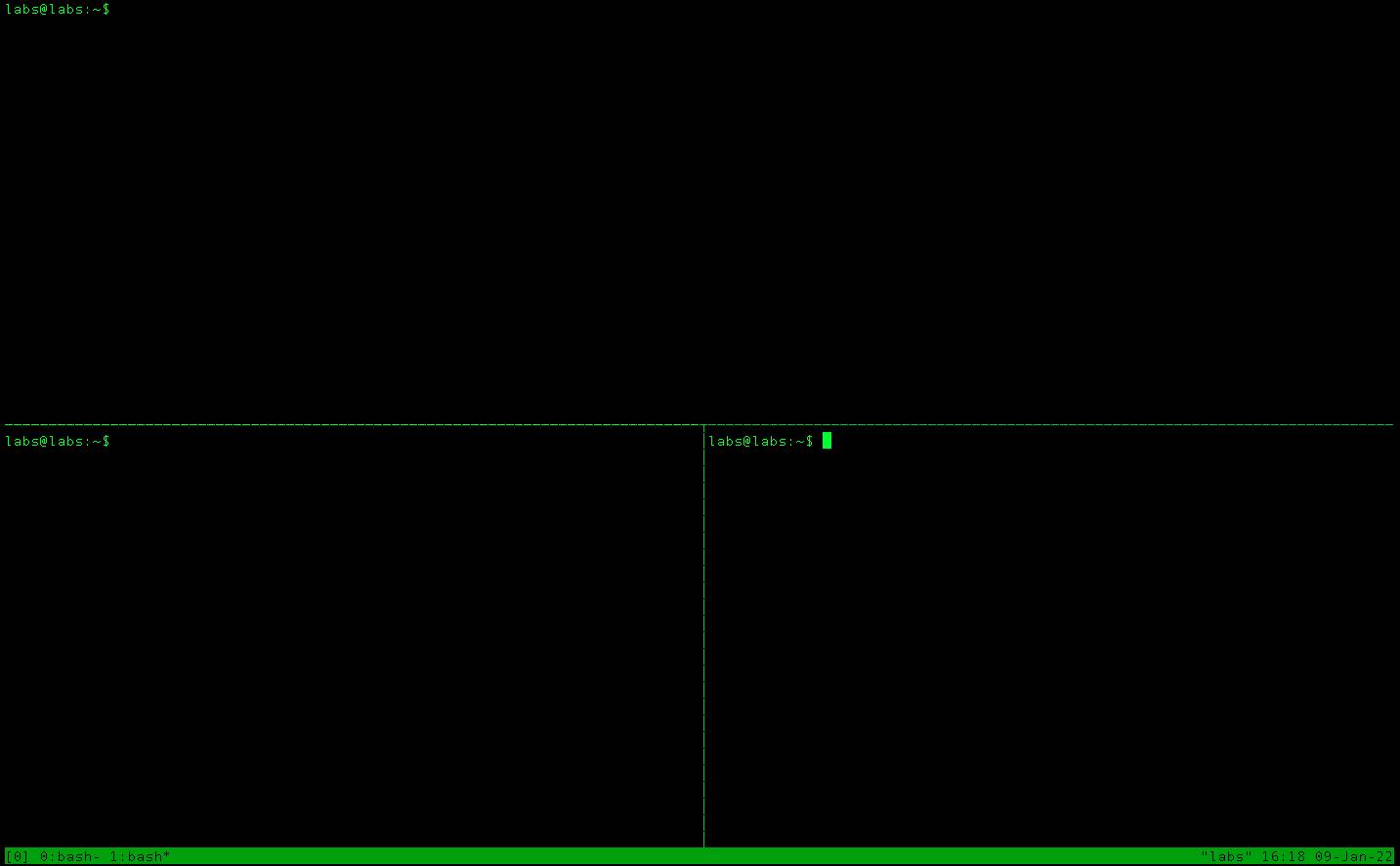
Source: Habr
Here’s what my Tmux configuration looks like, which I’ll talk about in a future article 😉
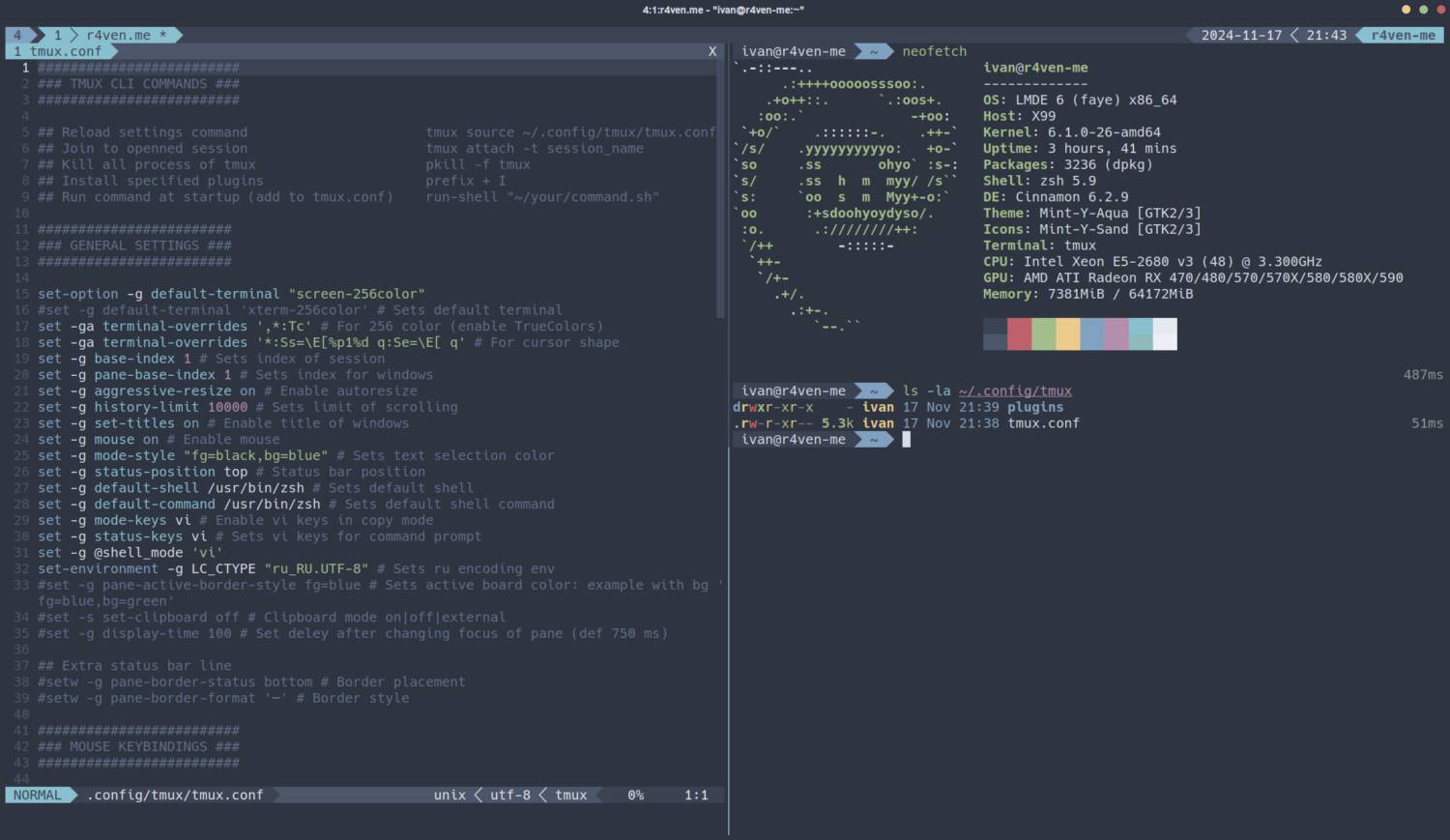
- Written in: C;
- License: ISC (BSD);
- Pros:
- configuration flexibility, ability to create complex configurations;
- active community and regular updates;
- plugin support for extending functionality🤯;
- improved window and pane management.
- Cons:
- learning curve for beginners (especially configuring the config file);
- some features require installing third-party plugins.
Zellij
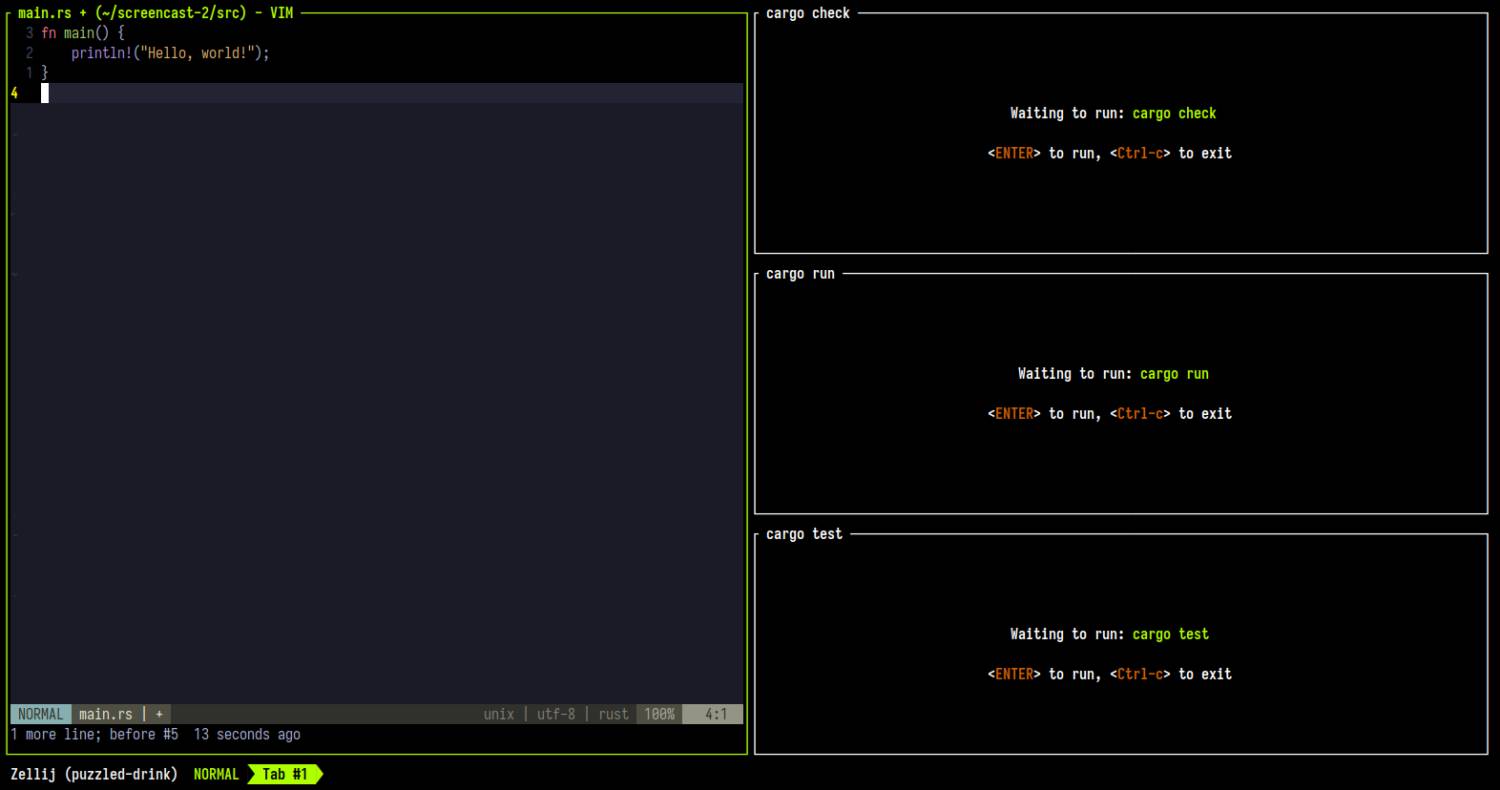
Source: zellij.dev
- Written in: Rust;
- License: MIT;
- Pros:
- intuitive interface and well-thought-out hotkey system;
- advanced capabilities for working with multiple users;
- modern design and actively developing project.
- Cons:
- young tool, not as stable as
tmuxorscreen; - fewer plugins and less documentation.
- young tool, not as stable as
Wezterm
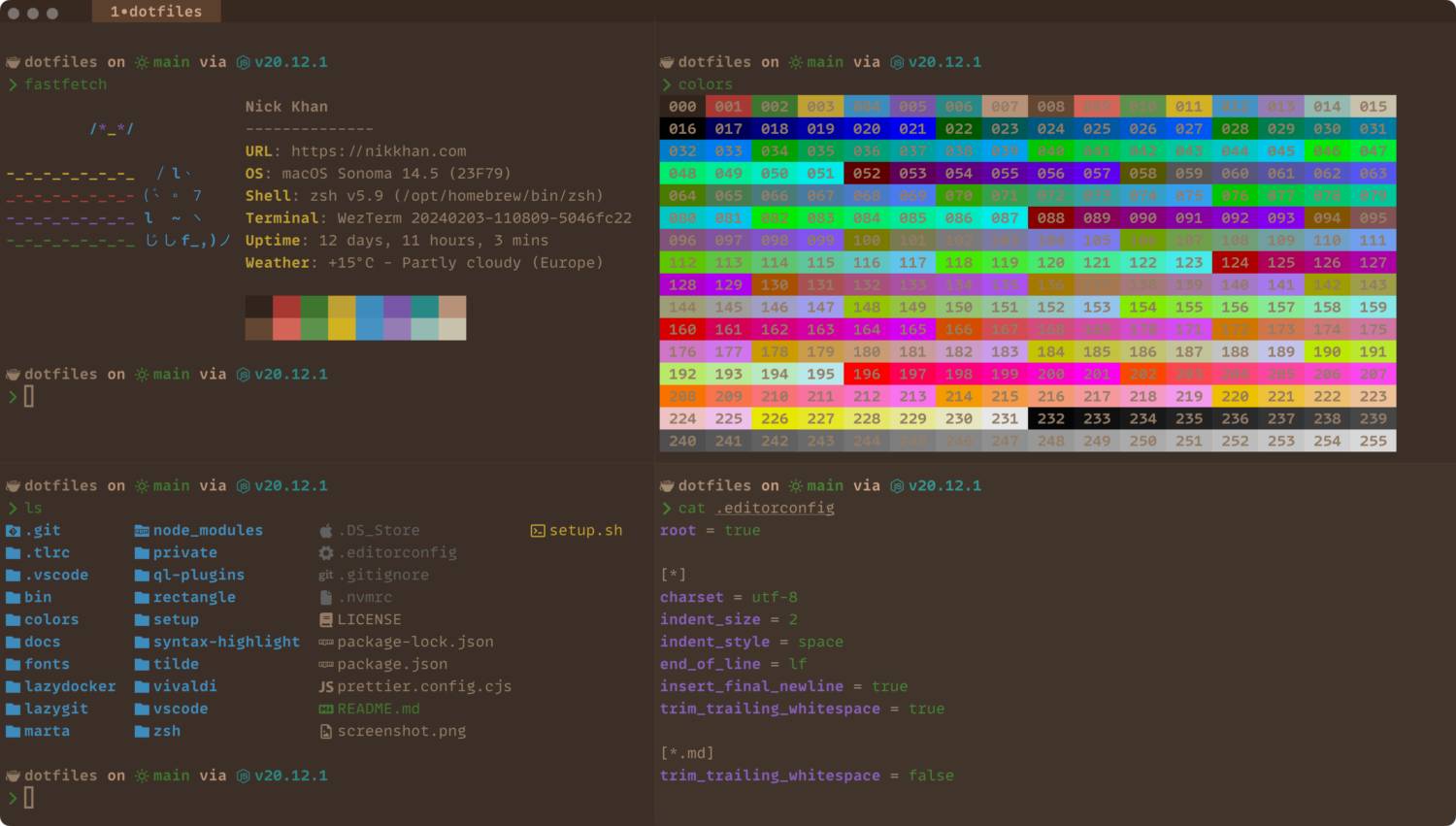
Source: GitHub
- Written in: Rust;
- License: MIT;
- Pros:
- integration with modern terminals and GPU rendering support;
- advanced interface customization capabilities via Lua;
- essentially a full-fledged terminal in its own right.
- Cons:
- complex setup for beginners;
- less popular in the community, so it’s harder to find help.
Conclusion
The choice of a terminal multiplexer depends, of course, on your requirements and tastes🤷♂️.
I prefer to work in Tmux, since it was the first multiplexer I got acquainted with😌. Another important factor, of course, is the time and resources I spent configuring Tmux🤯 to turn it into the ideal tool for me to work with the console.
If you often find yourself in a terminal window but haven’t yet worked with terminal multiplexers, I recommend giving them a look👍.
Useful sources
- Terminal multiplexer | Wikipedia (EN)
- Terminal multiplexers | Habr
- GNU Screen | ArchWiki (EN)
- Tmux | ArchWiki (EN)
- Zellij | Project website (EN)
- Wezterm | Project website (EN)
👨💻And…
Don’t forget about our Telegram channel 📱 and chat
Or maybe you want to become a co-author? Then click here🔗
💬 All the best ✌️
That should be it. If not, check the logs 🙂

Comments