

Some time ago, I bought myself JBL Tune 670NC headphones🎧. And I would like to write a short review for my blog in the “Hardware” section, even though there is more plastic than metal🤷♂️.
🖐️Hey!
Subscribe to our Telegram channel @r4ven_me📱, so you don’t miss new posts on the website 😉. If you have questions or just want to chat about the topic, feel free to join the Raven chat at @r4ven_me_chat🧐.
Anticipating possible thoughts from some readers - at the moment my blog is non-commercial, so nobody paid me any money💵🙃.
I am simply recording in the blog how I choose computer peripherals for myself🤷♂️.
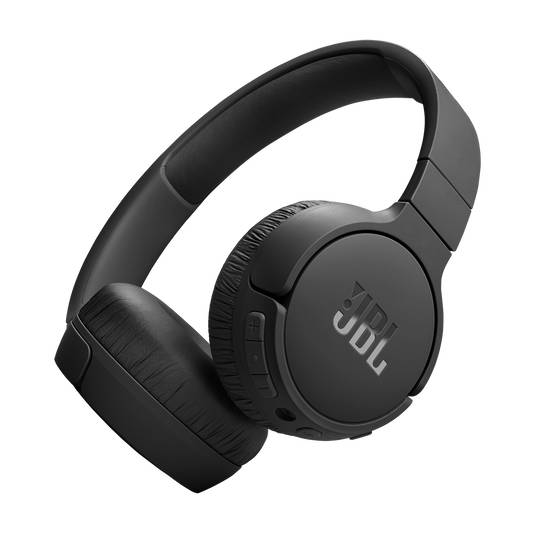
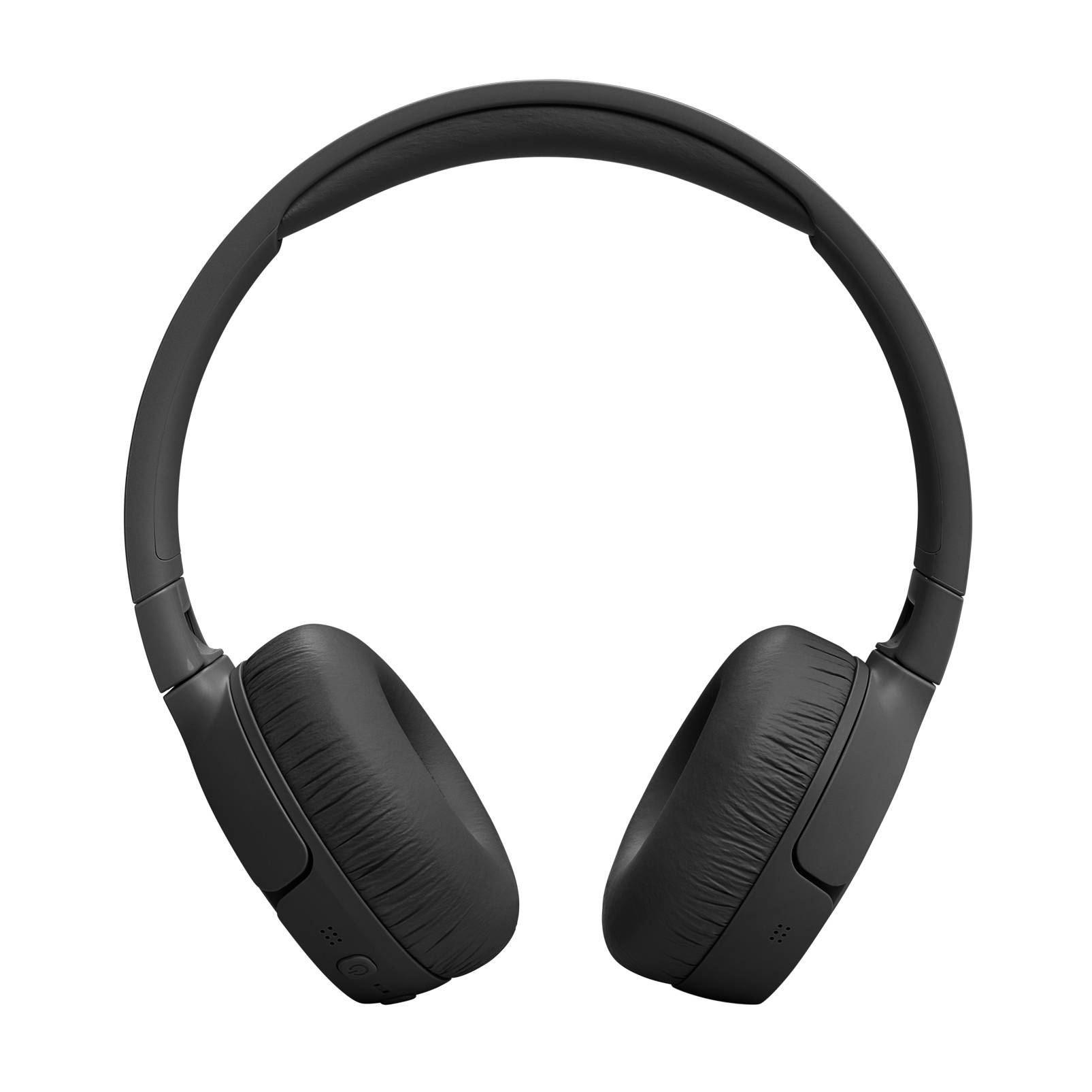
Appearance
A couple of photos from the official website:
Technical Specifications
Below are the main technical specifications of the headphones:
| Key | Value |
|---|---|
| Model | JBL Tune 670NC |
| Signal transmission method | Bluetooth (5.3), wired (3.5 mm jack) |
| Maximum playback frequency | 20000 Hz |
| Sensitivity | 98 dB |
| Volume control | yes (mechanical buttons) |
| Microphone | yes |
| Microphone sensitivity | -40 dB |
| Active noise cancellation system | yes🔥 |
| Charging connector | USB Type-C |
| Headphone battery capacity | 690 mAh |
| Claimed battery life on one charge | up to 70 h.🤔 |
| Control application | JBL Headphones🔥 |
| Production start date | 2023 (I bought them in 2025) |
See the relevant websites for more details. And now to the review.
A Little Background
The reason for buying new headphones, as often happens, was that my old “ears”🎧 were sent into well-deserved retirement.
They were also JBL (I do not remember the model, sorry), only wired. As you have probably guessed, I liked them (otherwise why buy headphones from the same company again?). These headphones became mine as a gift from someone close to me❤️. This was around 2021/2022.
The old headphones had one “temporary” drawback (and it was not the wire): they were a bit too small for me. But since they had special value for me, I used them anyway. And at some point they cracked slightly from being stretched. At first I was upset, but it turned out to be a blessing in disguise, and in the end they started sitting on my head as if made for it🙃.
I used them for a long time, but when they really began to “fall apart” and the ear pads started crumbling (see the photo below, I swept the floor every day) - I decided it was time to replace them.
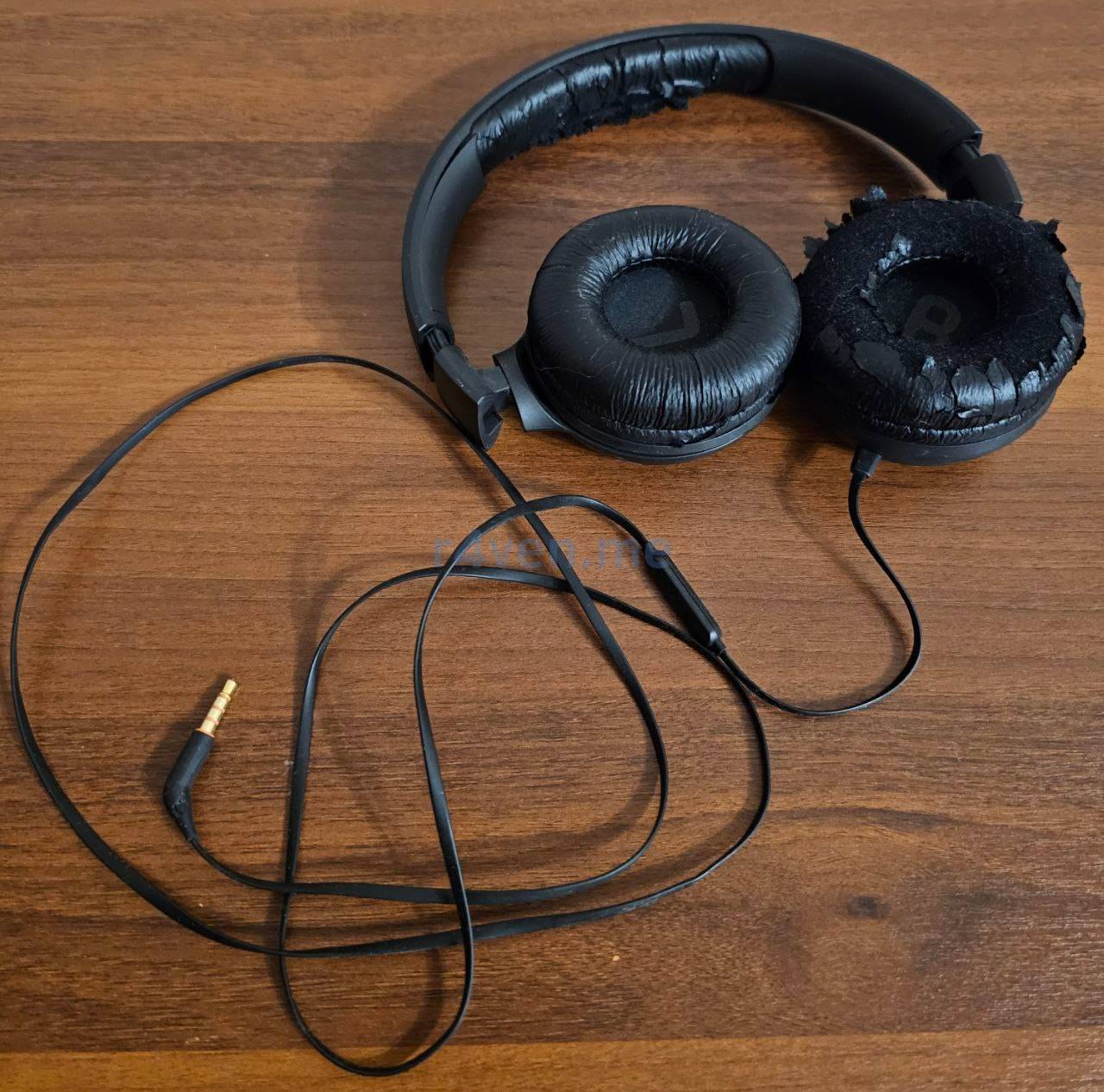
And they still work😑.
Without thinking for long, I went to the website of the domain name resolution system to see what the same company currently had on the market: study the specifications, look at pictures, read reviews, and so on.
When buying digital equipment, I, like many people, try to find a balance between price and quality. And the choice fell on JBL headphones, model Tune 670NC. I specifically wanted wireless and wired headphones at the same time. Just like with a mouse and keyboard.
📝 By the way, there will also be a review of them. I recently bought a Logitech MX Master 3s mouse and a Wobkey Crush 80 Reboot Pro Navy keyboard.
Why do I need both wired and wireless at once? Because battery charge is not a stable currency, and I prefer to have a backup option in an emergency.
In my opinion, nothing more reliable than a wire has been invented for transmitting information so far. Therefore, the selected headphones also have a classic analog 3.5 jack connection interface:
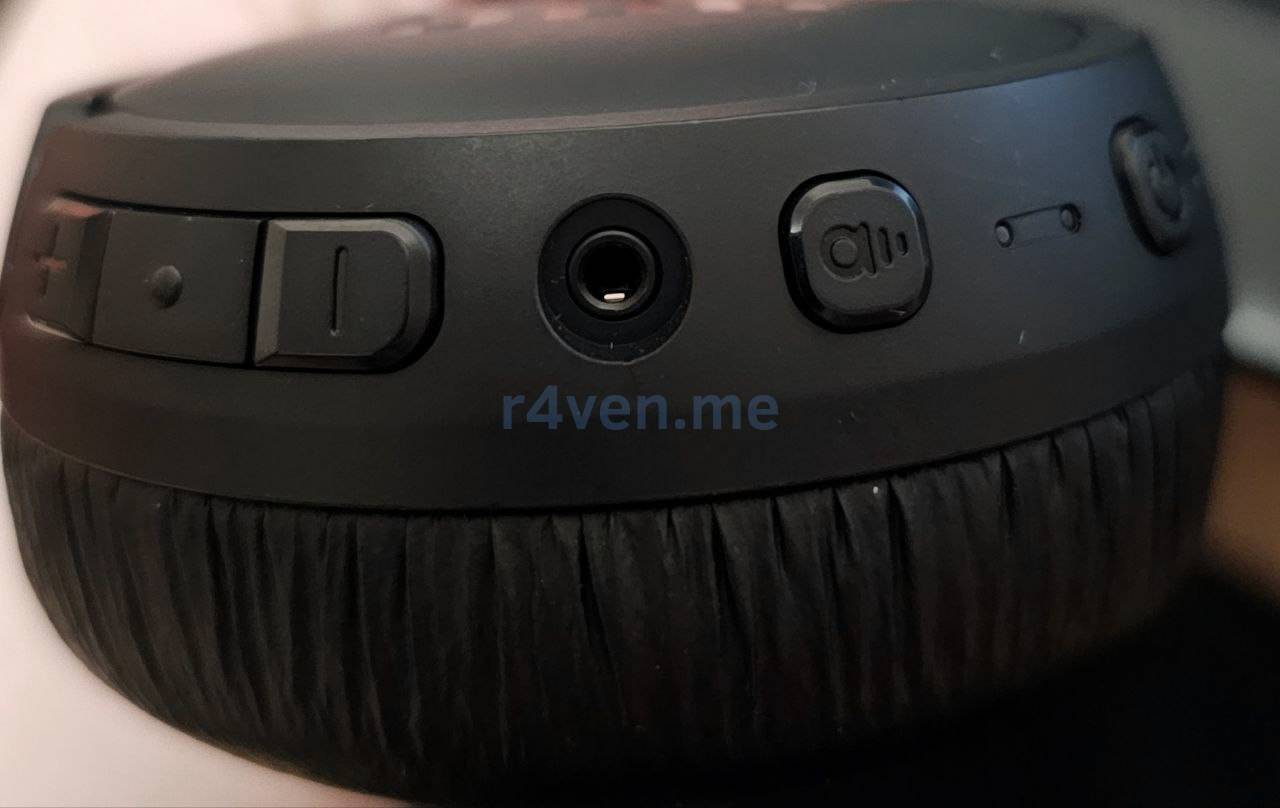
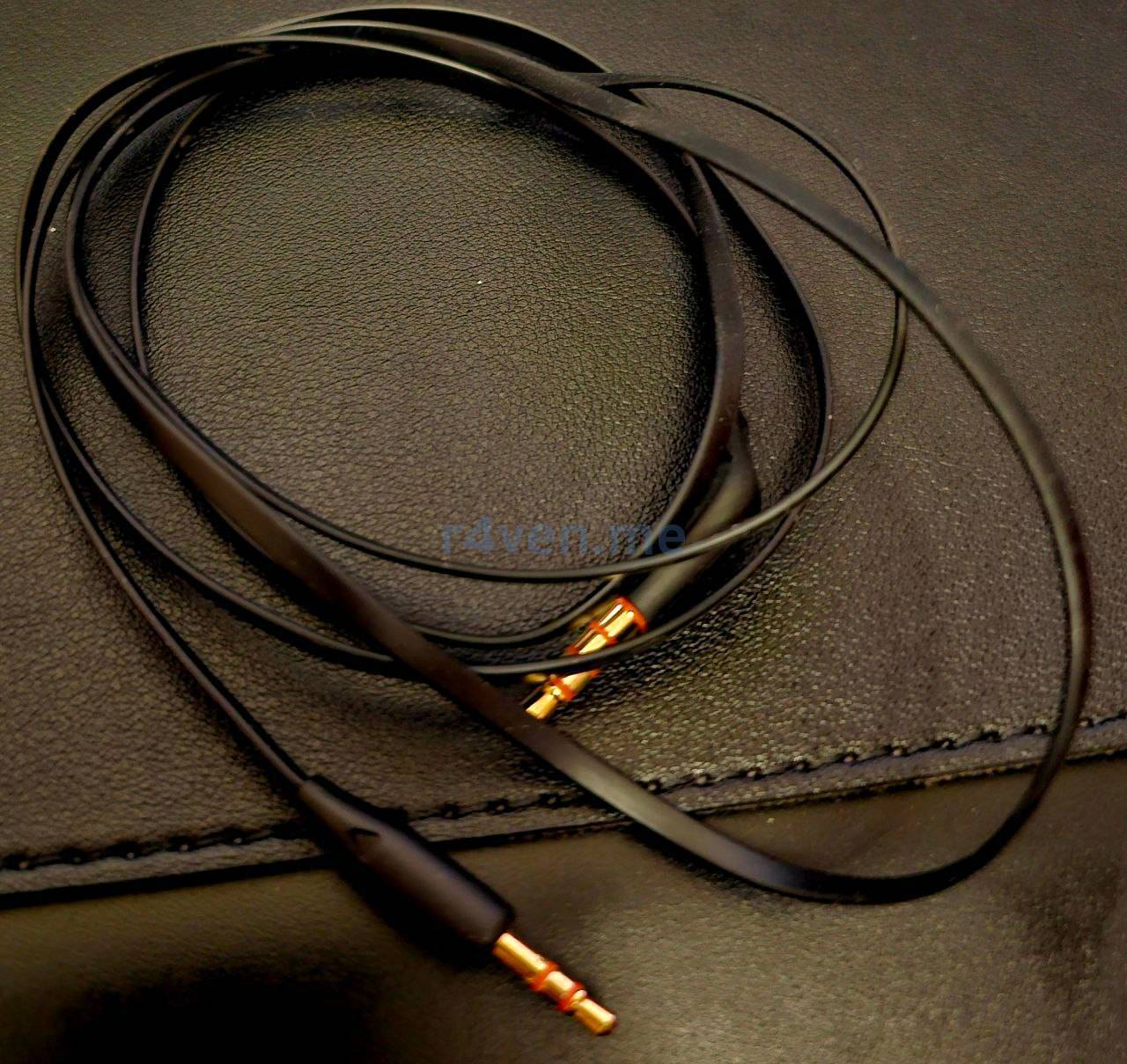
Of course, when using the wire, sound quality noticeably decreases, but this is only needed in special cases.
Battery Life
Since I am not an audiophile, although I do like listening to music, I usually use the headphones for a short time during the day. Mostly for work calls and so on. Therefore, on average I charge them once a week, or even less often. The headphones can turn off automatically if they are not used for a long time. This saves battery power significantly.
Linux and Drivers
My main desktop system is Linux Mint Debian Edition. There were no driver problems either on version 6 (Debian 12) or on the latest version 7 (Debian 13). I simply connected them via Bluetooth using the preinstalled blueman application (blueman applet), and that was it, the sound worked.
Sound Quality
Again, I am not an audiophile, so my quality requirements are not low. But the resulting sound quality pleasantly surprised me. The headphones also have active noise cancellation (it seems these are the most budget-friendly ones with this feature, although I could be wrong) - this also worked in their favor when choosing.
About Fine-Tuning the Device
For Android, there is the official JBL Headphones application, which allows you to fine-tune the sound:
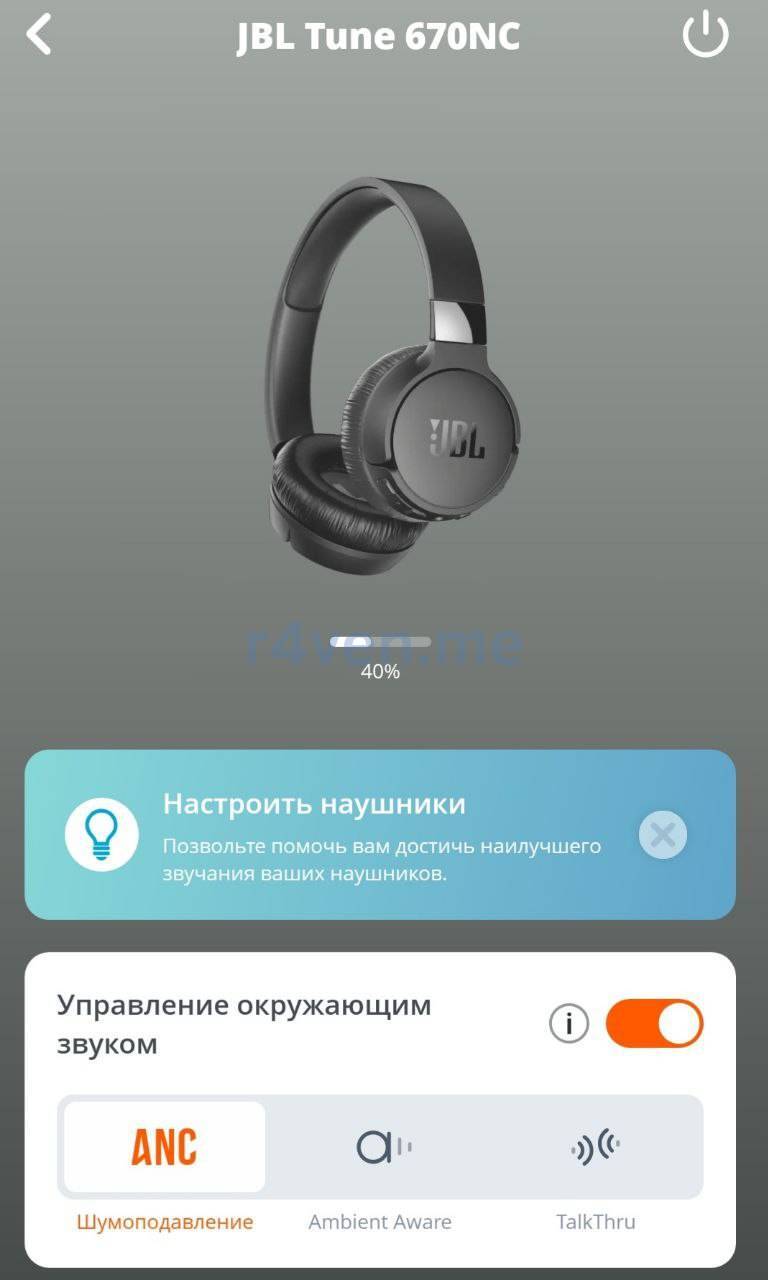
But I did not really change anything there, because the default settings suit me quite well.
Disadvantages (What Would We Do Without Them?)
If you prefer listening to music loudly, I am in a hurry to disappoint you: these headphones are quite loud, but their construction is obviously not designed for that🤷♂️.
What I mean is this: if you turn on some trance or Metalcore at full volume, you will hear plastic knocking during the bass. This terribly spoils the listening experience. At first I was even upset and thought about returning the headphones, but after thinking that I was probably demanding too much from headphones in this price category, I changed my mind. Besides, I can very rarely listen to music louder than medium volume. Mostly I prefer quiet background music while working, because louder sounds distract me (they interfere with staring at the terminal).
By the way, in the official application you can set a volume limit, and then you physically will not be able to raise the volume to the level where the headphones start accompanying the performer with their “own drums”.
Headphone Holder
Of course, it is not included in the package, so I bought it separately. I decided to mention it for completeness.
There is not that much free space on my desk, so I decided to store the headphones under the desk using this kind of holder on double-sided tape:
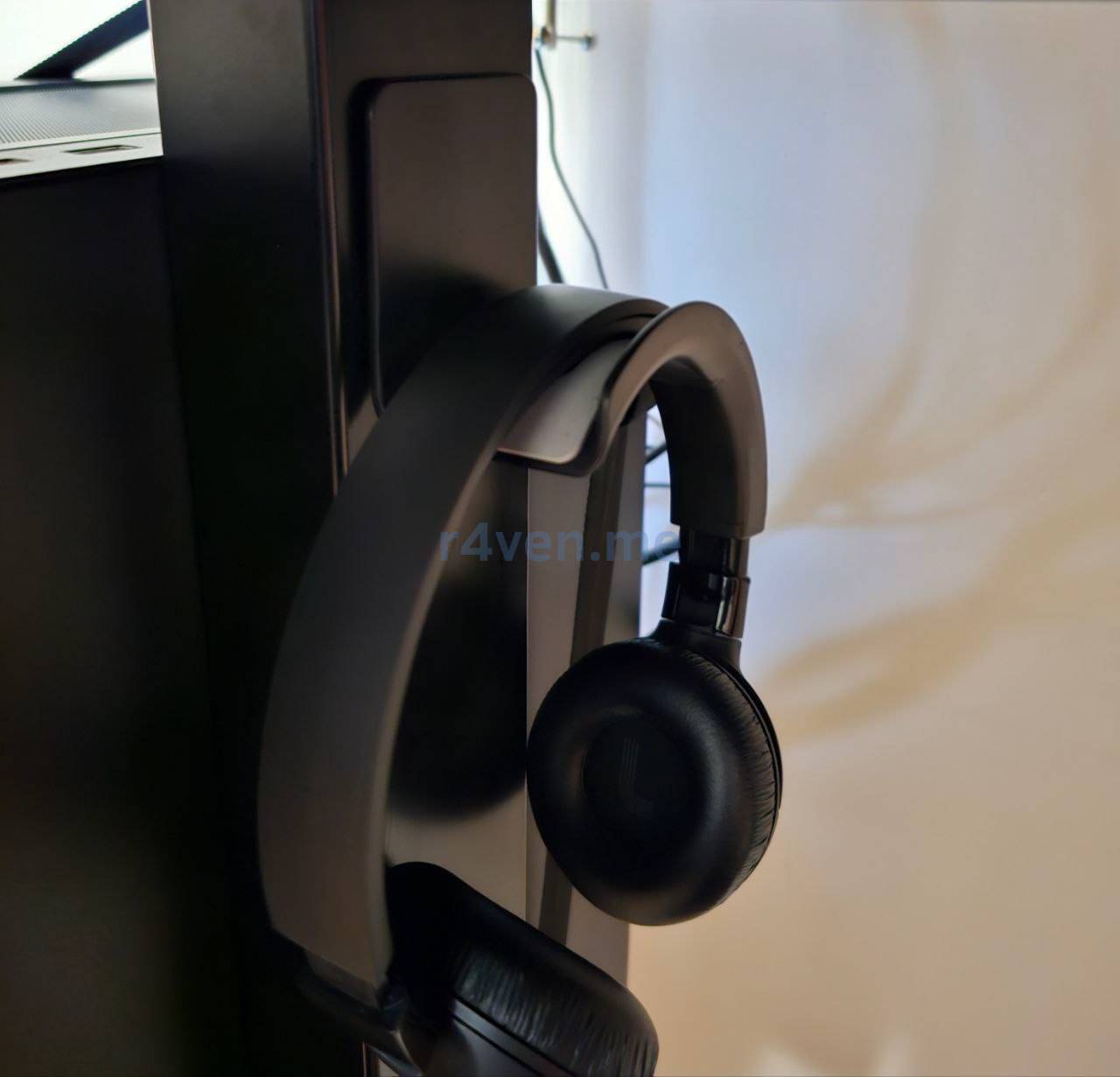
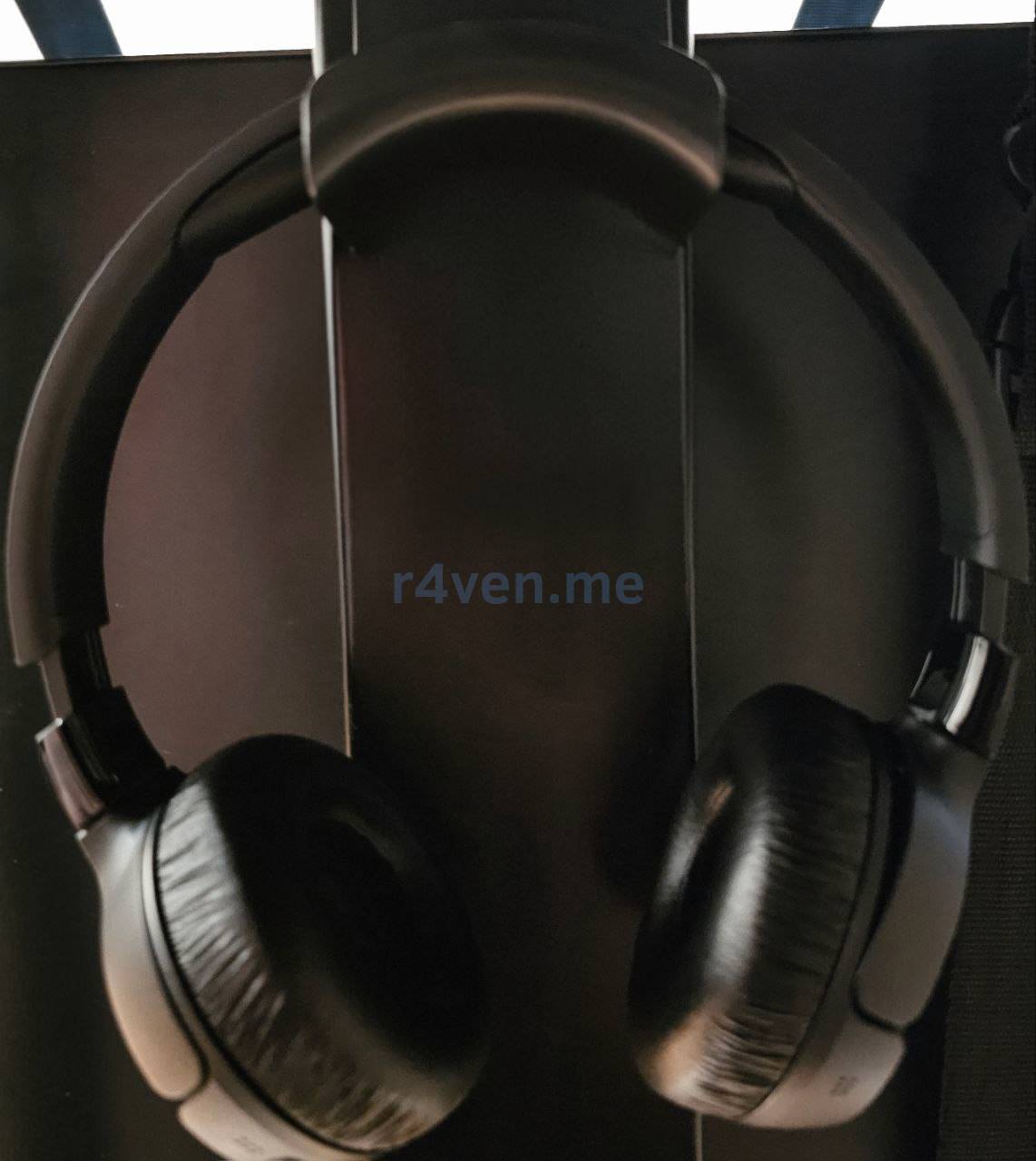
It is inexpensive, looks neat, seems to attach securely, and we will see how it goes🤷♂️.
About the Price
The price of the headphones at the time of purchase (May 2025): 6000 rubles.
The price at the time of writing the article (January 2026, in the same store): 5600 rubles.
Thank you for reading. All the best!
👨💻And…
Don’t forget about our Telegram channel 📱 and chat
Or maybe you want to become a co-author? Then click here🔗
💬 All the best ✌️
That should be it. If not, check the logs 🙂

Comments