Linux command line, file links: the ln command
This is the fifth post in the series on the Linux command line. Today we'll talk about file links (hard and symbolic), and also look at the command for creating them: ln.

All posts under category "Linux"
This is the fifth post in the series on the Linux command line. Today we'll talk about file links (hard and symbolic), and also look at the command for creating them: ln.
This is the fourth post in a series dedicated to working in the Linux command line. Today we'll look at commands for working with files in Linux: touch, mkdir, cp, mv, rm.
This is the third post in a series dedicated to working in the Linux command line. Today we'll look at commands for outputting text to the console and viewing file contents: echo, cat, less.
This is the second post in the series devoted to working in the Linux command line. Today we'll look at basic navigation through the file system and viewing directory contents.
I present to your attention the first (introductory) part of a series of posts devoted to working in the Linux command line. This post is a kind of foundation for future entries on this topic. It will be followed by posts with descriptions and practical examples of using popular console utilities.
Today I'll show you how you can upgrade from Linux Mint 20 to the current latest version, Linux Mint 21.1, using built-in tools, without reinstalling the system.
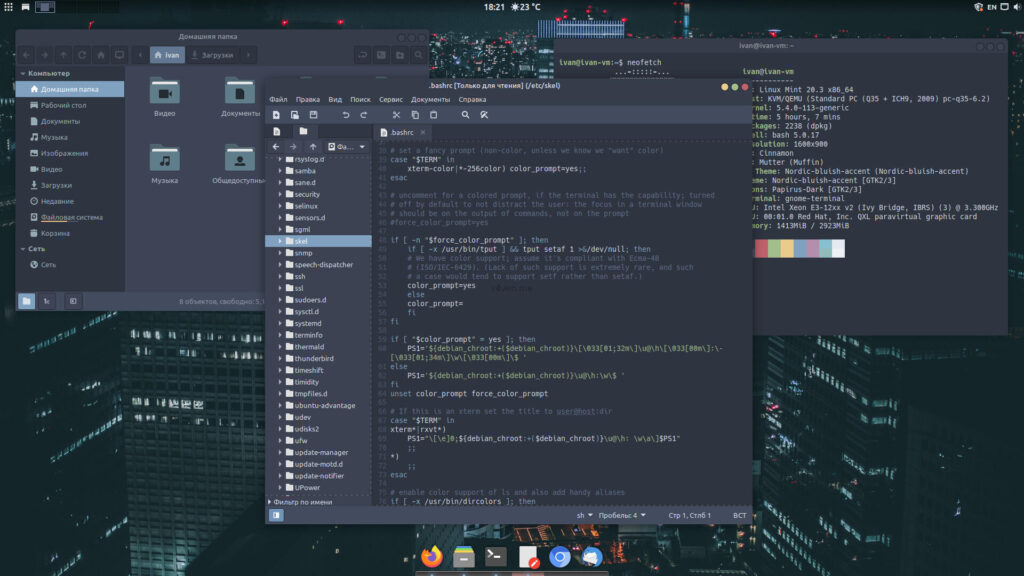
This post is part of a series about smoothly switching from Windows to Linux.
We continue the gradual transition to free Linux-based operating systems.
Today on the agenda is installing Linux alongside Windows as a second operating system. The method described in this guide is straightforward and easy.
Enter keywords to search articles