
Linux
All posts under category "Linux"
20 posts total
Sorted by date
Linux command line, archiving and compression: tar, gzip, bzip2, xz, zstd, zip, 7z, and rar commands
In this article, we will study ways to archive and compress files in Linux systems. I will explain how to use the utilities from the article title.
SSH – Fine-tuning the client in Linux: config file and ssh-agent
Continuing the topic of using SSH in Linux🐧. Today we'll talk about fine-tuning the client using the ~/.ssh/config📄 configuration file, as well as automatic key import into ssh-agent😎 without entering passwords.
Linux command line, privilege escalation: su, sudo commands
We continue studying the Linux command line. Today we'll learn how to properly run commands on behalf of another user, including the root user.
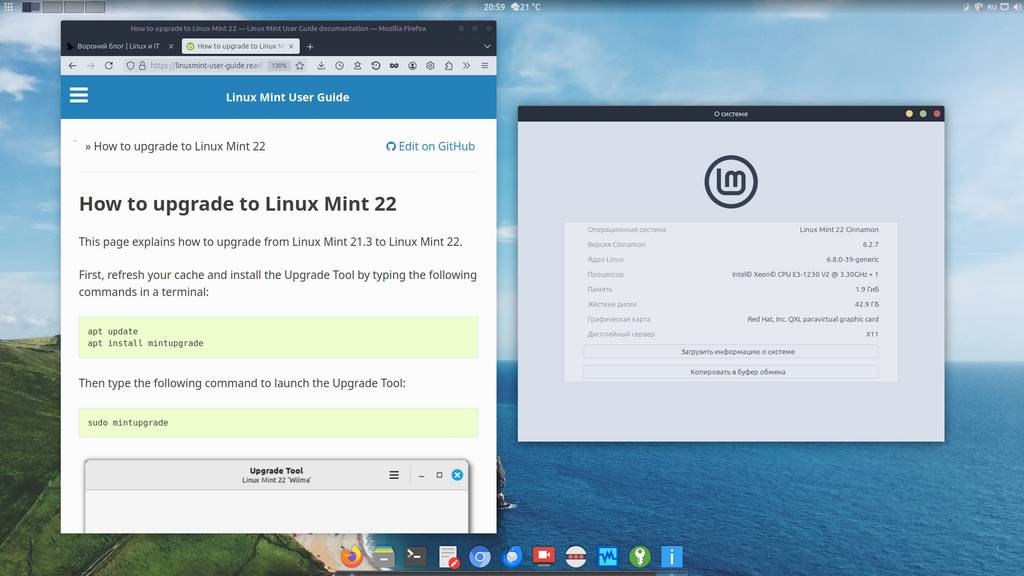
Native upgrade from Linux Mint 21.3 to Linux Mint 22
A new release of the Linux Mint 22 distribution (based on Ubuntu 24.04) codenamed Wilma has just come out. And just recently the developers prepared instructions and a tool for a native (without reinstalling the OS) system upgrade, from Linux Mint 21.3 version to Linux Mint 22. In this short note I'll demonstrate this simple process ;)
Linux command line, file permissions: id, chmod, chown commands
Today we'll learn how to manage file permissions in Linux-based systems. In this note we will cover the following commands: id, chmod, chown.

Initial Linux server setup using Debian as an example
This time we will perform basic Linux server setup using the Debian 12 distribution as an example. Preface We continue the topic of Linux server administration.
Linux command line, processes: jobs, fg, bg, ps, pgrep, kill, pkill, htop commands
Today we'll talk about an important and integral part of an operating system - processes. In this note we will cover the following console commands: jobs, fg, bg, ps, pgrep, kill, pkill, htop.
Linux command line, controlling command execution: the "&&", "||", ";" and "&" operators
Today we're breaking down such powerful Linux command line tools as command execution control operators.
Linux command line, input and output redirection: the ">", "<", "|" operators
Today we will break down one of the key "features" of the Linux command line: the mechanism for redirecting input, output, and error output of console commands.